


Scanning
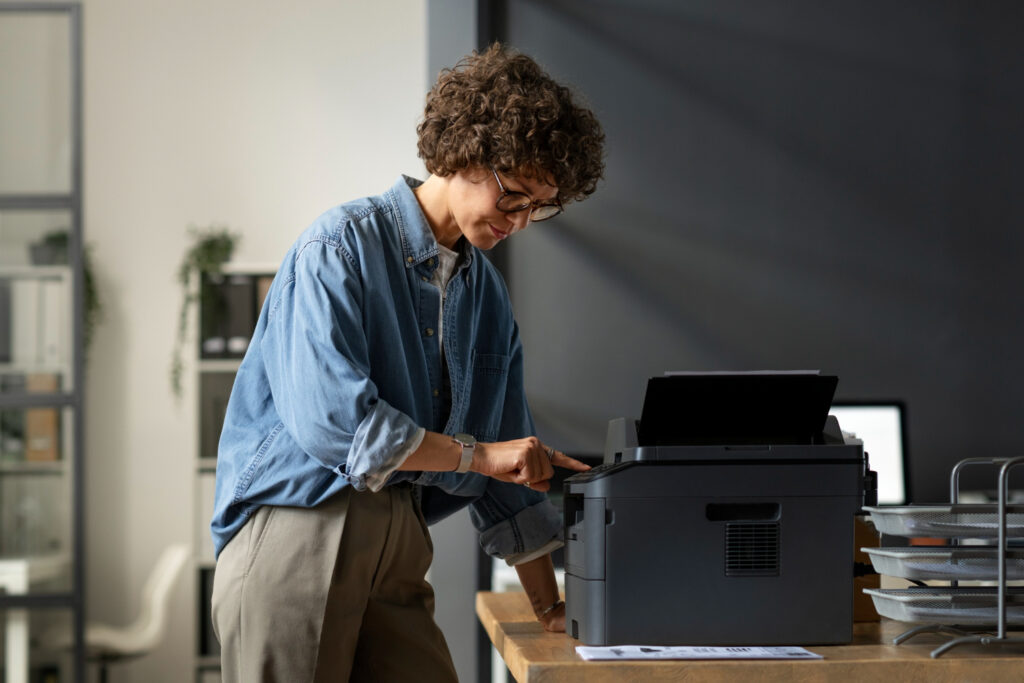
Scanning has emerged as a pivotal tool in our digital age, bridging the gap between the tangible and the virtual. With the push of a button, a scanner captures a physical document and produces an image, converting it into a digital format. This process, while seemingly straightforward, is underpinned by intricate electron transmissions and optical techniques. The need for flawless digital paper prints has never been more pronounced, especially when the integrity of the original material may be at stake.
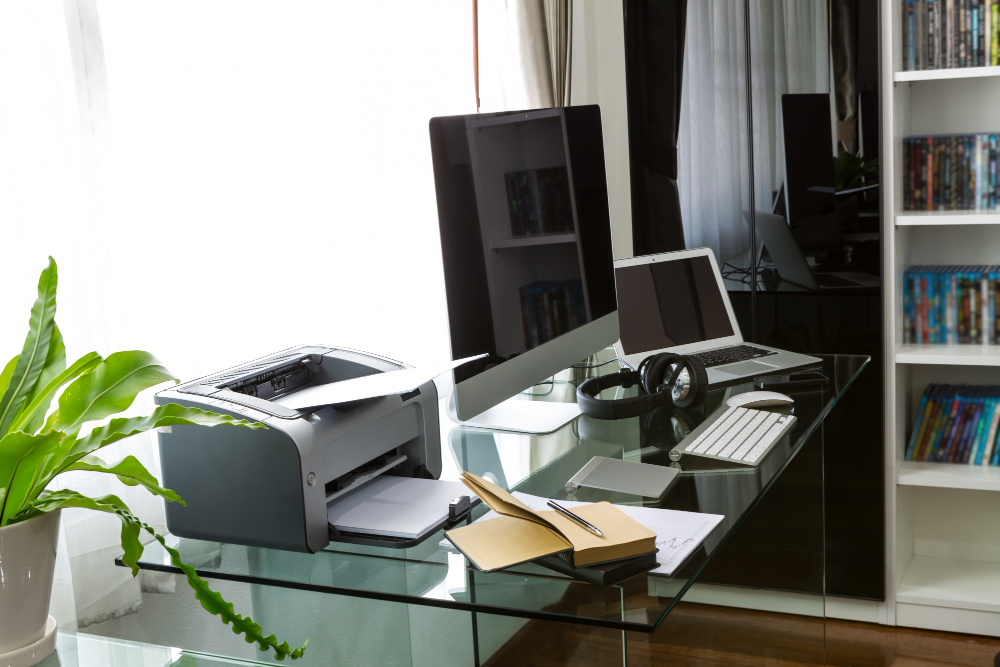
The scanner app on your iPhone or Android device, or the desktop scanner sitting on your table, isn’t just a tool; it’s a gateway. It allows you to retain important documents, convert handwritten notes into searchable files, or even enhance old photographs. But, as with any tool, its efficacy is determined by how it’s used.

Why Scanning Matters
- Evolution of Scanning Technology: From rudimentary scanning probe devices to advanced scanning electron microscopy, the journey of scanning has been transformative. The technique has undergone significant refinements, with devices now capable of finely focused beams, rotation adjustments, and even fluorescence detection.
- Importance in Today’s Digital Age: In an era where date and time are of the essence, scanning offers a quick solution to retrieve and register information. Whether you’re skimming and scanning a lengthy report to extract the main idea or using a scanner app to capture a key paragraph, the convenience is undeniable. Scanning’s importance is further highlighted by its diverse applications, from engineering to property estimation. Moreover, with platforms like Wiley and Hindawi offering vast academic resources, the ability to scan documents and convert them into high-quality, searchable formats is invaluable.
Common Scanning Mistakes
- Overlooking Calibration: One of the most common mistakes is overlooking the calibration of the scanner. This can lead to issues like color distortion or a lack of clarity in the scanned image.
- Misunderstanding Resolution: Not all scans require the same resolution. Using a high resolution for a basic document is a waste of storage, while a low resolution for a detailed image can lose essential details.
- Ignoring Automatic Settings: Modern scanners come with a range of automatic settings. From auto-cropping to color correction, these features are designed to enhance the scanning process. However, many users either aren’t aware of these capabilities or intentionally bypass them, leading to subpar results.
- Not Reviewing Scans: A quick review can help locate any errors or issues that might have been overlooked during the scanning process. This step is crucial, especially if the document is for professional use or archival purposes.
- Improper File Management: Post-scanning, it’s essential to organize and store the digital prints systematically. Whether it’s in a digital gallery or exported to a specific folder, proper file management ensures easy retrieval and viewing in the future.
Mistakes, while common, can be easily avoided with a bit of caution and knowledge. As scanning continues to play a pivotal role in our daily lives, understanding its nuances becomes imperative. Whether you’re scanning for personal use or professional purposes, a flawless digital print is the aim.
Detailed Guide to Avoid Mistakes
Understanding Your Scanner Device
In the realm of digital conversion, understanding your scanner is paramount. The device you use can significantly influence the quality of your scans.
Different Types of Scanners and Their Functionalities:
- Flatbed Scanners: Resemble a small photocopy machine. Ideal for scanning photos, books, and other flat materials.
- Sheet-fed Scanners: Require you to feed one sheet at a time. Suitable for documents but not for delicate photos or books.
- Handheld Scanners: Portable and require you to move the scanner over the document.
- Drum Scanners: High-end devices that offer the best image quality. Used for professional purposes.
- Scanning Electron Microscopy: Used for viewing the surface morphology of materials at a very high magnification.
Importance of Knowing Your Device’s Capabilities:
- Every scanner has its strengths and limitations. For instance, while a scanning electron microscope can produce highly detailed images of material surfaces, it’s not what you’d use to scan a book.
- Knowing your device’s capabilities ensures you use it for the right purpose, ensuring high-quality results.
The Electron Transmission Process
Electron transmission is the backbone of many advanced scanning techniques.
How Scanners Work at the Electron Level:
- Devices like the scanning electron microscope operate by focusing a finely focused beam of electrons onto the sample. As these electrons interact with the sample’s atoms, they produce signals that can be detected and used to generate an image.
- This process allows for detailed morphological and compositional information to be retrieved from the sample.
Common Issues and How to Avoid Them:
- Charging: Occurs when the sample becomes electrically charged during scanning, distorting the image. Using a conductive coating can mitigate this.
- Drift: The slow movement of a sample during imaging. Ensuring the sample is securely mounted can prevent this.
- Contamination: Deposits that can form on the sample. Keeping the microscope chamber clean and minimizing exposure can help.
Choosing the Right Scanning App
In today’s digital age, the app you use for scanning can make a significant difference.
Importance of Software in the Scanning Process:
- A good scanning app can enhance image quality, offer optical character recognition, and even correct for common scanning issues.
- Whether you’re using an iPhone or Android, the right app can streamline the scanning process, making it quicker and more efficient.
Features to Look for in a Scanning App:
- Automatic Cropping: Detects the edges of the document and crops accordingly.
- Optical Character Recognition (OCR): Converts scanned text into editable and searchable text.
- Image Enhancement: Adjusts brightness, contrast, and clarity to produce a high-quality image.
- Cloud Integration: Allows for easy storage and sharing of scanned documents.
How to Properly Scan Documents
Scanning might seem straightforward, but a few best practices can elevate the quality of your scans.
Step-by-Step Guide:
- Clean the scanner’s glass to avoid any smudges or dust.
- Align the document properly on the scanner bed.
- Choose the appropriate resolution. For most documents, 300 dpi is sufficient.
- Preview the scan to ensure alignment and settings are correct.
- Adjust brightness or contrast if necessary.
- Scan the document.
- Review the scanned image for any issues.
Tips for Ensuring High-Quality Scans:
- Always use a flat surface when scanning.
- Avoid scanning documents with folds or creases.
- Use the scanner’s automatic settings for best results.
Detection and Alert Systems
Modern scanners come equipped with advanced detection and alert systems to streamline the scanning process.
Understanding Automatic Detection Features:
- Many scanners can automatically detect the size and orientation of a document.
- Advanced devices can even detect and correct for image skew or misalignment.
Importance of Alerts in the Scanning Process:
- Alerts notify the user of any issues during the scanning process, such as a misfeed or a calibration error.
- They ensure that issues are addressed immediately, preventing poor-quality scans.
Managing Your Digital Gallery
Once you’ve scanned your documents, proper management is crucial.
Organizing and Storing Scanned Documents:
- Create a logical folder structure based on document type, date, or other criteria.
- Use descriptive file names to make documents easily searchable.
- Regularly back up your digital gallery to prevent data loss.
Best Practices for Digital Storage:
- Use cloud storage solutions for easy access and sharing.
- Ensure that sensitive documents are encrypted or password-protected.
Exporting and Sharing Scanned Documents
Sharing and exporting your scans is often the next step after scanning.
Different Formats and Their Uses:
- PDF: Ideal for documents as it retains formatting and is widely accepted.
- JPEG: Suitable for photos and images.
- TIFF: High-quality format used for archival purposes.
Tips for Sharing and Exporting:
- Use compression tools to reduce file size without compromising quality.
- Always check the document for sensitive information before sharing.
What People Also Ask
What is the difference between skimming and scanning?
Skimming involves quickly looking over a document to get a general idea, while scanning is searching for specific information.
How does scanning electron microscopy differ from traditional scanning?
Scanning electron microscopy provides detailed images of surfaces at very high magnifications, while traditional scanning converts physical documents into digital formats.
Why is my scanner producing low-quality images?
This could be due to various reasons, such as dirty scanner glass, incorrect settings, or issues with the scanning app.


Conclusion
Scanning has revolutionized the way we preserve, share, and access information in our digital era. As with any tool, its true potential is unlocked not just by possessing it, but by mastering its use. The scanner, in its various forms, offers a gateway to transform tangible documents into digital treasures. But this transformation hinges on the user’s understanding of their device, the software they employ, and the techniques they apply.
Choosing the right software is more than just a matter of convenience; it’s about ensuring the integrity and quality of the scanned document. Similarly, adhering to best practices, from maintaining the scanner’s cleanliness to selecting the appropriate resolution, can drastically affect the outcome. Every scan should be approached with the intent of capturing the essence of the original document in its digital counterpart.
For personal endeavors, scanning captures memories, important documents, and cherished mementos. In professional settings, it ensures that vital information is preserved, shared, and accessed with ease. Regardless of the purpose, the overarching goal remains consistent: to produce a digital print that stands as a flawless reflection of the original. In mastering the art of scanning, we bridge the gap between the physical and digital realms, ensuring that nothing is lost in translation.