


Windows 10 End of Life is a critical milestone that users must prepare for as the operating system’s support is scheduled to end on October 14, 2025. After this date, Windows 10 will no longer receive security updates or technical support from Microsoft.
Here’s what you need to know at a glance:
- End Date: October 14, 2025
- No More Updates: Includes security patches, bug fixes, or feature improvements
- Security Risks: Increased vulnerability to viruses, malware, and cyber threats
- Transition Options: Upgrade to Windows 11, consider alternative operating systems
This deadline marks a decade since the initial release of Windows 10, which has been a popular choice for both individuals and businesses. With its end approaching, now is the time to consider whether upgrading to a new OS or exploring other solutions is best for your needs.

Key terms for windows 10 end of life:
Understanding Windows 10 End of Life
When Microsoft launched Windows 10 in 2015, it promised a new era of computing. But like all good things, this too has an end. Windows 10 End of Life (EOL) is set for October 14, 2025. After this date, there will be no more security updates, technical support, or feature upgrades from Microsoft.
What Does EOL Mean?
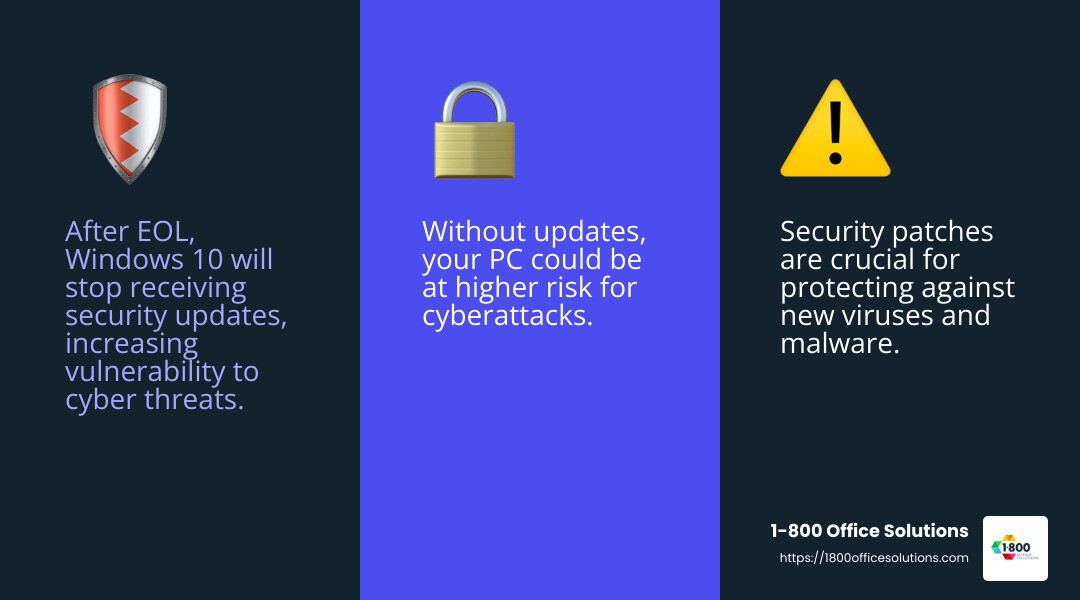
End of Life means that Windows 10 will no longer receive updates that are crucial for keeping your computer secure. These updates include security patches that protect against new threats like viruses and malware. Without them, your PC could be at higher risk for cyberattacks.

No More Security Updates
Security updates are essential for protecting your data. They fix vulnerabilities that hackers can exploit. Once Windows 10 reaches EOL, these updates will stop. This means any new security flaws finded will remain unpatched, leaving your computer exposed.
No Technical Support
After October 2025, Microsoft will stop providing technical support for Windows 10. This means if you encounter any issues, you won’t be able to get help from Microsoft. Businesses relying on Windows 10 may face increased risks and should plan for a seamless transition to a more secure platform.
Why Does This Matter?
For both individuals and businesses, the lack of support and updates makes using Windows 10 risky. Imagine leaving your front door open uped. That’s what running an unsupported OS is like in the digital world. Cyber threats are always evolving, and without updates, you’re not equipped to handle them.
In summary, the Windows 10 End of Life is a significant event. It requires users to think about their next steps, whether that means upgrading to Windows 11 or exploring other operating systems. Staying informed and prepared is essential to maintaining a secure and efficient computing environment.
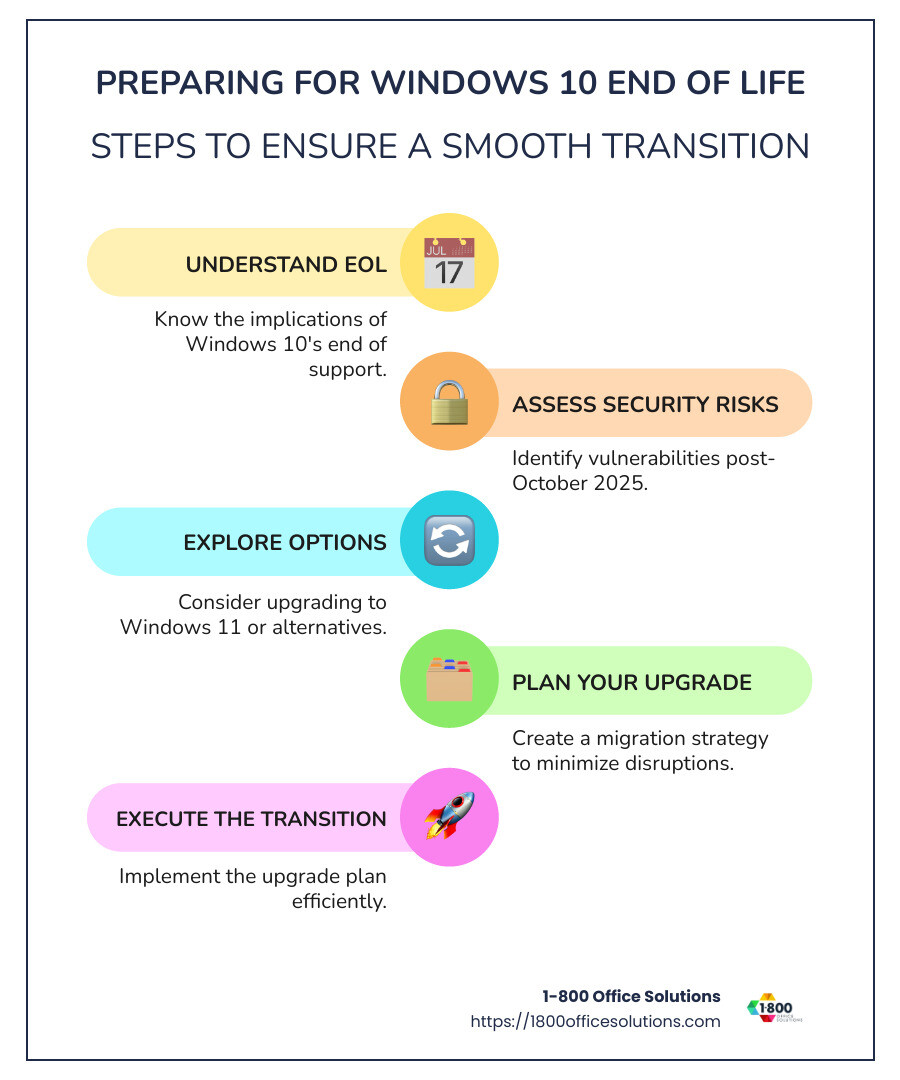
Preparing for Windows 10 End of Life
With the Windows 10 End of Life looming, it’s crucial to start planning your next steps. Here’s how you can prepare:
Upgrade Options
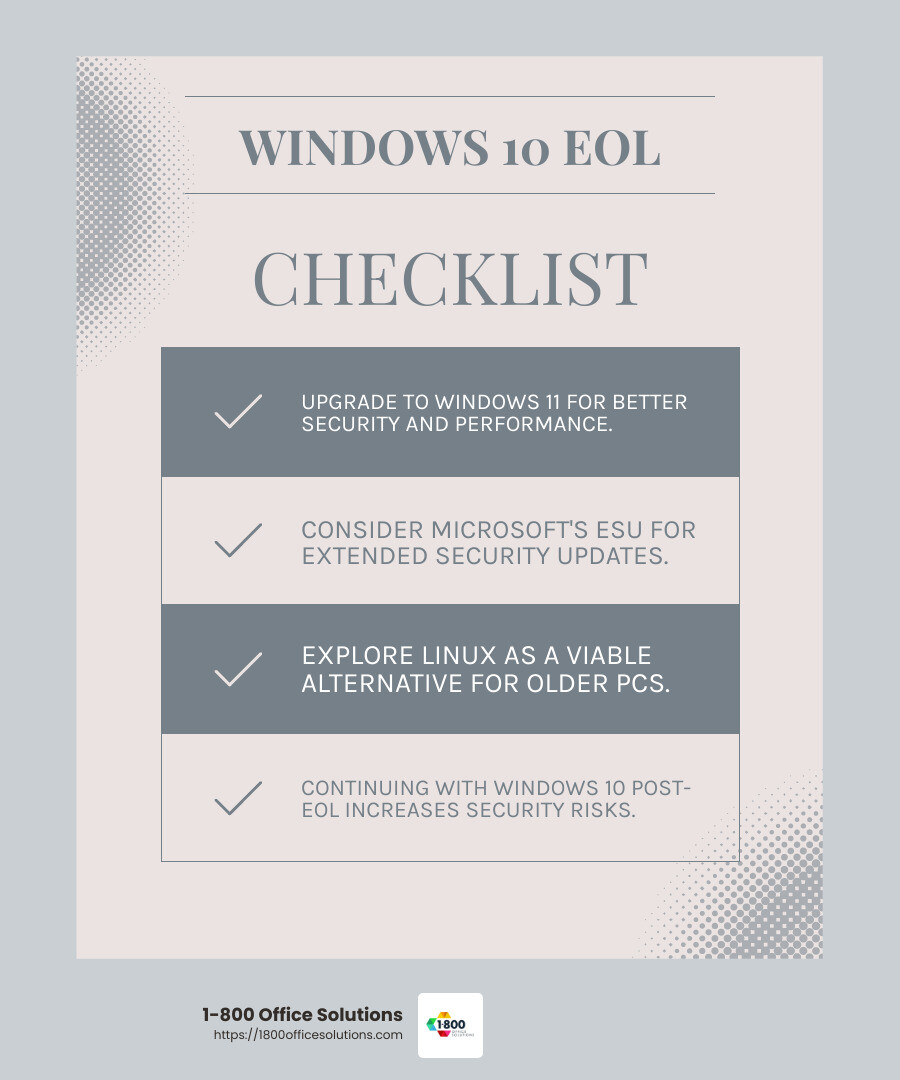
- Upgrade to Windows 11: If your PC is compatible, upgrading to Windows 11 is a straightforward way to stay secure. Microsoft offers a free upgrade option for eligible devices. Use the PC Health Check tool to see if your system meets the requirements. Windows 11 brings improved security features and performance improvements.
- Extended Security Updates (ESU): For those not ready to upgrade, Microsoft provides an ESU program. This service extends critical security updates for Windows 10 for up to three years post-EOL. It’s a paid option, primarily aimed at businesses needing more time to transition. The ESU program for personal use will also be available for $30 for one year.
Why Upgrade to Windows 11?
Windows 11 offers several benefits over Windows 10, especially in terms of security. It includes advanced security features like hardware-based isolation, encryption, and malware protection.
- Improved Security: Windows 11 is designed with security in mind, offering features like secure boot and TPM 2.0 support. These help protect against sophisticated cyber threats.
- Modern Features: Experience a sleek interface, improved virtual desktops, and improved gaming capabilities.
- Performance Boost: Windows 11 is optimized for better speed and efficiency, providing a smoother user experience.
What If My PC Isn’t Compatible?
If your current hardware doesn’t support Windows 11, you have a few options:
- Purchase a New Device: Consider investing in a new PC that meets Windows 11 requirements. This ensures you benefit from the latest technology and security features.
- Switch to Linux: For tech-savvy users, Linux is a free and secure alternative. It’s ideal for older PCs that can’t run Windows 11.
- Continue with Windows 10: While not recommended, you can keep using Windows 10 after EOL. However, this comes with increased security risks. If you choose this path, consider third-party security tools to help protect your system.
Key Takeaway: Preparing for the Windows 10 End of Life is essential to keep your data and systems secure. Whether you upgrade to Windows 11, use ESU, or explore other options, taking action now will save you from potential headaches later.
Benefits of Upgrading to Windows 11
Upgrading to Windows 11 offers several advantages that make it a worthy successor to Windows 10. Here’s why you should consider making the switch:
Improved Security
Windows 11 is built with improved security features that provide a robust defense against cyber threats. It includes Secure Boot and TPM 2.0 support, which are essential for protecting against malware and unauthorized access.
- Virtualization-based Security: This feature isolates critical parts of the operating system, providing an extra layer of security.
- Phishing Protection: Windows 11 includes built-in defenses against phishing attacks, helping keep your data safe.
Modern Features
Windows 11 introduces a sleek and modern user interface that improves the overall user experience. Some of the standout features include:
- Snap Layouts: Organize your open windows efficiently, making multitasking easier and more intuitive.
- Multiple Desktops: Switch between desktops effortlessly, keeping work and personal projects separate and organized.
- AI Companion – Copilot: Copilot helps break down complex tasks and offers AI-powered suggestions, making it easier to steer your digital life.
Improved Performance
Windows 11 is optimized for speed and efficiency, providing a noticeable performance boost over Windows 10.
- Faster Boot Times: Enjoy quicker start-ups, allowing you to get to work faster.
- Improved Battery Life: Windows 11 is designed to be energy efficient, helping extend battery life on laptops.
- Optimized for New Hardware: Newer PCs running Windows 11 benefit from better resource management, resulting in smoother operation and faster processing.
In summary, upgrading to Windows 11 not only improves your PC’s security but also brings a host of modern features and improved performance. These improvements make it a smart choice for anyone looking to keep their system up-to-date and protected.
Options After Windows 10 End of Life
When Windows 10 reaches its end of life on October 14, 2025, you have several options to consider. Here’s a quick guide to help you decide what’s best for you.
Continue Using Windows 10
You can keep using Windows 10 after its official support ends. However, this comes with risks. Without security updates, your computer becomes vulnerable to malware and cyber attacks. Over time, this could lead to data breaches or system failures. It’s like driving a car without insurance—risky and potentially costly.
Purchase a New Device
If your current PC is outdated or incompatible with Windows 11, buying a new device might be the best move. New PCs come with Windows 11 pre-installed, offering better security, performance, and features. Plus, new hardware is designed to handle more demanding applications, ensuring a smoother experience.
- Better Battery Life: New laptops offer longer battery life, perfect for on-the-go use.
- Improved Performance: Modern processors and components ensure faster and more efficient computing.
Switch to Linux
For tech-savvy users, switching to Linux is an alternative. Linux is a free and open-source operating system known for its stability and security. It’s less prone to viruses and can breathe new life into older hardware. However, not all Windows applications have Linux equivalents, so it might require some adjustment.
- Lightweight and Fast: Linux can make older PCs run faster due to its lightweight nature.
- Customizable: Tailor the system to your needs with numerous distributions available.
Choosing the right option depends on your specific needs and how you use your computer. Whether you decide to stick with Windows 10, invest in a new device, or explore Linux, make sure your choice aligns with your security and performance requirements.
Frequently Asked Questions about Windows 10 End of Life
Can I still use Windows 10 after 2025?
Yes, you can continue using Windows 10 after October 14, 2025. But be aware, it’s not without risks. After this date, Microsoft will stop providing security updates and technical support. This means your computer could become more vulnerable to cyber threats, like viruses and malware. It’s like living in a house with no locks on the doors—still livable, but not very safe.
What happens when Windows 10 goes end of life?
When Windows 10 reaches its end of life, Microsoft will no longer offer updates or support for the operating system. This includes security patches and new features. Your PC will still work, but it will be more exposed to security risks. Over time, software and hardware compatibility issues may arise as new programs and devices are designed with newer operating systems in mind.
Can I upgrade my Windows 10 to 11 for free?
Yes, if your PC meets the system requirements, you can upgrade from Windows 10 to Windows 11 for free. Microsoft offers this upgrade via the Windows Update tool. However, not all older PCs will be compatible with Windows 11. You’ll need to check if your device meets the hardware requirements like TPM 2.0 and a compatible CPU. If it does, you can enjoy improved security, performance, and modern features without extra cost.
By understanding these aspects of the Windows 10 end of life, you can make informed decisions about your next steps. Whether upgrading, buying a new device, or exploring alternatives, ensure your choice keeps your data secure and your system running smoothly.
Conclusion
As we approach the Windows 10 end of life on October 14, 2025, it’s crucial to plan for a secure transition. At 1-800 Office Solutions, we understand the challenges and opportunities this change presents. Our team is here to assist you every step of the way.
Migration Planning: Transitioning from Windows 10 doesn’t have to be overwhelming. We offer personalized migration strategies to ensure your shift to a new system is smooth and efficient. Whether you’re upgrading to Windows 11 or considering other options, our experts will help minimize downtime and disruption.
Secure Transition: Security is a top priority. As Windows 10 reaches its end of life, maintaining a secure environment is essential. Our services include comprehensive security assessments and solutions custom to your needs, ensuring your data remains protected during and after the transition.
Choosing the right path forward can be daunting, but you don’t have to do it alone. Let us help you steer the complexities of this transition and find the best office solutions for your needs. For more information, visit our best office solutions page.
By partnering with us, you ensure that your systems remain secure and your operations continue smoothly, even as we leave Windows 10 behind.