How to Prevent Common Photocopier Maintenance Errors

Common Photocopier Maintenance Errors
How often do office workers face issues with their photocopiers? A striking 40% of businesses report frequent breakdowns due to maintenance errors. In this blog post, readers will learn how to identify and avoid common photocopier maintenance mistakes, implement regular cleaning practices, and educate staff on proper usage. This guide will help reduce downtime, improve productivity, and enhance the longevity of devices like Lexmark laser printers. By addressing everyday pain points related to equipment reliability, the content will empower businesses to ensure smoother operations and maximize their maintenance agreements.
Identify and Avoid Common Photocopier Maintenance Mistakes
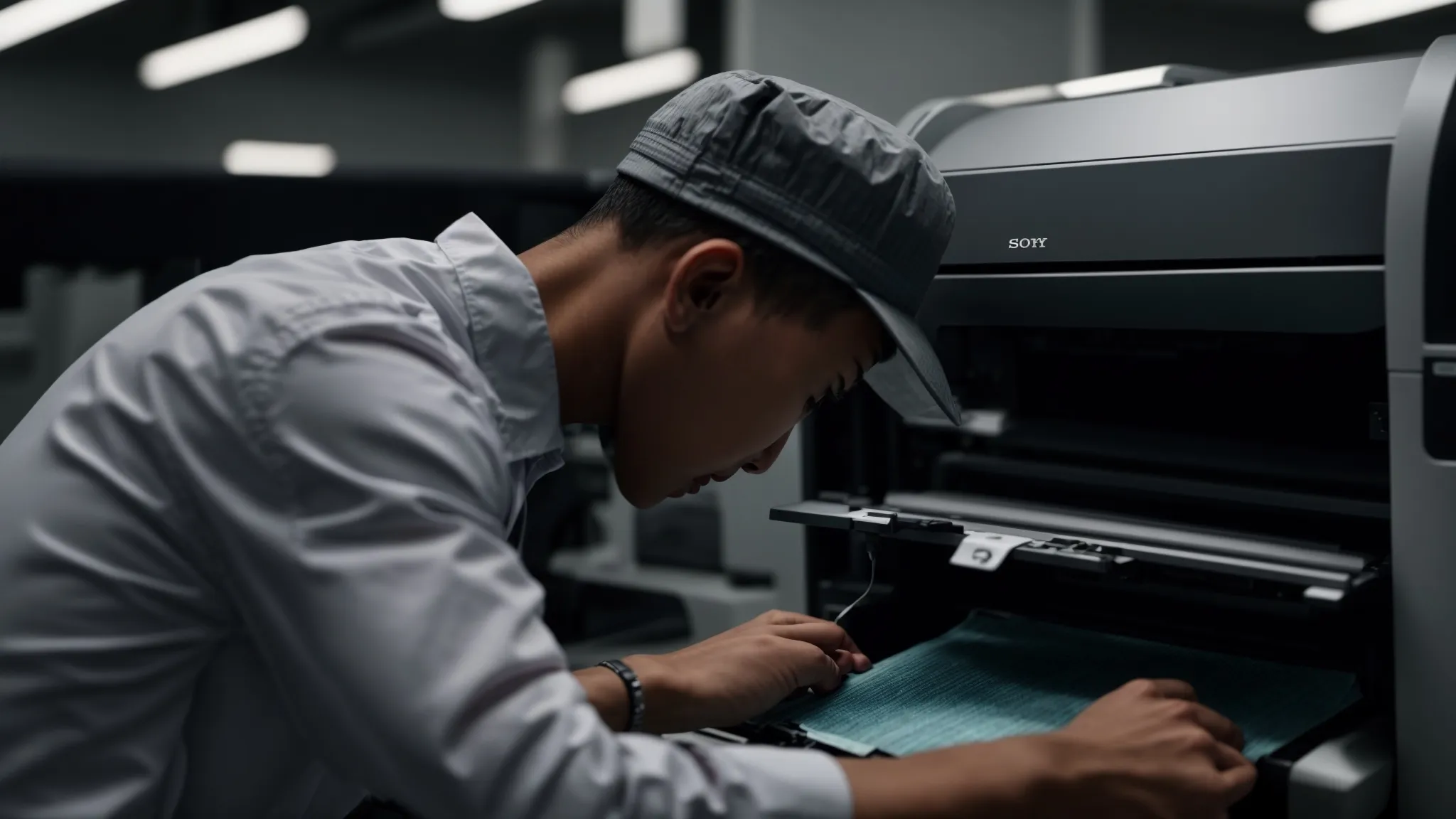
Recognizing signs of wear and tear early can prevent serious issues in photocopiers like Xerox and Konica Minolta. Overlooking routine cleaning tasks may lead to inefficient workflows and problematic print jobs. Additionally, proper usage of photocopier settings is essential to maximize machine performance and longevity. Each of these areas is critical for maintaining optimal operations.
Recognize Signs of Wear and Tear Early
Recognizing signs of wear and tear in photocopiers, such as unusual noise during operation, is essential for ensuring maximum performance of machines like Xerox and Konica Minolta. Regular monitoring can help identify issues before they escalate, potentially saving businesses from costly repair services. Maintaining sharp print quality is crucial; any degradation often indicates that parts may need attention or replacement to extend the machine‘s lifespan effectively.
Avoid Overlooking Routine Cleaning Tasks
Routine cleaning of copiers is essential for maintaining optimal performance and extending the life of the machine. Neglecting regular upkeep, such as cleaning ink residue and dust from internal components, can lead to inefficient operation and poor print quality. Customers often experience frustration when jobs fail due to maintenance oversights, which highlights the importance of incorporating a simple cleaning regimen and utilizing the appropriate buttons to access the cleaning settings for copiers.
Prevent Misuse of Photocopier Settings
Preventing the misuse of photocopier settings is crucial for maintaining efficiency and sustainability in office environments. Ensuring that the correct paper size is selected for each print job can significantly reduce paper waste, aligning with sustainable practices. Utilizing tray management effectively, along with proper troubleshooting techniques, can streamline operations and minimize disruptions. By incorporating managed print services, businesses can receive guidance on optimal settings, further enhancing productivity and prolonging the lifespan of their photocopiers.
Implement Regular Cleaning Practices

Implement Regular Cleaning Practices
Regular cleaning practices are essential in preventing common copier maintenance errors and enhancing productivity. Key tips include properly cleaning the glass and scanner bed to ensure clear copies, removing dust from internal components to prevent malfunctions, and keeping paper trays free of debris for smooth operation. Additionally, maintaining the fuser unit is crucial for optimal performance, ensuring that the copier operates efficiently.
Clean the Glass and Scanner Bed Properly
To maintain the performance of photocopiers and extend their lifespan, it is essential to clean the glass and scanner bed regularly. Dust and smudges on these surfaces can lead to unclear copies, impacting the quality of printed materials and causing frustration for users. By ensuring that the cleaning is performed during routine maintenance, businesses can avoid potential issues that affect not just the equipment‘s efficiency but also the effectiveness of toner cartridges and overall output quality. Efficient management of such cleaning practices contributes to a more sustainable office environment, aligning with responsible equipment recycling efforts and enhancing the value derived from a copier lease.
Remove Dust From Internal Components
Removing dust from the internal components of photocopiers is a crucial aspect of regular maintenance that significantly impacts the quality of copies produced. Accumulated dust can interfere with toner distribution, leading to poor print quality and frequent paper jams, which frustrate users. Referring to the user guide for specific cleaning instructions can help users effectively maintain their equipment, ensuring that even large format prints meet the desired standards throughout the duration of their lease.
Keep Paper Trays Free of Debris
Keeping paper trays free of debris is essential for ensuring the smooth operation of copy machines, such as those from Kyocera. Dust and paper scraps can obstruct the feeding mechanism, leading to jams and interruptions during printing. By incorporating regular maintenance that includes checking and cleaning the trays, businesses can fix common issues that arise in copier leasing, ultimately enhancing the efficiency and longevity of their equipment.
Maintain the Fuser Unit for Optimal Performance
Maintaining the fuser unit is vital for the optimal performance of a copier machine. A well-functioning fuser ensures that toner properly adheres to the paper, preventing issues like smudging or poor print quality, which can arise from a neglected drum or faulty printer driver settings. Regular checks and cleaning of the fuser unit can significantly reduce the frequency of maintenance errors and enhance the overall efficiency of the device, ensuring smooth operation for both copying and faxing tasks.
Use Correct Supplies and Replacement Parts
Using the correct supplies and replacement parts is vital for preventing common photocopier maintenance errors. To ensure optimal performance, businesses must choose the right paper type and size, utilize manufacturer-approved toner and ink, and replace worn components with genuine parts. Additionally, storing supplies under appropriate conditions helps maintain their quality. Each of these factors plays a significant role in enhancing printer security, protecting warranties, and ensuring efficient document production.
Choose the Right Paper Type and Size
Choosing the right paper type and size is crucial for preventing common maintenance errors in photocopiers, such as those from HP LaserJet. Using incorrect paper can lead to frequent jams, especially when utilizing features like the automatic document feeder, resulting in costly downtime that affects productivity. Additionally, adhering to specifications outlined in the service contract can help ensure a seamless operation, ultimately prolonging the lifespan of the photocopier and enhancing overall efficiency.
Utilize Manufacturer-Approved Toner and Ink
Utilizing manufacturer-approved toner and ink is essential for ensuring optimal performance in office copiers. High-quality ink cartridges maintain consistent density and reduce the risk of print issues, protecting the copier from potential malfunctions. By investing in genuine supplies, businesses can minimize the need for costly photocopier repair services, extending the life of their machines and improving overall output quality. For more information on how to properly maintain your office equipment, Contact Us.
Replace Worn Parts With Genuine Components
Replacing worn parts with genuine components is a key strategy for preventing common photocopier maintenance errors. Using original manufacturer parts, such as drums and developer rollers, ensures compatibility and reliability, which minimizes the risk of malfunctions and extends the machine‘s lifespan. For example, in a busy office environment, genuine components can significantly decrease downtime, ensuring that the photocopier remains operational and efficient for everyday tasks.
Store Supplies in Appropriate Conditions
Storing supplies in appropriate conditions is essential for maintaining the quality of photocopier materials, such as toner and paper. Extreme temperatures or high humidity can lead to damage or degradation of these supplies, resulting in print quality issues and frequent maintenance errors. By ensuring that supplies are kept in a cool, dry environment, businesses can protect their equipment, minimize downtime, and maintain the performance of their copiers, ultimately supporting efficient document production.
Educate Staff on Proper Photocopier Usage
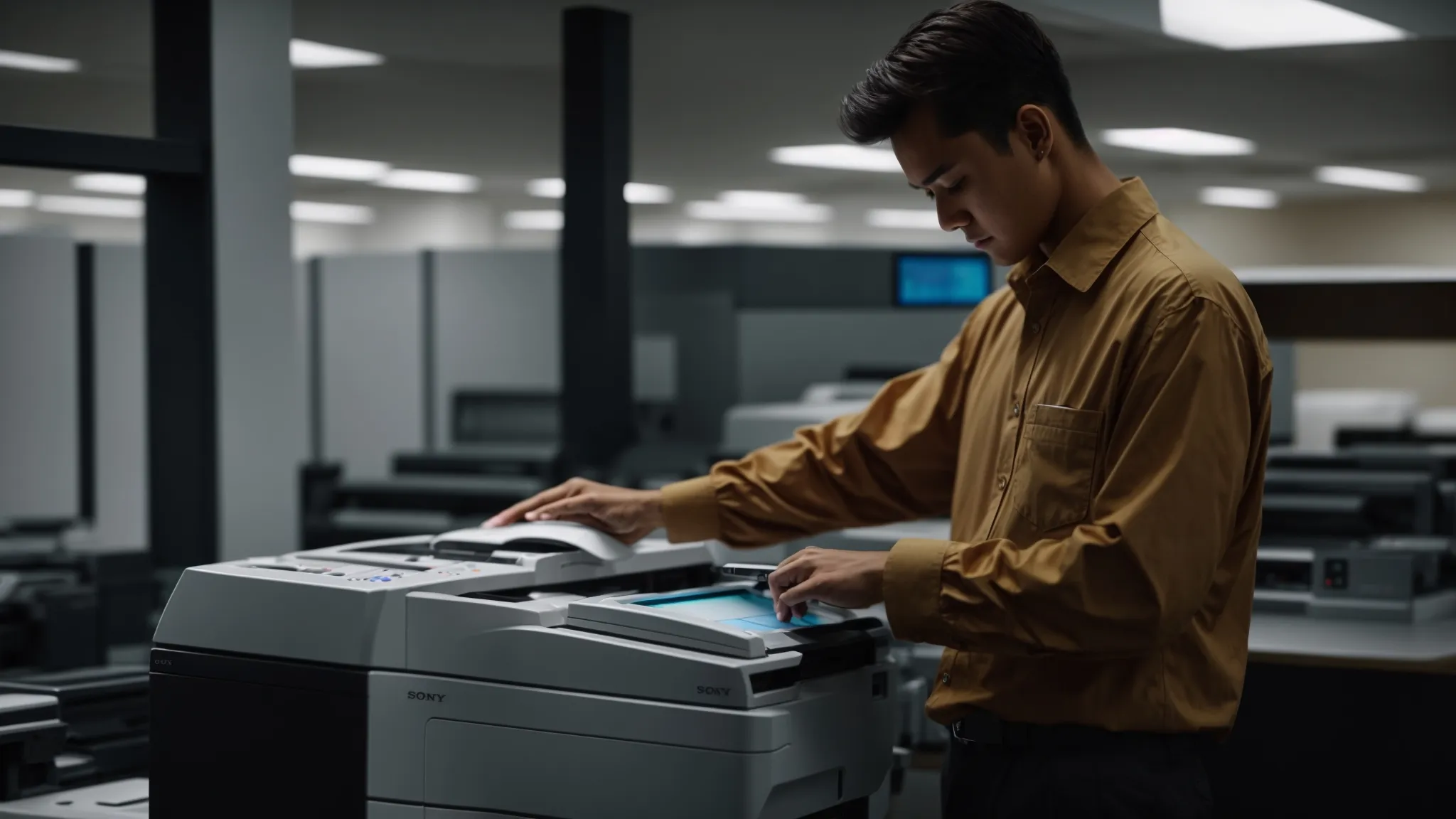
Providing comprehensive training on equipment operation helps staff understand how to use photocopiers correctly, reducing maintenance errors. Establishing clear guidelines for common procedures ensures consistency in usage. Encouraging prompt reporting of issues allows for timely resolutions, while sharing quick troubleshooting tips enables employees to handle minor problems efficiently. Each aspect plays a vital role in maintaining copier performance.
Provide Training on Equipment Operation
Providing training on equipment operation is essential for preventing common photocopier maintenance errors. By educating staff on how to correctly use the copier features, such as selecting the right settings and handling paper loading, businesses can minimize the likelihood of jams and other operational issues. For example, demonstrating the importance of checking paper type and ensuring it matches the copier specifications can significantly enhance productivity and extend the lifespan of the equipment.
Establish Guidelines for Common Procedures
Establishing clear guidelines for common photocopier procedures is crucial for maintaining optimal machine performance and preventing maintenance errors. For instance, outlining steps for selecting the correct paper size and type can help avoid jams and wasted resources, contributing to a more efficient workflow. Additionally, providing standardized instructions for tasks such as replacing toner and clearing paper jams can empower staff to handle minor issues promptly, reducing downtime and enhancing overall productivity.
Encourage Prompt Reporting of Issues
Encouraging prompt reporting of issues related to photocopier operations is crucial for minimizing maintenance errors. When staff members are trained to quickly notify management about any unusual noises, print quality issues, or paper jams, it allows for timely intervention that can prevent more significant breakdowns and costly repairs. By fostering a culture of open communication regarding machine performance, businesses can maintain the functionality of their copiers and ensure smoother workflows.
Sharing quick troubleshooting tips can significantly reduce common photocopier maintenance errors in the office. For instance, training staff to check for paper jams and ensuring that the paper trays are loaded correctly can prevent unnecessary downtime. Additionally, providing guidance on how to clear error messages can empower employees to address minor issues swiftly, keeping workflows efficient and minimizing reliance on external service calls.
Schedule Routine Professional Maintenance

Setting up regular service visits is crucial for maintaining photocopiers and preventing errors. Understanding the benefits of preventative care helps businesses avoid costly repairs. Keeping maintenance records organized ensures timely service and aligns with warranty requirements. Each of these practices supports optimal performance and extends the life of office equipment, preparing the way for more detailed exploration in the subsequent sections.
Set Up Regular Service Visits
Establishing regular service visits with a qualified technician is essential for maintaining photocopiers and preventing common maintenance errors. These scheduled checks allow professionals to perform thorough inspections, address potential issues before they escalate, and ensure the copier operates efficiently. By committing to routine maintenance, businesses can enhance the longevity of their equipment and reduce the likelihood of unexpected breakdowns, ultimately supporting a more productive office environment.
Understand the Benefits of Preventative Care
Understanding the benefits of preventative care is essential for maintaining the performance and longevity of photocopiers. Routine maintenance by qualified technicians can identify and address potential issues before they escalate into costly repairs, ensuring that machines like Xerox and Konica Minolta operate at peak efficiency. This proactive approach not only enhances productivity but also minimizes unexpected downtime, directly supporting the efficient functioning of office environments.
Keep Maintenance Records Organized
Keeping maintenance records organized is vital for effectively managing photocopier upkeep and preventing common errors. By documenting service visits, repairs, and routine checks, businesses can easily track the equipment‘s performance history, ensuring that technicians have access to crucial information when addressing issues. This organized approach not only helps identify recurring problems but also aligns with warranty requirements, ultimately supporting preventative care and enhancing the longevity of the photocopier.
Align Maintenance With Warranty Requirements
Aligning photocopier maintenance with warranty requirements is essential for protecting investments in office equipment. Regular servicing by qualified technicians ensures that businesses meet the stipulated criteria, which is crucial for maintaining warranty coverage. By adhering to these guidelines, organizations can prevent costly repairs and extend the lifespan of their machines, ensuring efficient operation and minimizing unexpected downtime.
Monitor and Update Software Regularly
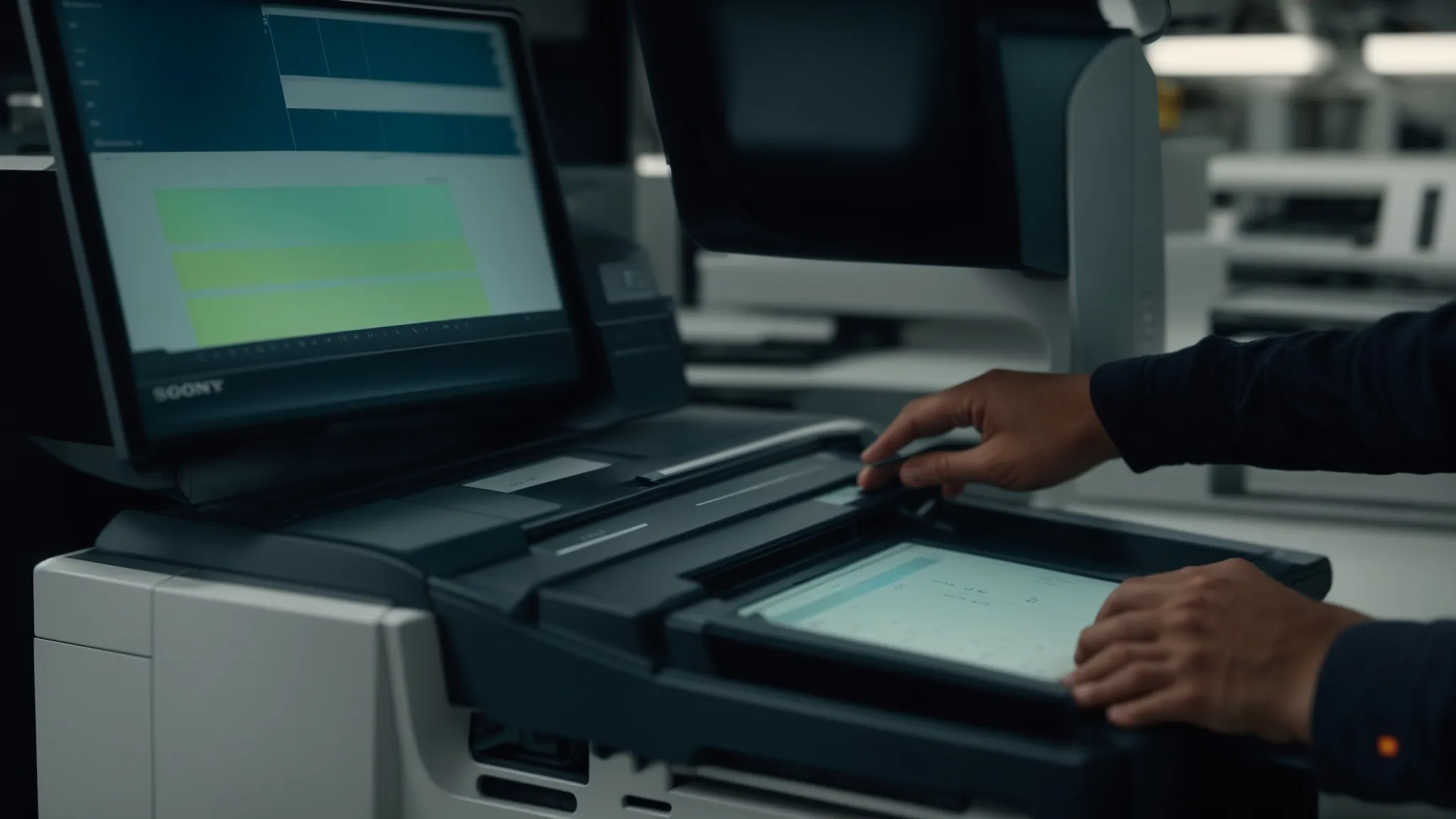
To prevent common photocopier maintenance errors, regularly monitoring and updating the software of these machines is essential. Installing firmware updates promptly ensures optimal performance, while using device monitoring tools can help detect issues early. Additionally, keeping security features current and backing up settings and configurations protects against data loss and enhances overall functionality.
Install Firmware Updates Promptly
Installing firmware updates promptly is crucial for maintaining the efficiency and functionality of photocopiers. These updates often include important fixes and enhancements that can prevent common issues such as software glitches, security vulnerabilities, and performance slowdowns. By ensuring that the most current firmware is in use, businesses can not only extend the life of their photocopiers but also optimize their overall performance, ultimately reducing the risk of costly maintenance errors.
Use Device Monitoring Tools
Utilizing device monitoring tools is a proactive approach to preventing common photocopier maintenance errors. These tools allow businesses to track usage patterns, identify issues early, and receive alerts for potential malfunctions. For instance, by implementing monitoring software, organizations can detect low toner levels or unusual error codes immediately, enabling timely intervention and reducing the likelihood of costly repairs or downtime.
Ensure Security Features Are Up to Date
Ensuring that security features are up to date in photocopiers is critical for protecting sensitive information and maintaining operational integrity. Businesses should regularly verify and update security settings to defend against potential cyber threats, especially as many models like those from HP and Ricoh now support advanced security protocols. By taking proactive measures, companies can safeguard their data, thus preventing disruptions and maintaining a secure and efficient office environment.
Backup Settings and Configurations
Backing up settings and configurations for photocopiers is essential for preventing disruptions caused by software errors or hardware failures. By regularly saving these settings, businesses ensure that they can quickly restore functionality without losing time on reconfiguration should issues arise. This proactive step not only streamlines the issue resolution process but also supports consistent performance across various operations, enhancing overall productivity in the office.
Conclusion
Preventing common photocopier maintenance errors is essential for ensuring the smooth operation and longevity of office equipment. By recognizing signs of wear and tear, committing to regular cleaning, using the correct supplies, and educating staff, businesses can significantly enhance productivity and reduce costly repairs. Implementing routine professional maintenance and monitoring software updates further protects against unexpected downtime and operational disruptions. Prioritizing these practices not only supports efficient workflows but also maximizes the return on investment in photocopiers, underscoring their critical role in modern business environments.