Strengthening Office Security Using Copier Security Features

Are your office copiers a hidden security risk? Many businesses overlook the potential dangers associated with multifunction printers, making them vulnerable to data breaches. This blog post will explore essential topics such as recognizing security risks, must-have security features, and best practices for daily use. By understanding and implementing these copier security measures, business owners can protect sensitive information and enhance overall office security. Addressing these common pain points will help ensure that office operations run smoothly and securely.
Recognizing Security Risks Associated With Office Copiers

Unsecured network access points can create significant vulnerabilities for office copiers, allowing unauthorized access to sensitive data. Data remanence on copier hard drives poses another threat, risking information retrieval from discarded machines. Unauthorized physical access to copier functions and interception risks during data transmission further compromise security. Additionally, outdated firmware can open critical security gaps that may jeopardize workflow and usability. These factors highlight the importance of addressing copier security features to protect print jobs and sensitive toner data.
Unsecured Network Access Points Create Vulnerabilities
Unsecured network access points significantly compromise copier security, making it essential for businesses to safeguard their devices. When copiers connect to an open network without proper security protocols, they become susceptible to unauthorized access, potentially exposing sensitive documents stored in cloud storage or within a document management system. Implementing robust security measures, along with knowledge of troubleshooting potential breaches, can mitigate these risks and ensure that office data remains protected.
Data Remanence on Copier Hard Drives Poses Threats
Data remanence on copier hard drives presents a significant risk to office security, especially for users who handle sensitive information via fax or other methods. When copiers are decommissioned or disposed of, residual data can linger on hard drives, giving unauthorized individuals the chance to access confidential documents. To mitigate this threat, businesses should implement secure data eradication processes and leverage copiers with encryption features, ensuring that mobile devices and infrastructure remain protected against potential breaches.
Unauthorized physical access to copier functions poses a critical risk for businesses, potentially leading to the waste of sensitive information and resources. With increased reliance on cloud computing, it is essential to implement access controls that protect copiers from unauthorized users who could exploit these devices for illicit purposes. Ensuring compliance with CMMC standards and incorporating transport layer security can help mitigate the risk of downtime and enhance the overall security posture of the office environment.
Interception Risks During Data Transmission
Interception risks during data transmission can have serious implications for office security, particularly for organizations relying on remote work. When copiers transmit documents over a computer network without adequate authentication protocols, sensitive information, such as contract details or proprietary ink formulations, may be exposed to unauthorized parties. Implementing secure communication channels, such as encryption, can help safeguard against these interception threats and ensure that confidential documents remain protected during transmission.
Outdated Firmware Opens Security Gaps
Outdated firmware in photocopiers can lead to significant security vulnerabilities, compromising the overall integrity of office equipment. As organizations undergo digital transformation, ensuring that firmware is updated becomes essential for maintaining a secure user interface and protecting sensitive information. Implementing routine checks for updates not only enhances sustainability by extending the life of equipment but also fortifies defenses against cyber threats, safeguarding critical data essential for business operations.
Must-Have Security Features in Modern Copiers
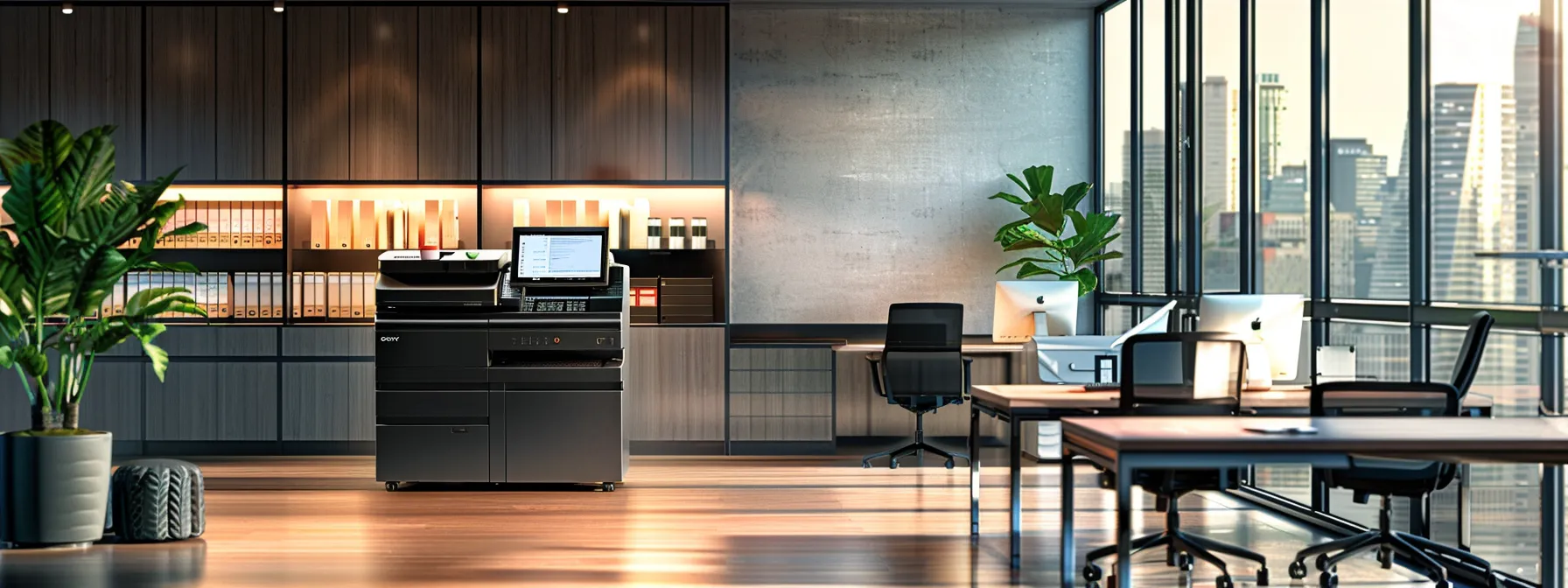
Modern copiers incorporate essential security features that bolster physical security and ensure confidentiality. User authentication controls regulate access, while hard drive data encryption utilizes advanced encryption standards to protect information. Automatic hard drive wiping secures sensitive data, alongside secure print release mechanisms that mitigate document theft. Finally, robust network security protocols defend against potential intrusions, making these features vital for any office environment.
User Authentication Controls Access
User authentication controls are crucial in enhancing office security by regulating access to copiers and multifunction machines within an organization. By requiring unique credentials, these systems minimize the risk of unauthorized use, thereby reducing vulnerabilities associated with sensitive data handling. Moreover, advanced features such as optical character recognition can further bolster security, ensuring that only authenticated personnel can access or manage printed information while keeping firmware updated to address potential security issues.
Hard Drive Data Encryption Safeguards Information
Hard drive data encryption is a critical feature that significantly enhances office security by protecting sensitive information stored within copiers. By utilizing advanced encryption methods, organizations can mitigate the risk of unauthorized access to confidential documents, thereby ensuring that productivity remains uncompromised. Regularly applying patches and updates to encryption software further strengthens these security measures, allowing businesses to confidently engage in unified communications without the fear of data breaches.
Automatic Hard Drive Wiping Protects Sensitive Data
Automatic hard drive wiping is a critical security feature that ensures sensitive data is permanently erased from copiers before they are disposed of or leased to another user. By integrating this capability, a copier lease company can enhance the user experience, instilling confidence that confidential documents remain protected. This feature not only improves security but also contributes to energy efficiency by preventing unnecessary energy consumption from devices that might retain residual data, thereby maintaining optimal performance and reliability within the office environment.
Secure Print Release Prevents Document Theft
Secure print release serves as a vital feature in modern copiers, effectively preventing document theft in busy office environments. By requiring users to authenticate themselves at the copier, organizations enhance security and ensure that sensitive materials are only accessed by authorized personnel. This approach not only maintains the confidentiality of laser-printed documents but also supports better accessibility, allowing employees to retrieve their work efficiently while minimizing the risk of unintended exposure to confidential information.
Network Security Protocols Defend Against Intrusion
Network security protocols are essential in safeguarding copiers from potential intrusions within an office setting. By implementing strong security measures such as firewalls, Virtual Private Networks (VPNs), and Secure Socket Layer (SSL) encryption, businesses can protect sensitive data transmitted to and from their copiers. This proactive approach prevents unauthorized access, ensuring that confidential documents remain secure during both local and remote printing tasks.
Activating User Authentication for Copier Access Control
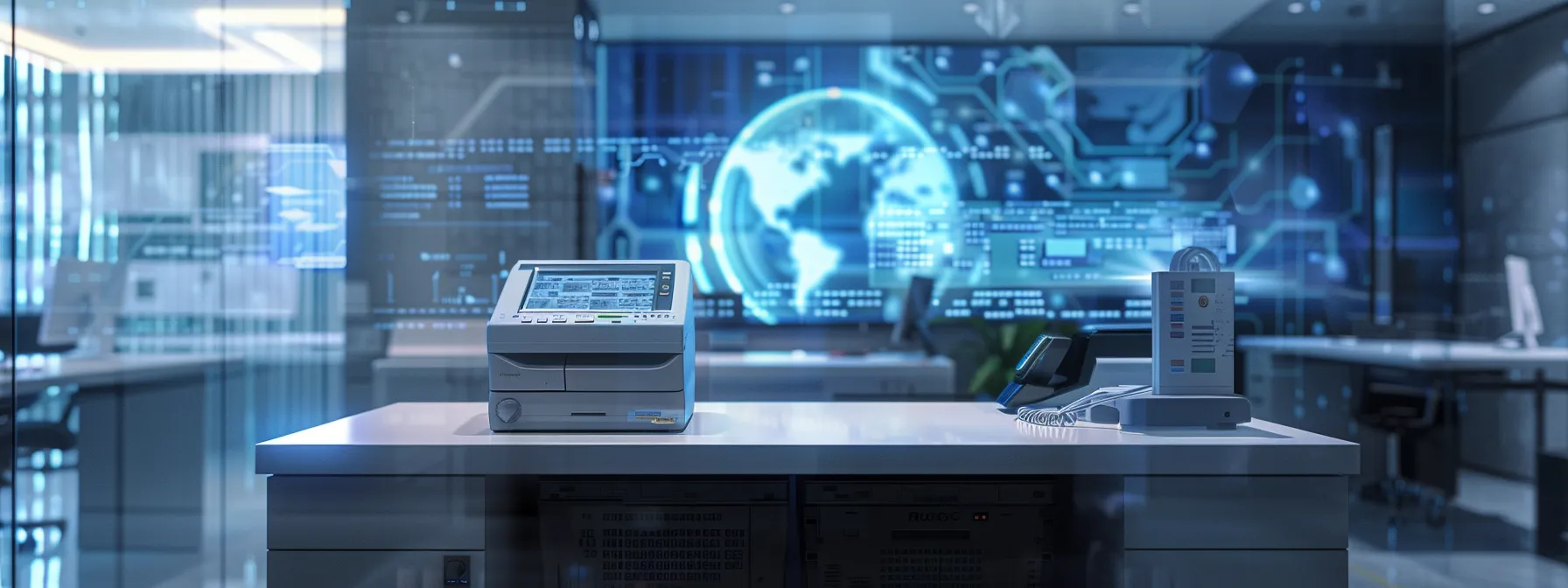
Setting up individual user accounts and passwords ensures that only authorized personnel can access copier functions. Utilizing access cards or fobs streamlines entry while integrating copiers with existing network directories simplifies user management. Implementing departmental access codes allows for group control, and considering biometric authentication options enhances security further. These strategies collectively fortify copier access control, safeguarding sensitive information effectively.
Setting Up Individual User Accounts and Passwords
Setting up individual user accounts and passwords is a fundamental step in enhancing copier security within an office environment. By assigning unique credentials to each user, organizations can effectively control access to copier functions, reducing the risk of unauthorized usage and potential data breaches. Implementing this measure not only strengthens security protocols but also streamlines user management, ensuring that sensitive information remains accessible only to authorized personnel while fostering accountability in document handling.
Utilizing Access Cards or Fobs for Entry
Utilizing access cards or fobs for entry significantly enhances copier security in an office environment. By implementing this method, organizations can ensure that only authorized personnel gain access to sensitive copier functions, reducing the risk of unauthorized usage and potential data breaches. For example, integrating access cards with existing security systems not only streamlines theauthentication process but also provides a tangible solution to manage access effectively, thereby protecting confidential information from potential threats.
Integrating Copiers With Existing Network Directories
Integrating copiers with existing network directories streamlines user authentication processes and enhances overall security in the office environment. When copiers are linked to a company’s network, user credentials can be managed centrally, simplifying access control and ensuring that only authorized personnel can utilize the machines. This integration not only promotes accountability but also minimizes the potential for unauthorized access to sensitive information, allowing businesses to safeguard their data while optimizing copier usage.
Implementing Departmental Access Codes for Group Control
Implementing departmental access codes for group control significantly enhances copier security by allowing businesses to manage usage based on departmental needs. This approach enables organizations to assign specific codes to groups, limiting access to sensitive functions and documents to authorized personnel only. With this added layer of security, companies can minimize the risk of unauthorized use, ensuring sensitive information remains protected while maintaining workflow efficiency.
Considering Biometric Authentication Options
Considering biometric authentication options for copier access control offers an advanced layer of security, significantly reducing the risk of unauthorized usage. By using fingerprint or facial recognition technology, organizations can ensure that only authorized personnel can access sensitive copier functions. This method not only fortifies office security but also enhances efficiency by simplifying the authentication process, allowing employees to access resources quickly while protecting confidential information.
Safeguarding Information Stored on Copier Hard Disks
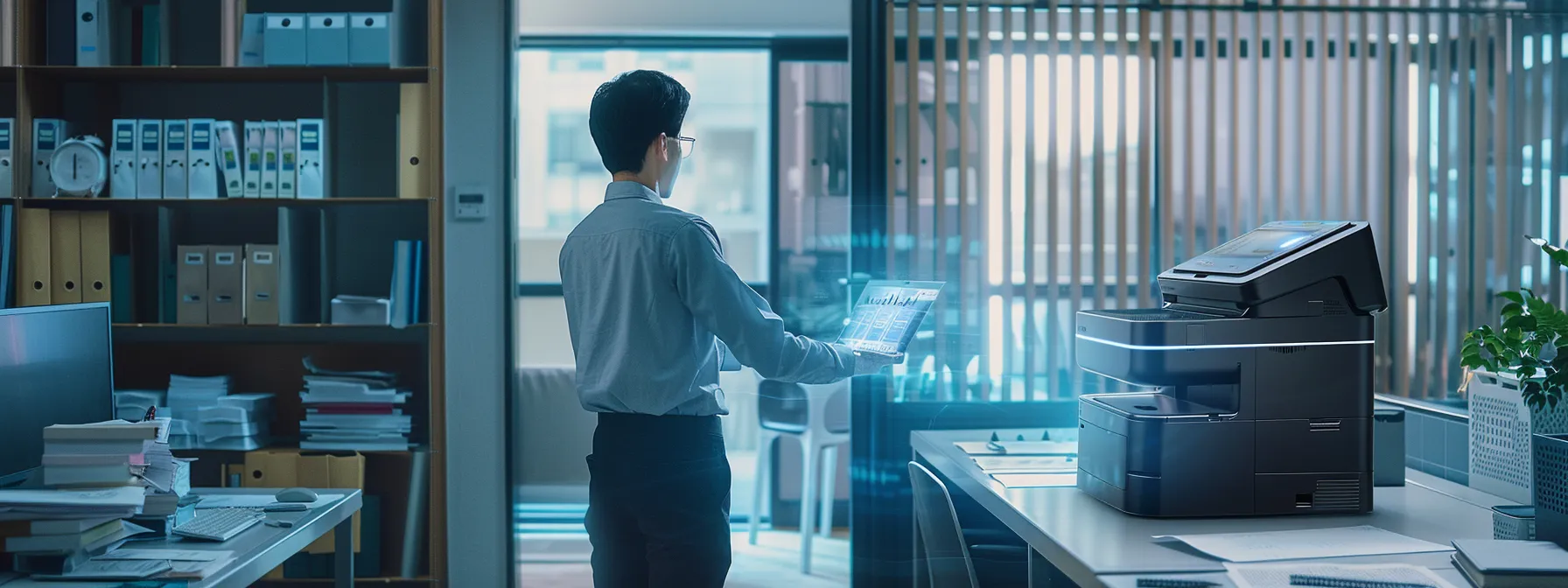
Enabling built-in hard drive encryption tools is essential for safeguarding sensitive information stored on copiers. Configuring regular overwriting of stored data and scheduling automatic deletion of aged print jobs further enhance security. Additionally, physically securing or removing hard drives before disposal and understanding data security kits from manufacturers are critical practices that ensure the protection of confidential documents throughout their lifecycle.
Enabling Built-in Hard Drive Encryption Tools
Enabling built-in hard drive encryption tools is fundamental for protecting sensitive information stored on office copiers. This feature ensures that any data saved on the copier’s hard drive is encoded, rendering it inaccessible to unauthorized users. For example, organizations that implement this encryption safeguard against data breaches, thereby protecting confidential documents even if the copier is disposed of or stolen.
Configuring Regular Overwriting of Stored Data
Configuring regular overwriting of stored data on copiers is a critical step in safeguarding sensitive information. By setting up the machine to automatically erase and overwrite data at scheduled intervals, organizations can reduce the risk of unauthorized access to confidential documents. This practice not only ensures compliance with data protection regulations but also promotes a proactive stance in managing office security, ultimately protecting the integrity of business operations.
Scheduling Automatic Deletion of Aged Print Jobs
Scheduling automatic deletion of aged print jobs is a crucial aspect of safeguarding sensitive information stored on copier hard disks. By configuring copiers to routinely remove outdated documents, organizations can significantly reduce the risk of unauthorized access to confidential data. This proactive measure not only enhances office security but also aligns with best practices in data management, ensuring that sensitive information is erased permanently and minimizing potential data breaches.
Physically Securing or Removing Hard Drives Before Disposal
Physically securing or removing hard drives before disposal is a vital step in enhancing office security. By taking these precautions, businesses can mitigate the risk of sensitive data being accessed by unauthorized individuals. Organizations should implement a robust procedure for safely handling hard drives, including physically shredding or securely storing them until they are permanently destroyed, ensuring that confidential information remains protected throughout the disposal process.
Understanding Data Security Kits From Manufacturers
Understanding data security kits from manufacturers is essential for organizations aiming to enhance the protection of sensitive information stored on copier hard disks. These kits often include software solutions designed to manage data encryption, secure data wiping, and compliance with data protection regulations. By utilizing these tools effectively, businesses can mitigate the risk of data breaches and ensure that confidential documents are adequately protected throughout their lifecycle, ultimately contributing to a more secure office environment.
Fortifying Network Security for Your Multifunction Printers
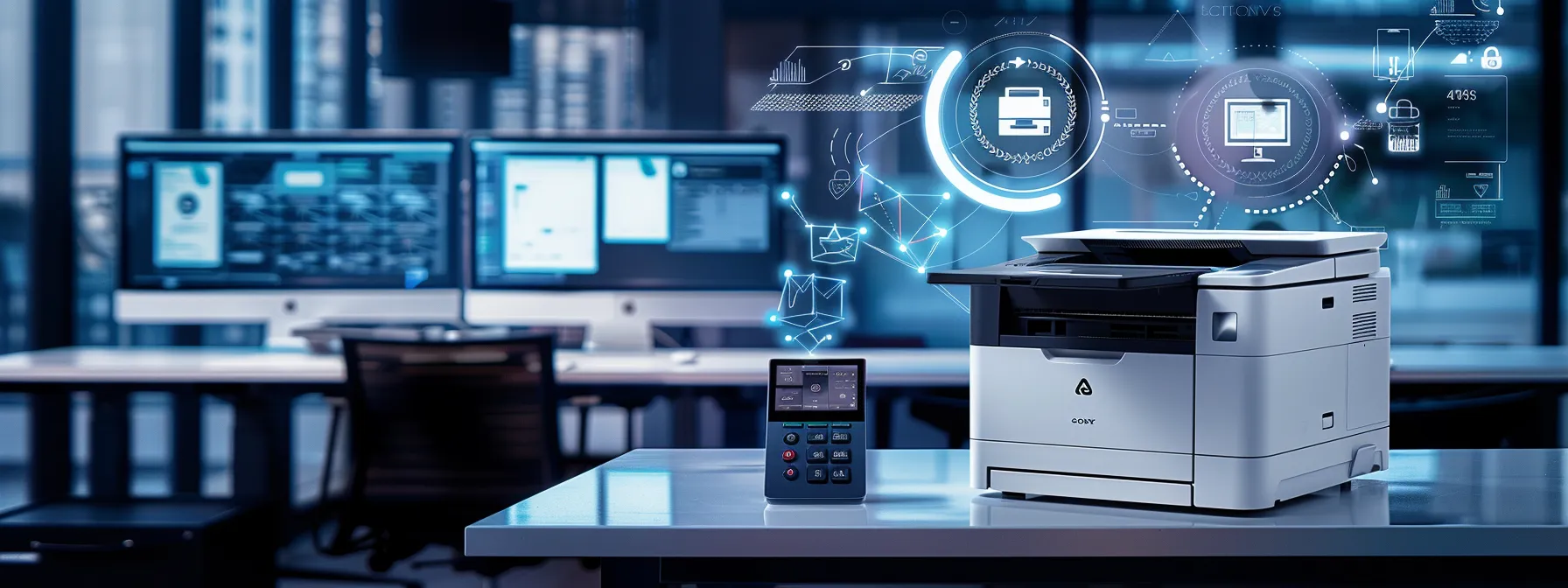
Isolating copiers on a separate network segment enhances security by minimizing exposure to potential breaches. Applying IP and MAC address filtering further restricts unauthorized access. Disabling unused network ports and protocols reduces vulnerabilities, while regularly updating copier firmware ensures protection against evolving threats. Utilizing encrypted communication protocols like TLS/SSL safeguards data during transmission, reinforcing the overall security framework for multifunction printers.
Isolating Copiers on a Separate Network Segment
Isolating copiers on a separate network segment significantly enhances security for multifunction printers, reducing exposure to external threats. By implementing this strategy, organizations can effectively limit access to copiers, ensuring that only authorized personnel connect to these devices. This approach not only protects sensitive data during transmission but also strengthens overall network security, making it more difficult for unauthorized users to compromise confidential information stored within the copier systems.
Applying IP and MAC Address Filtering
Applying IP and MAC address filtering is instrumental in enhancing the security of multifunction printers within an office setting. By configuring these filters, organizations can restrict access to copiers, allowing only authorized devices to connect to the network. This proactive measure mitigates risks associated with unauthorized access and potential data breaches, ensuring that sensitive information remains secure during transmission and storage.
Disabling Unused Network Ports and Protocols
Disabling unused network ports and protocols on multifunction printers is a critical step in enhancing office security. By turning off these ports, organizations can significantly reduce potential entry points for unauthorized access, thereby minimizing the risk of data breaches. This proactive measure not only protects sensitive information during transmission but also strengthens the overall security posture of the network, ensuring that copiers remain secure and operational in a highly connected workplace.
Keeping Copier Firmware Updated Regularly
Keeping copier firmware updated regularly is essential for maintaining robust network security in an office environment. Outdated firmware can expose multifunction printers to security vulnerabilities, making them susceptible to cyber threats and unauthorized access. By implementing a routine schedule for firmware updates, businesses can ensure their copying equipment remains fortified against evolving security risks and continues to operate at peak efficiency.
Using Encrypted Communication Protocols Like TLS/SSL
Using encrypted communication protocols like TLS (Transport Layer Security) and SSL (Secure Sockets Layer) is essential for safeguarding data transmitted to and from multifunction printers. By implementing these protocols, organizations can ensure that sensitive information, such as confidential documents, is protected against unauthorized interception during transmission. This not only enhances overall network security but also builds confidence among employees and clients that their data remains secure throughout the printing process.
Developing Secure Daily Use Practices for Copiers
Training staff on secure printing habits is crucial for minimizing risks. Implementing pull printing solutions enhances document security across the company. Securing scan-to-email and scan-to-folder destinations further protects sensitive information. Regularly reviewing copier audit logs and access reports ensures accountability, while establishing procedures for copier maintenance and disposal strengthens overall security. Together, these practices create a comprehensive approach to copier security.
Training Staff on Secure Printing Habits
Training staff on secure printing habits is essential for protecting sensitive information within an office environment. By educating employees on the importance of authentication before accessing copiers, organizations can minimize the risk of unauthorized document retrieval. Incorporating practical examples and regular workshops can enhance awareness, helping staff recognize potential security threats and adopt safe practices that align with corporate security policies.
Implementing Pull Printing Solutions Company-Wide
Implementing pull printing solutions company-wide significantly enhances office security by ensuring that documents are only printed when users are physically present at the copier. This method reduces the risk of sensitive information being left unattended in printer trays, which can lead to unauthorized access. By requiring user authentication at the printer, organizations are not only protecting confidential data but also promoting accountability in document handling, fostering a culture of security awareness among employees.
Securing Scan-to-Email and Scan-to-Folder Destinations
Securing scan-to-email and scan-to-folder destinations is vital for maintaining office data integrity. Organizations should enforce encryption protocols for documents transmitted via email or saved to network folders, minimizing the risk of sensitive information interception. Regular audits of these destinations can also help identify unauthorized access and ensure compliance with data protection regulations, ultimately safeguarding confidential documents in the workplace.
Regularly Reviewing Copier Audit Logs and Access Reports
Regularly reviewing copier audit logs and access reports is a critical practice for organizations aiming to enhance office security. By systematically analyzing these logs, businesses can identify unauthorized access attempts, monitor user behavior, and track document usage, allowing them to address potential vulnerabilities proactively. This level of oversight not only helps maintain compliance with security policies but also fosters a culture of accountability, where employees understand the importance of keeping confidential information protected.
Establishing Procedures for Copier Maintenance and Disposal
Establishing procedures for copier maintenance and disposal is crucial for enhancing office security. Regular maintenance ensures that copiers function efficiently and securely, minimizing the risk of unauthorized access to sensitive data. Moreover, organizations should implement strict protocols for the disposal of outdated machines, including data wiping and physical destruction of hard drives, to prevent confidential information from being accessed after the equipment is no longer in use.
Conclusion
Enhancing office security with copier security features is crucial for protecting sensitive information from unauthorized access and potential breaches. Implementing robust security measures, including user authentication, data encryption, and secure communication protocols, significantly mitigates risks associated with modern office practices. Regularly updating firmware and ensuring proper disposal of copiers further fortifies the organization’s defenses against evolving threats. By prioritizing these security strategies, businesses can maintain confidentiality, uphold compliance, and create a secure work environment for all employees.