How Digital Whiteboards Help Students Brainstorm Like Professionals

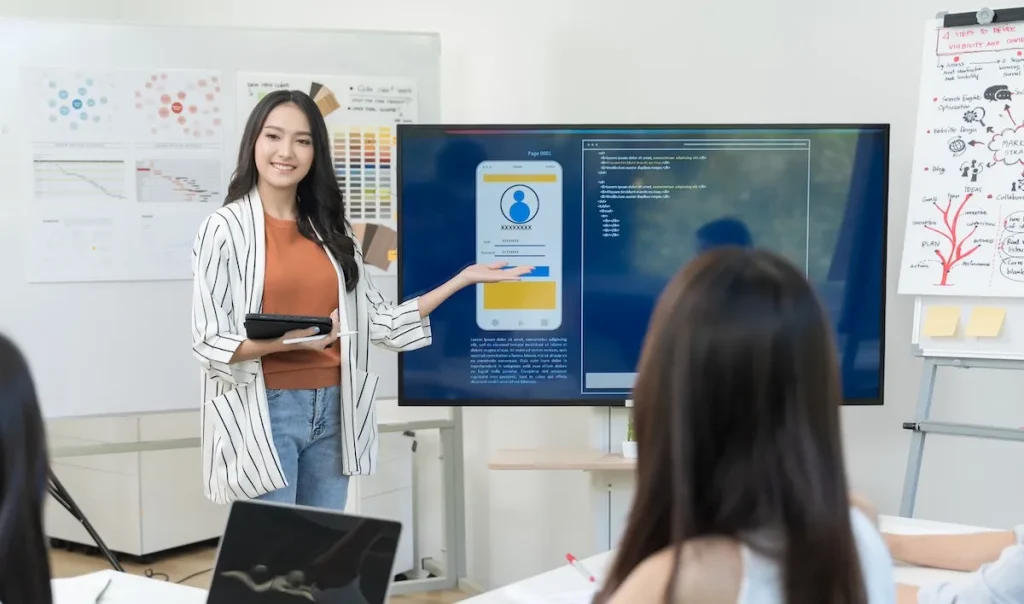
When it comes to group projects, paper writing, or problem-solving, students are tasked with brainstorming. Digital whiteboards are making it easier and faster for students to brainstorm. These aren’t just the tools for cool graphics; they empower students to think, work, and create like experts. Let’s get to the reality of how digital whiteboards are helping.
1. Visualizing Ideas Clearly
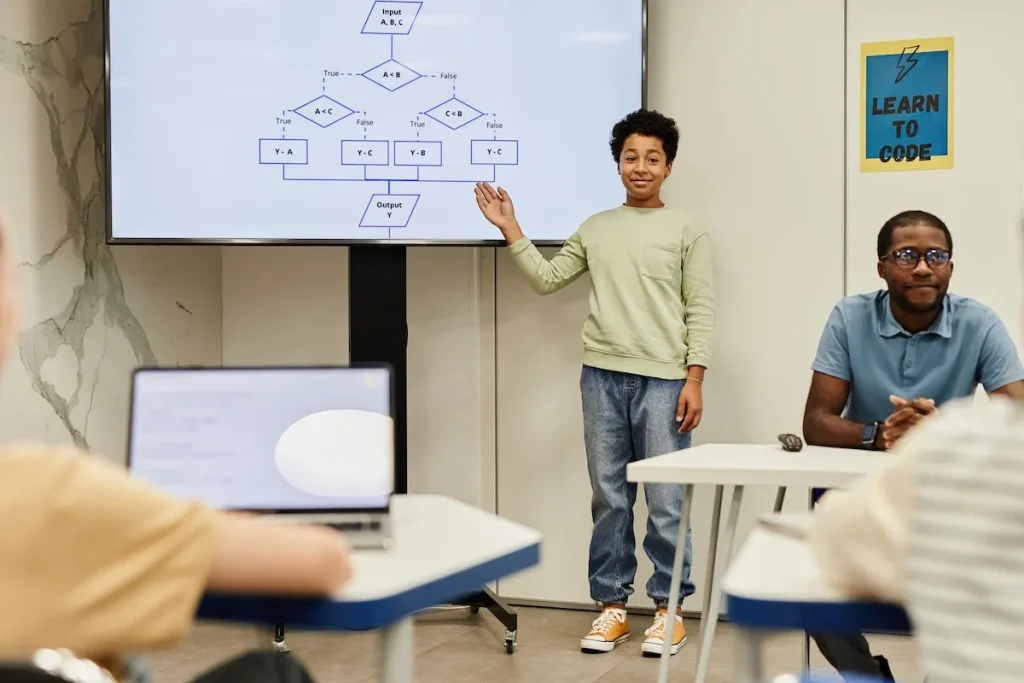
One of the greatest features of digital whiteboards is their visualization. The kids can not only write on the page but they can also use templates, flowcharts, and diagrams to visualize what they’re thinking. Visualization helps to identify relationships, disconnects, and opportunities. What’s more, the vast majority of digital whiteboards allow you to color-code and organize the information so that nothing gets lost.
2. Enhancing Collaboration
Group work can be chaotic, particularly when everyone’s got their own opinions. Digital whiteboards make collaboration seamless. Participants can connect to the same board in different locations, brainstorm in real time, and respond to one another’s contributions. No more arguing about who gets to hold the marker! All have the same opportunity to add value in the room or anywhere in the world.
3. Keeping Things Organized
Traditional brainstorming can get messy. Sticky notes, notebooks, and unrelated sheets of paper do not all make sense if you have to use them later. Online whiteboards organize everything. Students can set up tabs for different concepts, pin important points, and even save their boards for future reference. This sort of planning means that nothing gets lost, even when brainstorming sessions last days or weeks.
4. Making Brainstorming Fun and Interactive
Brainstorming needn’t be a chore. Virtual whiteboards are pre-loaded with functions and tools to make it fun.
Here are some of the fun elements that students can take advantage of to create good ideas:
- Sticky notes: Add quick ideas or reminders.
- Drawing tools: Sketch diagrams or visuals to support ideas.
- Templates: Use pre-made layouts for mind maps or project planning.
- Integration: Connect to other apps like Google Drive or Dropbox.
- Multimedia: Embed images, videos, or links for a richer brainstorming experience.
5. Adapting to Different Learning Styles
No two brainstorms are alike, and that’s okay! Digital whiteboards are for a range of learners.
- Visual learners can use diagrams and charts.
- Kinesthetic learners can engage by moving items around the board.
- Auditory learners can record their ideas and play them back.
By allowing for multiple options, digital whiteboards can make brainstorming accessible and efficient for every student. That said, if you need help with brainstorming, this website to write my research paper may be of use to you. Academized.com is a great tool for any student as it will make your learning easier and less stressful.
6. Saving Time
Students don’t have that much time, and brainstorming can be tedious. Digital whiteboards are great for accelerating this process. Templates and drag-and-drop tools save you time from reinventing the wheel. With tools for collaboration, you don’t have to wait for everyone to meet up. And because everything is saved digitally, students never have to start over.
7. Accessing Boards Anytime, Anywhere
What is great about digital whiteboards is that they are portable. Students can use their boards from their laptops, tablets, or even phones. This is great for team tasks where people’s schedules could clash. You can easily add and delete thoughts at will, so the process of generating ideas doesn’t have to stop when you’re out and about.
8. Encouraging Professional-Level Thinking
Digital whiteboards make it easy for students to take professional practices seriously early on. This is similar to the tools that most companies use for collaboration and teamwork. Students who can digitally brainstorm and organize ideas are acquiring knowledge that will prove useful in the workplace. Training for such methods in school sets the students up for success in the workplace, and it sets them up for success in life.
9. Building a Library of Ideas
Digital whiteboards help students archive their ideation process, so they have a repository of inspiration to reference at any point. This feature is especially great for long-term work or when inspiration arises, but it’s not immediately required. With multiple boards saved, students are able to follow their development, revisit ideas, and refine earlier ones. It’s like having a virtual record of creativity, which increases every session.
10. Simplifying Presentation Prep
The transition from brainstormed concepts to a streamlined presentation is challenging, but it is easy with digital whiteboards. The majority of tools export boards to PDFs or slides that can easily be added to presentations. It is a game-changer for students who must present their projects to friends or professors. Once they put together ideas in a visual format while brainstorming, they’re on their way to an effective and professional presentation.
Summing Up
Digital whiteboards don’t just have to be reserved for professionals; they can be adapted for college students as well. These facilitate brainstorming in ways that make it more organized, participatory, and effective so students can address problems and generate ideas more easily. Whether you are doing a project by yourself or in a team, digital whiteboards can help you organize your work and give you some creativity. If you’ve never tried one, now is the time. Begin brainstorming like a pro today!
 IT services, Printer and Copier Repair, Leasing Tips & Cybersecurity for 2025 Growth