




Selecting the right copier for your small business is about more than just brand names; it’s about finding a strategic balance between affordability, capability, and reliability. While models like the Canon MAXIFY series offer excellent color on a budget and the Brother MFC-L series excels at monochrome output, the best copier is one that aligns perfectly with your daily workflow, print volume, and security requirements. This guide will provide the framework you need to make an informed investment that enhances productivity and controls costs.
How to Choose the Right Copier for Your Small Business
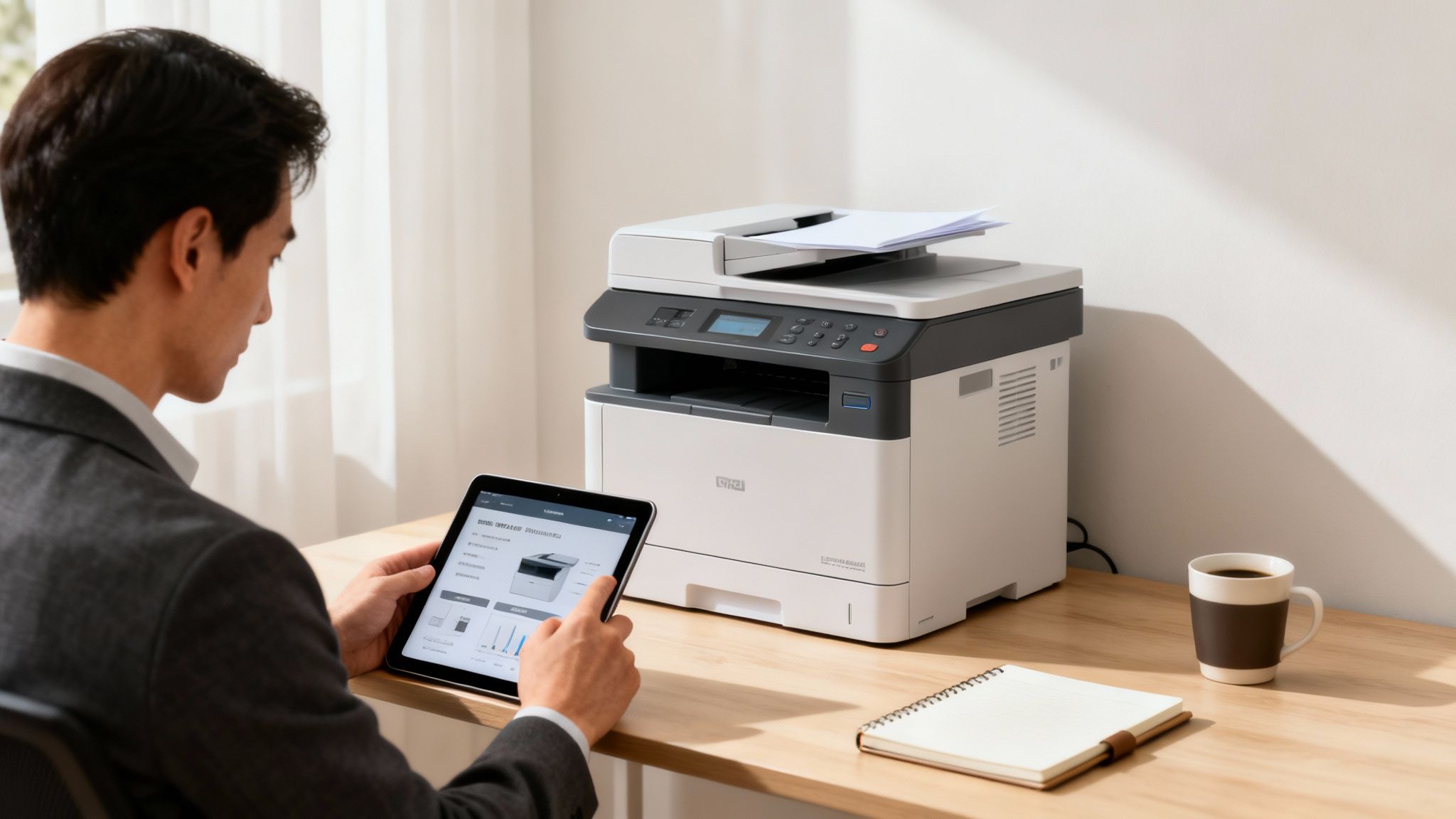
Choosing an office copier is a significant investment that directly impacts your team’s daily productivity. Instead of getting lost in marketing claims, this guide provides a clear framework for balancing cost against performance, helping you identify the features that deliver real value to a business like yours. The objective is to make a smart decision that yields returns through smoother workflows and predictable operational costs. It’s about understanding the details that elevate a machine from a simple utility to a central hub for your entire operation.
Small and mid-sized businesses are the primary drivers of the copier market. Teams printing between 1,000-5,000 copies per month accounted for a substantial 45.3% share of the global market in 2024. This segment, representing over 90% of businesses worldwide, has driven demand for versatile all-in-one devices that deliver essential functionality without a prohibitive upfront cost. You can find more details in this analysis of global copier market trends.
To help you begin, we’ve outlined the core features you’ll need to evaluate. This table breaks down the essentials before we explore each one in greater detail.
Quick Guide to Small Business Copier Features
| Key Feature | Why It Matters for Small Businesses | Practical Example |
|---|---|---|
| Print Volume & Speed | Prevents office bottlenecks and ensures the machine isn’t overworked, which leads to premature failure. | A real estate office needs to print high volumes of property listings and contracts on demand without long wait times. |
| Multifunction Capability | Saves money and precious office space by combining a printer, scanner, copier, and fax into one device. | A law firm uses a central hub to digitize client files, print legal documents, and send secure faxes. |
| Security Features | Protects sensitive company and client information from unauthorized access. | An accounting firm uses secure print release to handle confidential financial records, ensuring they are not left exposed. |
| Total Cost of Ownership | Looks beyond the purchase price to account for ink, toner, maintenance, and energy use over the long term. | A startup on a tight budget requires predictable operational expenses to manage its monthly cash flow effectively. |
With these key decision points in mind, you’re prepared to delve into the specifics and find a copier that truly fits your business.
Comparing Copier Types for Business Needs
Choosing the wrong copier is a common mistake that leads to frustrating bottlenecks, inflated supply costs, and a machine that is either overwhelmed or underutilized. To make the right choice, you must first understand the fundamental options.
Your two most critical decisions will be between desktop and floor-standing models, and then between monochrome and color printing. These choices directly influence your long-term costs, office workflow, and the professional quality of your client-facing materials. Let’s examine the practical trade-offs.
Desktop vs Floor Standing Copiers
The first major consideration is the physical form factor of the machine. A desktop model is compact, designed for smaller teams or a home office. A floor-standing unit, in contrast, is engineered for higher volumes and more demanding workflows.
Desktop copiers are ideal for businesses with low-to-moderate printing needs—typically under 2,000 pages per month. They are more affordable upfront and fit easily into limited workspaces. However, their smaller size comes with trade-offs: slower print speeds (PPM), smaller paper trays, and a lower monthly duty cycle, which is the maximum number of pages a machine can handle without premature wear.
Floor-standing copiers are the workhorses of the modern office. Built for durability and performance, these machines can handle high print volumes (5,000 to 50,000+ pages per month) with ease. They offer faster speeds, larger paper capacities, and advanced finishing features like automated stapling, hole-punching, and booklet-making that desktop models cannot match.
Expert Insight: The decision between desktop and floor-standing models ultimately depends on your projected monthly print volume and workflow requirements. If your business is growing and you anticipate increased document production, a floor-standing model is the wiser choice to avoid outgrowing a smaller machine within a year or two.
For instance, a solo accountant might find a reliable desktop multifunction copier sufficient for printing tax returns and invoices. However, a busy real estate agency producing multi-page property brochures and client contracts would quickly overwhelm a desktop unit, making a floor-standing model a more strategic investment.
Monochrome vs Color Printing
Next, you must determine whether you need a full spectrum of color or if black-and-white will suffice. This choice has significant implications for both your upfront investment and ongoing operational expenses, particularly your cost-per-page.
Monochrome (Black and White) Copiers are the standard for offices that primarily print text-heavy internal documents like reports, invoices, and contracts. They are generally faster and have a lower cost-per-page than their color counterparts because they use a single black toner cartridge. For any business focused on archival records and internal communication, a mono copier is the most economical choice.
Color Copiers are essential for any business creating marketing materials, presentations, or any document where visual impact is critical to the message. From architectural firms printing detailed renderings to marketing agencies producing vibrant client proposals, color capability provides a tangible competitive advantage. While they have a higher initial price and cost-per-page, the investment is often justified by the professional quality of the output.
Market data confirms that color copiers are increasingly the preferred choice, capturing a dominant 67.3% market share in 2024. This growth is fueled by a 15% year-over-year demand increase from small and mid-sized businesses seeking to produce professional-grade materials in-house. You can find more copier industry statistics on Zipdo.co.
The underlying technology often influences the decision. Laser copiers, whether mono or color, are typically better for high-volume text, while inkjet technology can excel at photo-quality images. To learn more, see our detailed comparison of inkjet vs. laser printers in this guide. Ultimately, a careful assessment of your daily document needs will clarify which type offers the best return on your investment.
Essential Multifunction Features That Boost Productivity
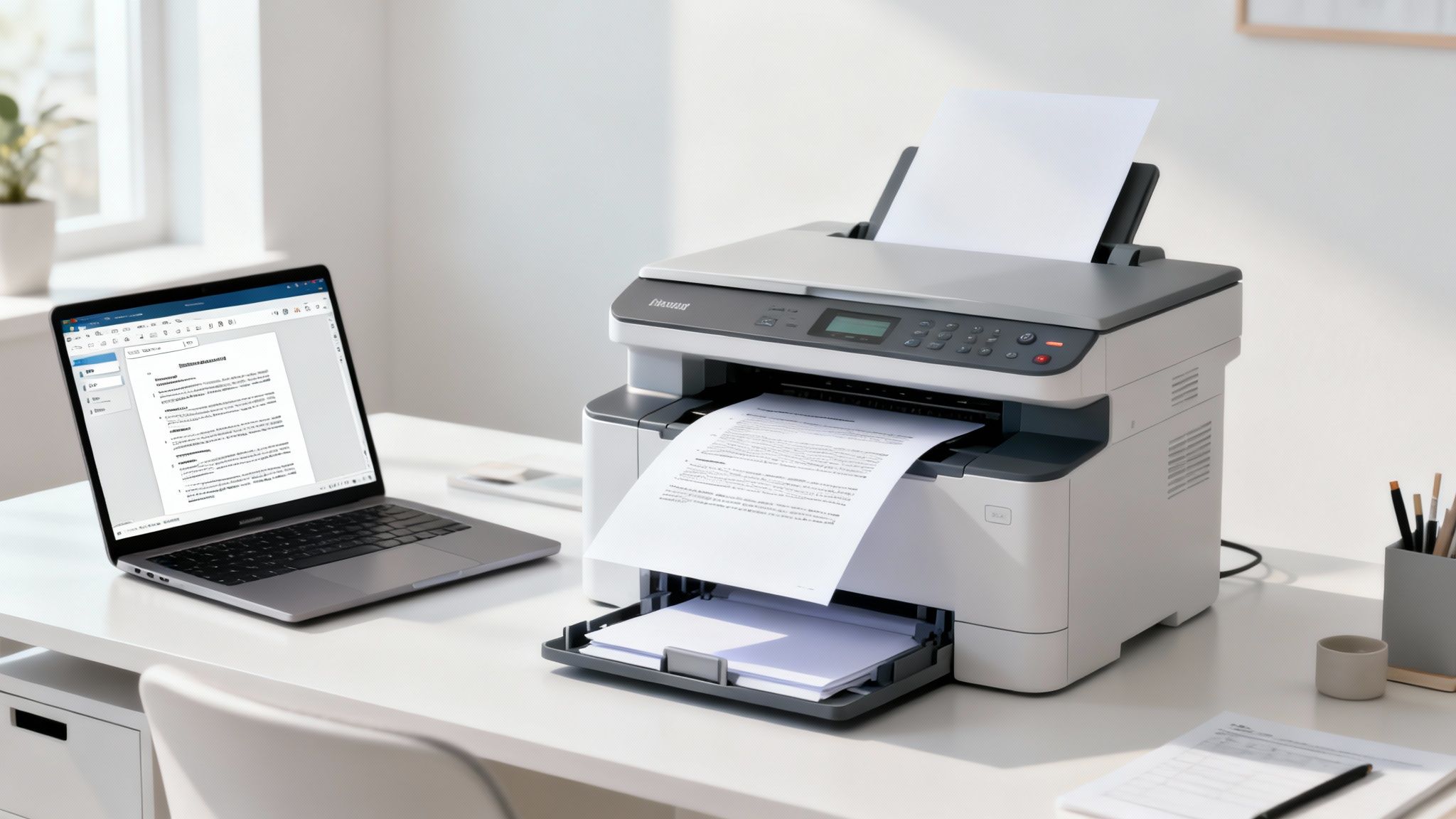
Modern office copiers do much more than just print and scan. The best models serve as a central command post for your document workflow, equipped with features that automate tedious tasks, secure sensitive data, and provide a significant efficiency boost. When you select the right capabilities, you are not just buying a machine; you are investing in a powerful productivity tool.
For a growing business, the value of an all-in-one device is undeniable. Multifunctional copiers are the preferred choice, with 42% of users citing their consolidated printing, scanning, and copying functions as a key benefit. They are built for modern work environments, with cloud and mobile features that keep teams connected, whether in the office or working remotely. For a deeper analysis, review the latest copier market trends on Market.us.
Advanced Scanning for a Digital-First Office
In an increasingly digital business environment, scanning is no longer just about creating a digital copy. It’s about converting paper into intelligent, usable data. The key is to find copiers with advanced scanning features that seamlessly integrate your physical documents with your digital systems.
These features are essential for building a clean, searchable digital archive and reducing time-consuming manual data entry.
- Scan-to-Cloud: This function allows you to send documents directly to cloud services like Google Drive, Dropbox, or OneDrive. It is invaluable for remote teams, providing immediate access to important files from any location.
- Optical Character Recognition (OCR): This technology converts a scanned image into an editable, searchable text file. For example, a law firm digitizing decades of case files can use OCR to find any document by keyword in seconds, eliminating the need for manual searches through physical archives.
Expert Insight: The true advantage of modern scanning is automation. You can configure one-touch workflows—such as “Scan to Invoices Folder” or “Scan to Client Contracts”—that can save your team hundreds of hours annually by eliminating repetitive, multi-step tasks.
Finishing Options That Save Time
Finishing features are often overlooked but can deliver a significant return on investment by automating the final stages of document production. These capabilities free your team from the tedious work of stapling, sorting, and folding, allowing them to focus on core business activities.
Consider the time spent preparing materials for meetings or mailings. An integrated finisher handles these tasks with professional speed and precision. You can explore a range of multifunction copiers with advanced finishing features to see how they could streamline your workflow.
Robust Security to Protect Your Data
Modern copiers are connected to your network, which means they can become a potential vulnerability for security threats if not properly protected. Safeguarding your business and client data is critical, and the best devices offer layered security to keep your information safe.
These security features are no longer optional—they are essential for any business that handles sensitive information.
- Secure Print Release: This feature holds print jobs until the user authenticates at the device with a PIN or ID card. It is a simple way to prevent confidential documents like payroll reports or client proposals from being left in the open.
- User Authentication: Requiring a login to use the machine does more than control access; it creates an audit trail. You can track who is printing what, manage costs, and ensure only authorized staff can use sensitive functions.
- Data Encryption: Look for copiers that encrypt data both as it travels over your network and while it’s stored on the machine’s hard drive. This ensures that even if the device were stolen, the information on it would remain unreadable.
Understanding the Total Cost of Copier Ownership
The sticker price of a copier is merely the starting point. To make a sound financial decision, you must look beyond the initial purchase price and evaluate the Total Cost of Ownership (TCO). TCO represents the true, long-term financial commitment, factoring in every expense over the machine’s lifespan. It is the only way to identify the best copiers that genuinely fit a small business budget.
Focusing solely on the upfront cost is a common error that can lead to expensive surprises. TCO provides a complete financial picture, ensuring the copier you choose aligns with your long-term strategy, not just your immediate needs. By understanding all contributing factors, you can avoid hidden fees and accurately forecast your printing expenses for years.
Breaking Down the Components of TCO
Calculating TCO involves adding up a few key cost categories. Each one plays a significant role in your overall spending, from daily printing to long-term maintenance.
Here are the essential elements you must account for:
- Upfront Cost: This is either the full purchase price if you buy the copier outright or the initial payment and ongoing monthly fees if you lease.
- Consumables: These are recurring costs for supplies like toner or ink cartridges, paper, staples, and maintenance kits (which include items like drums and fusers). High-yield toner cartridges often cost more upfront but deliver a lower cost-per-page.
- Service and Maintenance: Unless covered by a lease or managed print service agreement, you are responsible for repair costs. This includes technician labor and replacement parts, which can be expensive for major components.
- Energy Consumption: Modern copiers are designed for energy efficiency, but a machine running all day will impact your utility bills. Always look for ENERGY STAR® certified models to minimize this ongoing expense.
For a comprehensive view of ownership costs, consider the environmental impact. Adopting sustainable printing practices is not just beneficial for the environment; reducing waste and energy use also directly lowers your operational expenses.
Leasing vs. Buying a Business Copier
One of the most significant decisions affecting your TCO is whether to lease or buy your equipment. Each option has distinct financial advantages and disadvantages that cater to different business priorities. Your final choice will likely depend on your cash flow, tax strategy, and the importance of having access to the latest technology.
Leasing a Copier
Leasing is an excellent option for businesses that want to preserve capital and maintain predictable monthly expenses.
- Lower Upfront Cost: Leases require little to no down payment, freeing up cash for other critical business investments.
- Predictable Payments: You pay a fixed monthly fee that often bundles service, maintenance, and supplies, simplifying your budget.
- Technology Upgrades: At the end of the lease term (typically 3-5 years), you can seamlessly upgrade to a newer model with the latest features and security enhancements.
Practical Recommendation: Leasing is an ideal fit for startups and growing businesses that need to manage cash flow carefully and want to avoid the risk of being saddled with outdated technology.
Buying a Copier
Buying a copier means you own the asset from day one. This path involves a higher initial investment but can often be more cost-effective in the long run.
- Lower Long-Term Cost: Once the machine is paid off, your only ongoing expenses are for supplies and any necessary repairs.
- Tax Advantages: You may be able to deduct the full purchase price of the equipment in the year of purchase under Section 179 of the tax code.
- No Contractual Obligations: You have complete control over the equipment without being locked into a multi-year lease agreement.
Ultimately, calculating your TCO is the most reliable way to determine whether leasing or buying offers the best financial value for your specific business needs.
Matching Copier Solutions to Business Scenarios
Technical specifications are one thing, but a copier’s real-world performance in your office is what truly matters. The “best” copier for a small business is never a one-size-fits-all solution; it’s about finding the right machine for your specific operational demands. To bridge the gap between technical jargon and practical results, let’s explore a few common business scenarios.
By examining the distinct needs of different industries, you can see how certain features transition from “nice-to-have” to “mission-critical.” This will help you identify the profile that most closely resembles your business and select a copier that provides the best return on investment.
Profile 1: The High-Energy Real Estate Agency
A busy real estate office requires constant, high-quality document production. Agents are printing everything from high-resolution property brochures and multi-page contracts to marketing flyers, often with tight deadlines. Every document must be sharp and professional to attract buyers and build client trust.
- Recommended Copier Type: A floor-standing color multifunction printer (MFP).
- Key Features: Prioritize vibrant color output, a high paper capacity that can handle different stocks (like glossy paper and cardstock), and finishing options such as automatic stapling and booklet-making. Fast print speeds of 30-40 PPM are crucial to prevent bottlenecks when multiple agents need documents simultaneously.
- Why it Works: This setup ensures that every property listing looks its best and that important legal documents are produced quickly, keeping pace with the fast-moving real estate market.
Profile 2: The Detail-Oriented Law Firm
For a law firm, document management is paramount. The daily routine involves scanning large case files, printing lengthy legal briefs, and maintaining strict confidentiality of client information. In this environment, efficiency, reliability, and security are non-negotiable.
- Recommended Copier Type: A monochrome floor-standing MFP with top-tier security and scanning capabilities.
- Key Features: High-speed scanning with Optical Character Recognition (OCR) is essential for creating searchable digital archives from paper files. You will also need robust security features like user authentication, secure print release, and hard drive encryption to protect sensitive data. A high monthly duty cycle is necessary to handle the relentless volume.
- Why it Works: This machine functions as a secure digital hub, not just a copier. It streamlines the archiving process while safeguarding client confidentiality and meeting strict industry compliance standards.
This decision tree illustrates how your budget can guide your choice between leasing and buying.
As you can see, leasing is often the most strategic route for accessing advanced, higher-cost machines without a large upfront capital expenditure.
Profile 3: The Agile Startup
Startups are dynamic and typically budget-conscious. The team needs a versatile machine that can handle a variety of tasks—printing invoices, scanning contracts, creating occasional marketing materials—without occupying too much space or straining financial resources.
- Recommended Copier Type: A high-performance desktop color MFP.
- Key Features: A balance of functions is key. Wireless and cloud connectivity are vital for a flexible team working from laptops, phones, and tablets. Good color printing is important for presentations, but the volume doesn’t justify a large floor-standing model. A lower TCO is always a top priority.
- Why it Works: A desktop MFP provides a growing business with all the essential tools for daily operations in a compact, affordable package. It is flexible enough to adapt as the company’s needs evolve.
Decision Framework: Let your primary document workflow be your guide. If your business relies on high-impact visuals, invest in color quality. If it is driven by high-volume text and archiving, focus on speed, scanning power, and security.
Small Business Copier Decision Matrix
To further clarify, this matrix maps common business needs to the appropriate copier category. Find the profile that most closely matches yours to identify which features will provide the greatest operational benefit.
| Business Type / Need | Recommended Copier Type | Key Features to Prioritize | Estimated Monthly Volume |
|---|---|---|---|
| Marketing Agency | Color Floor-Standing MFP | High-quality color (2400 dpi), booklet finisher, wide-format support | 5,000 – 15,000 pages |
| Accounting Firm | Monochrome Floor-Standing MFP | High-speed scanner, OCR, secure print, user tracking | 8,000 – 20,000 pages |
| Construction Company | Monochrome Desktop MFP | Durability, wireless access, basic scanning for invoices | 1,500 – 4,000 pages |
| Non-Profit Organization | Color Desktop MFP | Low TCO, ENERGY STAR® certified, reliable color output | 1,000 – 3,000 pages |
By examining these real-world scenarios, you can move beyond a simple feature checklist and see how the best copiers for your small business can become an integrated and powerful asset for your success.
Streamlining Operations with Managed Print Services
Managing office printing is a time-consuming task that diverts your team’s attention from core business activities. From last-minute toner orders to troubleshooting cryptic error codes and finding reliable repair technicians, the administrative burden can be substantial.
What if you could offload this entire responsibility? This is the core value proposition of Managed Print Services (MPS).
An MPS provider acts as a dedicated partner for your entire fleet of copiers and printers. They handle everything from needs assessment and professional installation to proactive maintenance and automated supply replenishment. This transforms a chaotic, reactive process into a predictable, hands-off operation.
For a small business, the impact is significant. You transition from unpredictable repair bills and fluctuating supply costs to a single, consistent monthly payment. This approach simplifies budgeting, reduces frustrating downtime, enhances document security, and provides a single point of contact for expert support.
The Core Benefits of Managed Print Services
Partnering with an MPS provider gives your team back valuable time and focus. The service is designed to manage every aspect of your print infrastructure so that your equipment functions reliably without requiring your constant attention. For a great breakdown of how this translates to savings, the guide on Unlocking Efficiency And Cost Savings With Managed Print Services is an excellent resource.
Here’s what you gain:
- Predictable Budgeting: A single flat monthly fee covers equipment, supplies, maintenance, and support, eliminating surprise invoices.
- Minimized Downtime: Proactive monitoring and preventative maintenance address potential issues before they disrupt your workflow. When a problem is detected, a technician is dispatched automatically.
- Automated Supply Management: Your copiers monitor supply levels and automatically order toner and other consumables, preventing “out of ink” emergencies.
- Enhanced Security: A reliable provider helps you secure your devices with features like user authentication and secure print release, keeping sensitive data protected.
Real-World Impact: Businesses that transition to an MPS provider often reduce their print-related costs by as much as 30%. By optimizing your fleet and automating management tasks, you eliminate waste and increase efficiency, which directly benefits your bottom line.
How MPS Simplifies Copier Management
A true MPS partnership begins with a thorough assessment of your business’s printing habits. The provider analyzes your print volumes, identifies high-use devices, and understands your team’s workflows. Based on this analysis, they recommend the right copiers for your specific needs, ensuring optimal device placement and utilization.
Once the plan is implemented, the service is designed to be completely hands-off for your team. The provider manages the professional installation and network setup, then assumes all ongoing support. If a machine requires service, your team makes a single call to a dedicated support line rather than searching for an unfamiliar repair service.
This comprehensive approach transforms your print environment from a nagging cost center into a streamlined business asset. To see exactly how we achieve this for businesses like yours, explore our complete Managed Print Services Guide for 2025.
Answering Your Top Copier Questions
When researching a new office copier, several key questions consistently arise. Getting clear answers is the first step toward investing in a machine that supports your team rather than creating frustration. Here are the most common inquiries from business owners.
How Do I Figure Out the Right Print Speed?
Print speed, measured in Pages Per Minute (PPM), should align with your office’s daily rhythm and the number of users.
For a small office of one to five people with standard printing needs, a copier with a speed of 20-30 PPM is typically sufficient. It can handle daily tasks without causing delays.
For a larger team of five to ten people, or if your office frequently produces large documents like client reports or invoices, you should consider a machine in the 30-50 PPM range. Consider your busiest periods; a faster machine prevents frustrating bottlenecks when multiple users need to print large jobs simultaneously.
Is It Smarter for a Small Business to Lease or Buy a Copier?
The decision to lease or buy depends on your cash flow, your need for the latest technology, and your long-term business goals. Both options have distinct financial advantages.
Buying a copier involves a higher upfront cost but results in lower long-term expenses once the asset is owned. This is a good strategy for established businesses with stable cash flow that do not need to upgrade equipment frequently.
Leasing, conversely, requires little to no down payment, making it easier on the initial budget. You get a predictable monthly payment that often includes maintenance, and you can easily upgrade to a newer model at the end of the term. This is ideal for startups and businesses that want to preserve capital for other investments.
What Are the Most Important Security Features to Look For?
In a connected office, your copier is a network endpoint, and its security is essential for protecting sensitive company and client information.
You should seek a machine with a layered security strategy. Key features include user authentication to control access, secure print release to prevent confidential documents from being left on the tray, and hard drive encryption to ensure that data stored on the machine is unreadable if stolen or compromised.
How Much Should I Budget for Maintenance and Supplies?
Unless you have a Managed Print Service plan that consolidates all costs, you will need to budget for toner, paper, and a potential service contract. Toner costs vary widely, from around $50 for a desktop cartridge to several hundred dollars for a high-yield cartridge for a floor model.
Choosing the right copier is a critical decision, but you don’t have to navigate it alone. The experts at 1-800 Office Solutions are here to help. We can assess your needs, compare suitable models, and identify the perfect lease or purchase option for your budget. Get a free quote today and discover how the right equipment can streamline your office operations.