


Stapling Copies from the Automatic Document Feeder | HP Printers

Stapling Copies from the Automatic Document Feeder | HP Printers
[embedyt] https://www.youtube.com/watch?v=vIjfZNMxYRE[/embedyt]
Learn how to collate and staple copy jobs from the control panel of HP LaserJet Managed MFP E72500, E77800, E82500, E87600 series using the optional finisher accessory when copying from the automatic document feeder.
More support options for your HP device are available at https://hp.com/support.
Continue the Conversation:
https://hp.care/SupportForums
https://hp.care/FacebookSupport
https://hp.care/TwitterSupport
Collate and staple copy jobs when copying from the automatic document feeder on the optional finisher accessory from the printer control panel on HP LaserJet Managed MFPs.
Place the documents to copy face-up in the automatic document feeder and adjust the guides. On the Home screen of the printer control panel, touch Copy. Touch Options. Touch Staple Hole Punch, and then touch your desired staple option from the Staple Hole Punch menu.
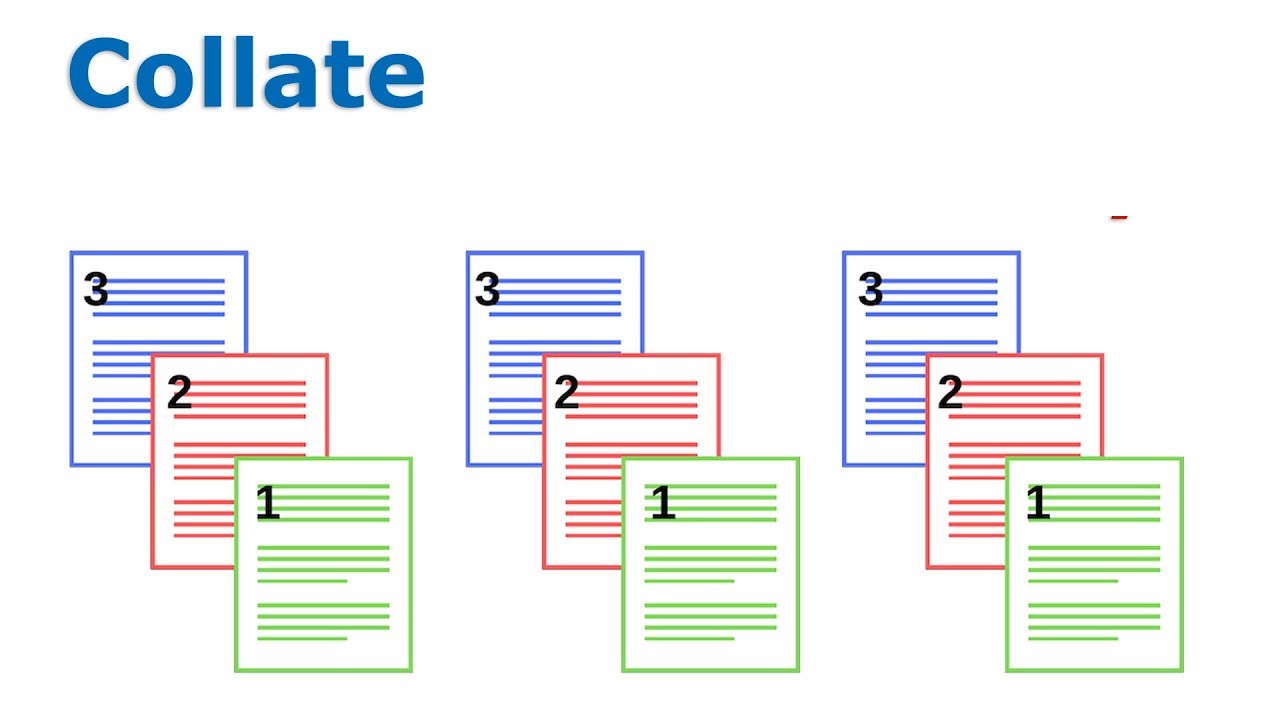
Since most stapled print jobs are collated, collating is enabled by default. If your job does not require collating, touch Options, Collate and then touch Collate off. Change any other copy settings before printing, and then touch Done.
Touch the box to expand the keypad and select the number of copies you want to print. Then, close the keypad. Touch Copy to print and staple your document according to your staple settings.
Need help in Stapling Copies from the Automatic Document Feeder?
Contact Us at:
- Toll-Free: 800-564-2972
- Phone: (407) 537-7276
- Email: [email protected]
Or on the live chat below.