
Texas Copier Lease & Printer Rental From $79/mo
Copier leases in Texas start at $79/month for a desktop model, quoted by a local dealer who serves your area. Free delivery and full-service managed print across Texas. Canon, Ricoh, Kyocera, HP, Xerox, Sharp, Konica Minolta, Toshiba.

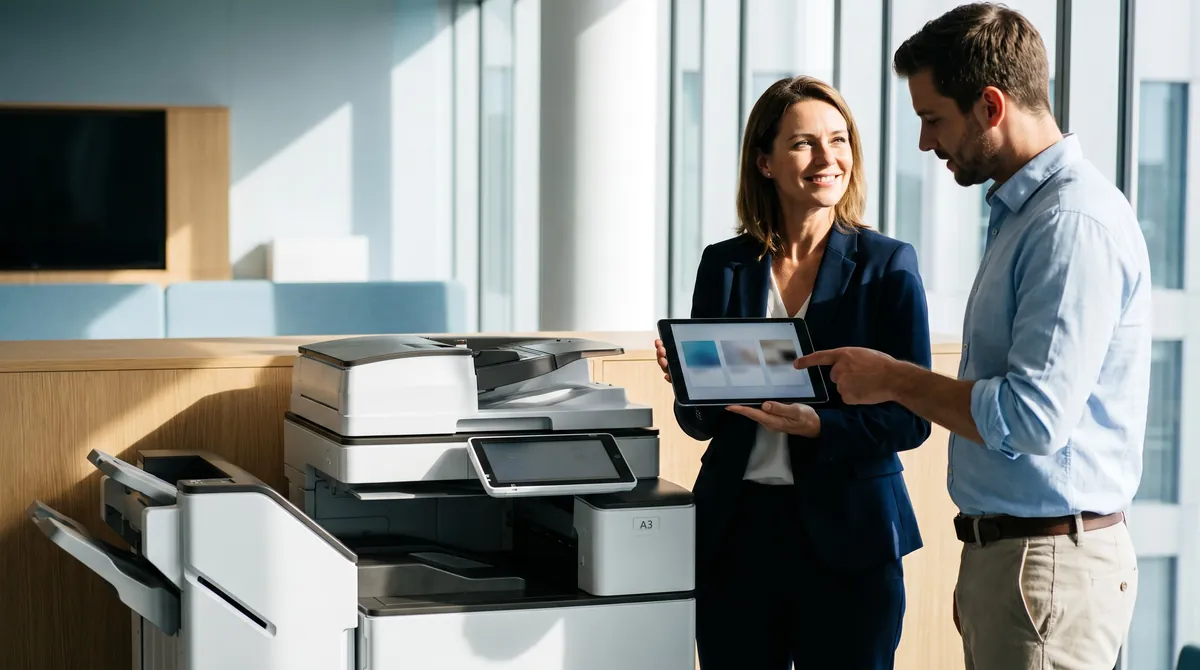
Copier & Printer Leasing Built for Texas Businesses
From major metros to the industrial and business parks across Texas — Texas businesses need office equipment that keeps up with production, scales with headcount, and never quits at the wrong moment.
Why Texas runs on our copiers
Businesses across Texas (professional services, healthcare, logistics, manufacturing, public sector) share the same problem: paperwork that has to move quickly and securely, on a machine that stays up and running.
No offshore call centers. No bouncing between vendors for toner, service, and the lease itself.
Most of our Texas customers save when they switch from a big-box copier lease or printer lease to our Texas program. The savings come from three places: we remove the hidden toner markups, we audit your actual print volume instead of guessing, and we refuse to sell you a copy machine or office copier you'll outgrow in 18 months.
Whether you're searching for a commercial copier in Texas, a printer lease in Texas, a short-term office equipment rental, or a managed print contract with all-inclusive service, this page covers everything you need to know. If you'd rather just talk to someone, call (888) 574-5120 or request a quote.
What you get with every Texas lease
- Free delivery, installation, and network setup in Texas
- All-inclusive service contract — toner, parts, labor, PM visits
- Driver install for every workstation on your network
- Scan-to-email, scan-to-cloud, secure release printing
- Toner auto-ship before you run out
- Help ending your current lease early
How Much Does a Copier Lease Cost in Texas?
Real monthly ranges below. Your exact quote depends on print volume, color ratio, and finishing needs. Lease terms run 24, 36, 48, or 60 months. Most Texas customers choose 36 or 60.
Leases start at $79/mo
Desktop MFP
For 1–10 employees printing under 2,000 pages/month
- B&W or entry color MFP
- Print / copy / scan / fax
- 1,000 B&W pages included
- Wi-Fi & mobile print ready
- Full-service contract included
Workgroup Tier
For 10–50 employees printing 2,000–10,000 pages/month
- A3 color multifunction
- Auto-duplex, stapling, hole-punch
- 3,000 B&W + 500 color pages
- Active Directory & cloud scan
- Secure release print included
Production Tier
For 50+ employees or print-heavy operations (10,000+ pages/mo)
- Production-class color MFP
- Booklet making & saddle stitch
- 10,000 B&W + 2,000 color pages
Typical cost-per-copy (it depends on the machine, not your city): $0.008 mono · $0.055 color. Throughout Texas, copier lease charges are taxed at the 6.25% state rate plus any local taxes, either per payment for operating leases or on the full contract up front for financing leases.
Built for the Industries That Run Texas
Not every copier fits every business. Here's how we configure office equipment leasing for the four sectors that drive Texas.
Texas Law Firms
OCR-ready scanning, 11×17 support for exhibits, Bates stamping workflow, secure release print for client confidentiality, and end-of-lease drive wipe certificates. Ricoh, Canon, or Konica Minolta A3 color MFPs are the most common configuration.
Texas Healthcare & HIPAA
Every medical-practice copy machine we lease ships with hard-drive encryption, user-authenticated release printing, audit-log retention, and HIPAA-compliant end-of-lease data sanitization with written certificates.
Logistics & Distribution
Logistics and distribution operations run our highest-volume Texas leases. Production-class Canon imageRUNNER, high-duty-cycle Konica Minolta bizhub PRESS.
Professional Services
Accounting firms, insurance brokerages, real-estate offices, and financial advisors. Mid-volume A3 color MFPs with cloud-scan to QuickBooks, DocuSign, and SharePoint.
We Match the Machine to Your Office, Not a Sales Quota
We're not locked into a single manufacturer. We match the copier, printer, or MFP to your office, not to whichever brand pays us the biggest incentive.
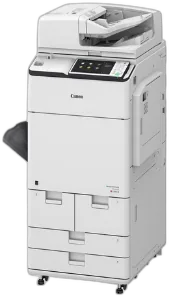 CANONimageRUNNER ADVANCE DX
Canon's imageRUNNER ADVANCE DX line is what we install most often in Texas law firms, healthcare practices, and corporate offices that care about color accuracy and uptime. The uniFLOW integration handles rule-based printing, user quotas, and chargeback reporting out of the box.
Best for: Color accuracy, large workgroups (25+), law firms, marketing departments, annual volumes 60k–500k pages.
 RICOHIM C series
Ricoh is our reliability pick for mid-volume professional offices. The IM C series has the lowest mean-time-between-failure numbers we track across our fleet. Cloud connectors for Google Workspace, SharePoint, OneDrive, and Dropbox are native, so no third-party add-ons are needed.
Best for: Small-to-mid offices that need one copier to run without babysitting for 5 years. Google Workspace shops. Firms that value simple UIs.
 KYOCERATASKalfa
Kyocera has the lowest cost-per-page in our lineup, driven by long-life drums and high-yield toner cartridges. It's the budget-smart pick for Texas small offices that print a lot of black-and-white and don't need fancy finishing.
Best for: Cost-conscious offices, heavy monochrome volume, 10–30 employees, long lease horizons (60 months).
 HPLaserJet Enterprise MFP
If your Texas office is already standardized on HP for desktop printers and IT, extending that standard to your multifunction is the lowest-friction path. JetAdvantage integrates cleanly with existing HP print server infrastructure.
Best for: HP-standardized IT environments, offices running HP desktop laser fleets, lighter color volume.
 XEROXAltaLink & VersaLink
Xerox is our enterprise-security pick. The AltaLink family has the most advanced user authentication, encrypted hard drive, and chain-of-custody features of any brand we can match you with. ConnectKey apps let you add third-party workflow tools directly on the device screen.
Best for: Financial services, government, enterprise IT with strict security requirements, large-format color needs.
 SHARPMX series
Sharp offers the strongest value proposition for Texas small offices. The MX series keeps pace with Canon and Ricoh on features at a lower monthly payment. Tall-touchscreen UI is intuitive for non-technical users.
Best for: Small offices (under 15 employees), businesses switching from legacy devices, offices that prioritize an easy user interface.
 KONICA MINOLTAbizhub
Konica Minolta's bizhub family is what we reach for when a workflow is complex: legal-size scanning, booklet finishing, saddle stitching, two-up impositioning. Their bEST workflow platform integrates directly with document management systems used by Texas law and medical practices.
Best for: Legal, healthcare, or operations with complex document workflows and finishing requirements.
 TOSHIBAe-STUDIO
Toshiba's e-STUDIO line has the strongest out-of-box scan workflow and the most polished user interface. The e-BRIDGE Plus cloud scan tools are a good match for Texas hybrid-work offices that scan to Google Drive or OneDrive heavily.
Best for: Heavy scan-to-cloud environments, hybrid-work teams, offices that value UI polish.
1-800 Office Solutions, Texas
Serving All of Texas

Texas Neighborhoods
Lease vs. Buy vs. Rent — Which Fits Your Texas Business?
Short answer: most Texas businesses lease. But the right choice depends on cash flow, growth plans, and how quickly you want to upgrade. Here's a straight comparison.
| Factor | Lease | Buy | Rent |
|---|---|---|---|
| Upfront cost | $0 down typical | $3,000–$25,000+ | $0 down, weekly billing |
| Monthly cost | $79–$1,200 | $0 (after purchase) | $200–$800/week |
| Service included | Yes, bundled | Extra contract needed | Yes, bundled |
| Upgrade path | Every 3–5 years | You absorb obsolescence | Return anytime |
| Tax treatment | Operating expense | Depreciation (Section 179) | Operating expense |
| Best for | Most businesses (growing, cash-flow-focused) | High-volume buyers who plan 7+ yrs | Projects, events, backup, 1–6 mo use |
Bundle Texas Managed IT & Cybersecurity
Already trusting us with your office equipment? One account manager, one invoice.
Managed IT Services
- Network monitoring & alerting
- Patch management & OS updates
- Backup & disaster recovery
- Microsoft 365 / Google Workspace administration
- Virtual CIO strategy calls
Cybersecurity
- Managed detection & response (MDR)
- Email security & phishing protection
- Endpoint protection & EDR
- Virtual CISO (vCISO) services
- Dark web monitoring
- Security awareness training
From First Call to First Print
Here's exactly how it runs.

Free print audit
We look at your current volume, color ratio, device count, and contract dates.
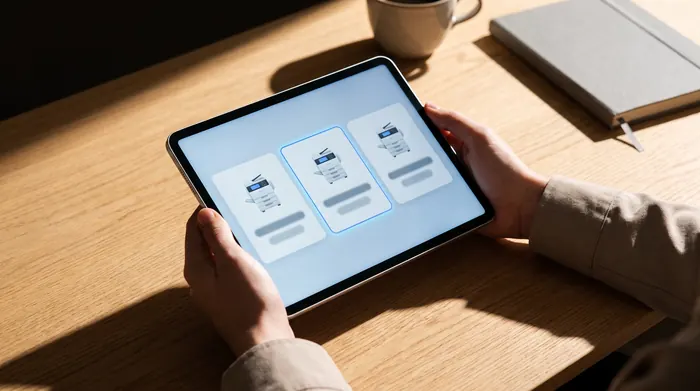
Transparent quote
You get a quote for the machine that fits, with real monthly numbers. No 40-page proposal decks. No hidden fees.
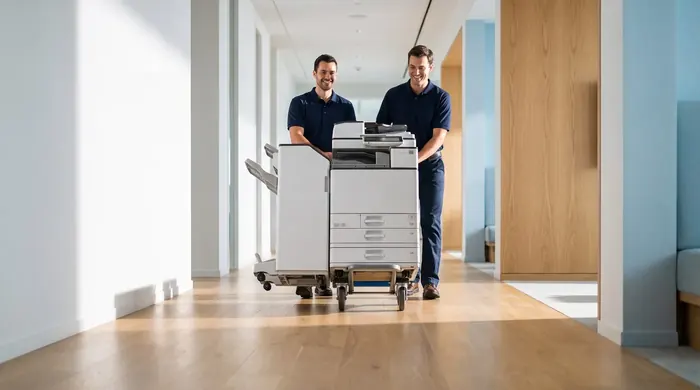
Install
Texas delivery, network setup, Active Directory integration, driver install, and staff training, done in one visit.
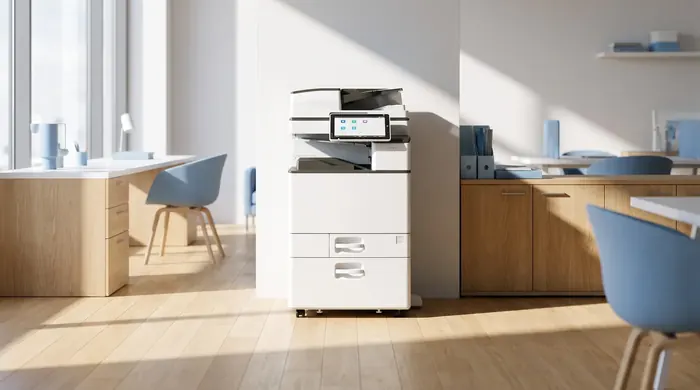
Ongoing service
Auto-shipped toner, preventive maintenance.
What our customers say
Real reviews, pulled live from our reputation platform.
Texas Copier Leasing by Metro
We lease copiers and printers to Texas offices from $79/mo, on terms of 24 to 60 months. Texas metros are big and very different from one another, so a lease that suits a Houston hospital office will not suit an Austin design studio. Choose your metro below for local details.
Dallas and the north side of the Metroplex
The Dallas Regional Chamber points to financial activities, health care, logistics and semiconductors among the region’s leading sectors. See Dallas, Plano and Garland.
Fort Worth and Arlington
Arlington’s economic development corporation lists GM Arlington Assembly, the Texas Rangers and UT Arlington among its major employers. See Fort Worth and Arlington.
Houston and the Gulf Coast
Houston is home to the Texas Medical Center, which calls itself the world’s largest medical complex, and to Port Houston. Medical, energy and shipping offices here need secure, high-volume devices. See Houston.
Austin and Central Texas
Opportunity Austin targets semiconductors, life sciences, financial services and creative and digital media, on top of the State of Texas offices in the capital. See Austin.
San Antonio
We have local pages for both copier leasing and printer leasing in San Antonio, so you can lease a full copier or a smaller printer fleet. See San Antonio copier leasing and San Antonio printer leasing.
El Paso and West Texas
El Paso is home to Fort Bliss. Contractors who support the post should ask for drive encryption and a drive-wipe certificate at lease end. See El Paso.
Corpus Christi and the Coastal Bend
The Port of Corpus Christi ships crude oil, natural gas, grain and wind energy parts, and the regional EDC counts energy and steel as core industries. See Corpus Christi.
Statewide business resources
The Texas Association of Business serves as the Texas State Chamber of Commerce, and the Texas Economic Development & Tourism Office runs the Texas Enterprise Fund and helps firms expanding or relocating to the state.
What to check on a Texas copier lease
- Texas charges a 6.25% state sales and use tax, and local taxes can add up to 2% more, so each office’s quote should use its own delivery address.
- If your company has offices in several Texas metros, ask for one master agreement that lists every site and reports usage per device.
- Defense, medical and legal offices should list their data rules up front, including drive encryption, user sign-in and a drive-wipe certificate at the end of the term.
- Choose the machine from your real monthly page count, color and black-and-white counted separately, not from the biggest model on offer.
Texas metros we serve
Real Questions, Straight Answers
Questions we hear weekly from Texas business owners. If yours isn't here, call (888) 574-5120.