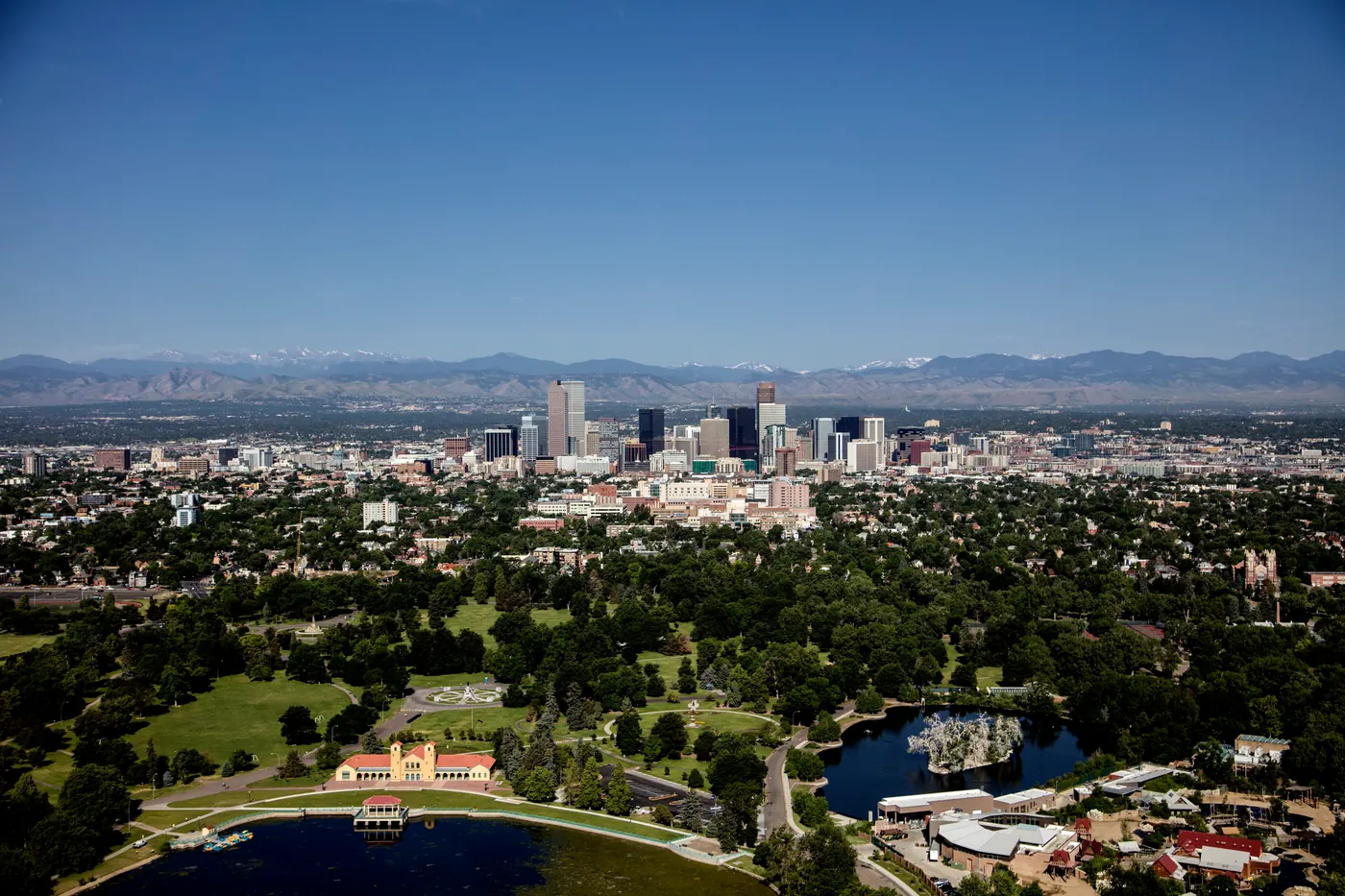
Denver Copier Lease & Printer Rental From $79/mo
Free delivery and full-service managed print across Denver Metro. Canon, Ricoh, Kyocera, HP, Xerox, Sharp, Konica Minolta, Toshiba.
Copier & Printer Leasing Built for Denver Businesses
From Downtown Denver to the industrial and business parks in Commerce City, Aurora, and Thornton — Denver businesses need office equipment that keeps up with production, scales with headcount, and never quits at the wrong moment.
Why Denver runs on our copiers
Businesses across Denver Metro (professional services, healthcare, logistics, manufacturing, public sector) share the same problem: paperwork that has to move quickly and securely, on a machine that stays up and running.
No offshore call centers. No bouncing between vendors for toner, service, and the lease itself.
Most of our Denver customers save when they switch from a big-box copier lease or printer lease to our Denver program. The savings come from three places: we remove the hidden toner markups, we audit your actual print volume instead of guessing, and we refuse to sell you a copy machine or office copier you'll outgrow in 18 months.
Whether you're searching for a commercial copier in Denver, a printer lease in Denver, a short-term office equipment rental, or a managed print contract with all-inclusive service, this page covers everything you need to know. If you'd rather just talk to someone, call (720) 894-3793 or request a quote.
What you get with every Denver lease
- Free delivery, installation, and network setup in Denver
- All-inclusive service contract — toner, parts, labor, PM visits
- Driver install for every workstation on your network
- Scan-to-email, scan-to-cloud, secure release printing
- Toner auto-ship before you run out
- Help ending your current lease early
How Much Does a Copier Lease Cost in Denver?
Real monthly ranges below. Your exact quote depends on print volume, color ratio, and finishing needs. Lease terms run 24, 36, 48, or 60 months. Most Denver customers choose 36 or 60.
Leases start at $79/mo
Desktop MFP
For 1–10 employees printing under 2,000 pages/month
- B&W or entry color MFP
- Print / copy / scan / fax
- 1,000 B&W pages included
- Wi-Fi & mobile print ready
- Full-service contract included
Workgroup Tier
For 10–50 employees printing 2,000–10,000 pages/month
- A3 color multifunction
- Auto-duplex, stapling, hole-punch
- 3,000 B&W + 500 color pages
- Active Directory & cloud scan
- Secure release print included
Production Tier
For 50+ employees or print-heavy operations (10,000+ pages/mo)
- Production-class color MFP
- Booklet making & saddle stitch
- 10,000 B&W + 2,000 color pages
Built for the Industries That Run Denver
Not every copier fits every business. Here's how we configure office equipment leasing for the four sectors that drive Denver Metro.
Denver Law Firms
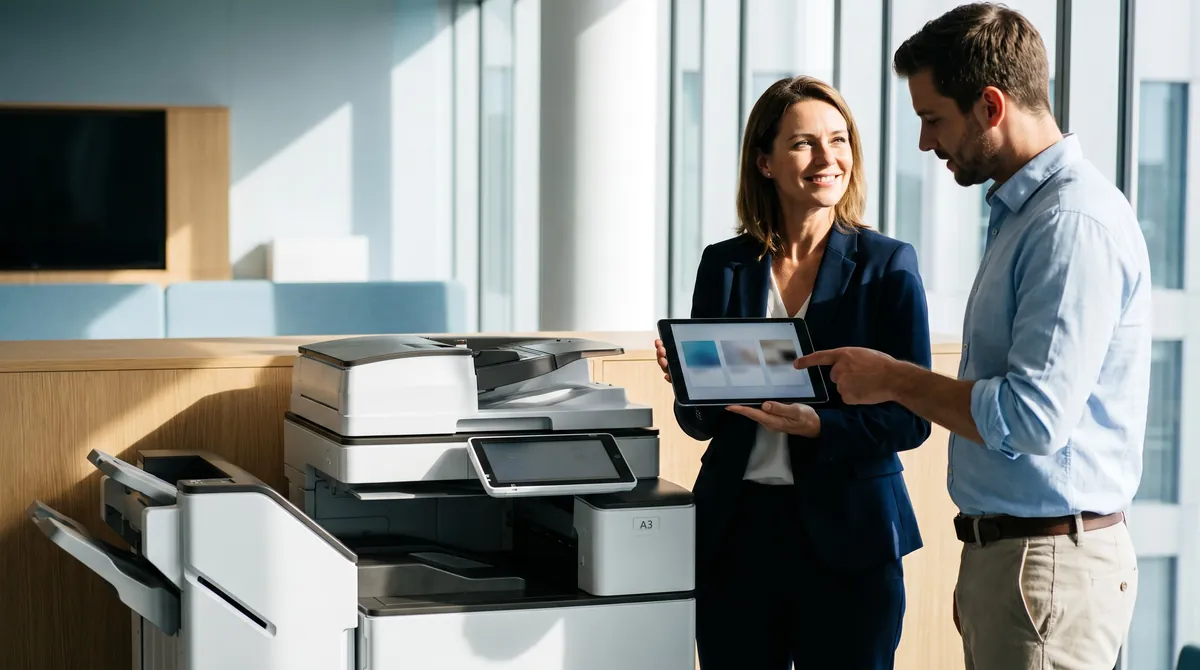
OCR-ready scanning, 11×17 support for exhibits, Bates stamping workflow, secure release print for client confidentiality, and end-of-lease drive wipe certificates. Ricoh, Canon, or Konica Minolta A3 color MFPs are the most common configuration.
Denver Healthcare & HIPAA
Every medical-practice copy machine we lease ships with hard-drive encryption, user-authenticated release printing, audit-log retention, and HIPAA-compliant end-of-lease data sanitization with written certificates.
Aerospace & Defense
Commerce City, Aurora, and Thornton aerospace and defense contractors run our highest-volume Denver leases. ITAR and CMMC-compliant workflows, Canon imageRUNNER ADVANCE with encrypted storage and secure release print, full audit-log retention for federal audits.
Professional Services
Accounting firms, insurance brokerages, real-estate offices, and financial advisors across Cherry Creek, Greenwood Village, Boulder, and Highlands Ranch. Mid-volume A3 color MFPs with cloud-scan to QuickBooks, DocuSign, and SharePoint.
We Match the Machine to Your Office, Not a Sales Quota
We're not locked into a single manufacturer. We match the copier, printer, or MFP to your office, not to whichever brand pays us the biggest incentive.
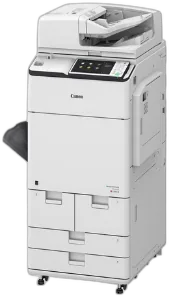 CANONimageRUNNER ADVANCE DX
Canon's imageRUNNER ADVANCE DX line is what we install most often in Denver law firms, healthcare practices, and corporate offices that care about color accuracy and uptime. The uniFLOW integration handles rule-based printing, user quotas, and chargeback reporting out of the box.
Best for: Color accuracy, large workgroups (25+), law firms, marketing departments, annual volumes 60k–500k pages.
 RICOHIM C series
Ricoh is our reliability pick for mid-volume professional offices. The IM C series has the lowest mean-time-between-failure numbers we track across our fleet. Cloud connectors for Google Workspace, SharePoint, OneDrive, and Dropbox are native, so no third-party add-ons are needed.
Best for: Small-to-mid offices that need one copier to run without babysitting for 5 years. Google Workspace shops. Firms that value simple UIs.
 KYOCERATASKalfa
Kyocera has the lowest cost-per-page in our lineup, driven by long-life drums and high-yield toner cartridges. It's the budget-smart pick for Denver small offices that print a lot of black-and-white and don't need fancy finishing.
Best for: Cost-conscious offices, heavy monochrome volume, 10–30 employees, long lease horizons (60 months).
 HPLaserJet Enterprise MFP
If your Denver office is already standardized on HP for desktop printers and IT, extending that standard to your multifunction is the lowest-friction path. JetAdvantage integrates cleanly with existing HP print server infrastructure.
Best for: HP-standardized IT environments, offices running HP desktop laser fleets, lighter color volume.
 XEROXAltaLink & VersaLink
Xerox is our enterprise-security pick. The AltaLink family has the most advanced user authentication, encrypted hard drive, and chain-of-custody features of any brand we can match you with. ConnectKey apps let you add third-party workflow tools directly on the device screen.
Best for: Financial services, government, enterprise IT with strict security requirements, large-format color needs.
 SHARPMX series
Sharp offers the strongest value proposition for Denver small offices. The MX series keeps pace with Canon and Ricoh on features at a lower monthly payment. Tall-touchscreen UI is intuitive for non-technical users.
Best for: Small offices (under 15 employees), businesses switching from legacy devices, offices that prioritize an easy user interface.
 KONICA MINOLTAbizhub
Konica Minolta's bizhub family is what we reach for when a workflow is complex: legal-size scanning, booklet finishing, saddle stitching, two-up impositioning. Their bEST workflow platform integrates directly with document management systems used by Denver law and medical practices.
Best for: Legal, healthcare, or operations with complex document workflows and finishing requirements.
 TOSHIBAe-STUDIO
Toshiba's e-STUDIO line has the strongest out-of-box scan workflow and the most polished user interface. The e-BRIDGE Plus cloud scan tools are a good match for Denver hybrid-work offices that scan to Google Drive or OneDrive heavily.
Best for: Heavy scan-to-cloud environments, hybrid-work teams, offices that value UI polish.
We Serve the Denver Metro Area
Serving All of Denver Metro

Denver Neighborhoods
Denver Metro Cities
Lease vs. Buy vs. Rent — Which Fits Your Denver Business?
Short answer: most Denver businesses lease. But the right choice depends on cash flow, growth plans, and how quickly you want to upgrade. Here's a straight comparison.
| Factor | Lease | Buy | Rent |
|---|---|---|---|
| Upfront cost | $0 down typical | $3,000–$25,000+ | $0 down, weekly billing |
| Monthly cost | $79–$1,200 | $0 (after purchase) | $200–$800/week |
| Service included | Yes, bundled | Extra contract needed | Yes, bundled |
| Upgrade path | Every 3–5 years | You absorb obsolescence | Return anytime |
| Tax treatment | Operating expense | Depreciation (Section 179) | Operating expense |
| Best for | Most businesses (growing, cash-flow-focused) | High-volume buyers who plan 7+ yrs | Projects, events, backup, 1–6 mo use |
Bundle Denver Managed IT & Cybersecurity
Already trusting us with your office equipment? One account manager, one invoice.
Managed IT Services
- Network monitoring & alerting
- Patch management & OS updates
- Backup & disaster recovery
- Microsoft 365 / Google Workspace administration
- Virtual CIO strategy calls
Cybersecurity
- Managed detection & response (MDR)
- Email security & phishing protection
- Endpoint protection & EDR
- Virtual CISO (vCISO) services
- Dark web monitoring
- Security awareness training
From First Call to First Print
Here's exactly how it runs.

Free print audit
We look at your current volume, color ratio, device count, and contract dates.
Transparent quote
You get a quote for the machine that fits, with real monthly numbers. No 40-page proposal decks. No hidden fees.
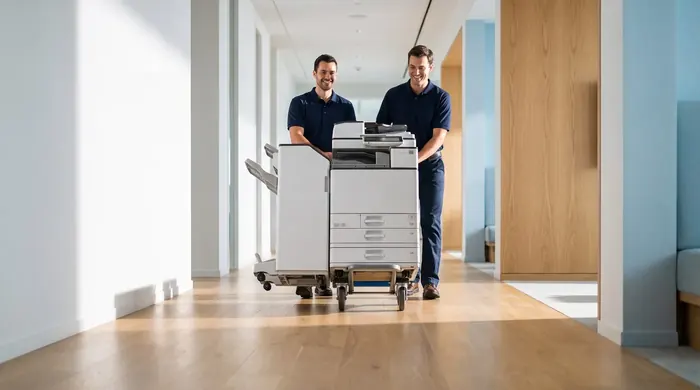
Install
Denver delivery, network setup, Active Directory integration, driver install, and staff training, done in one visit.
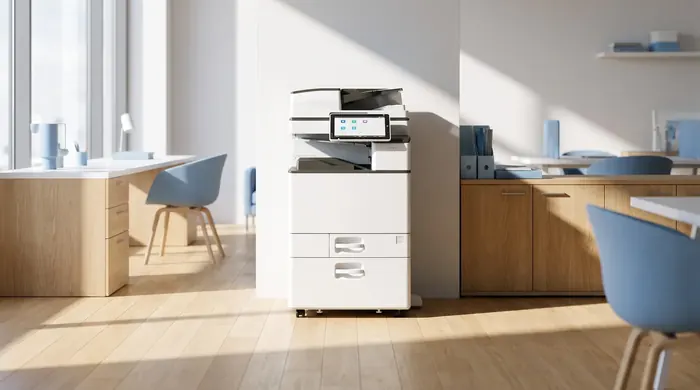
Ongoing service
Auto-shipped toner, preventive maintenance.
What our customers say
Real reviews, pulled live from our reputation platform.
Where Denver Offices Print, and What Each Area Needs
Denver is a combined city and county, so the courts, the public hospital, a shared college campus and several business districts all sit within a few miles of each other. Here is how a copier lease changes from one Denver address to the next, plus the local groups worth knowing.
Chamber and economic development
The Denver Metro Chamber of Commerce says most of its members are small businesses, and it counts the Metro Denver Economic Development Corporation as part of its family of organizations. The EDC works across a 12-county Front Range region, and the city’s own Denver Economic Development & Opportunity office handles licensing and local business programs.
Bannock Street and West Colfax
Denver District Court hears civil and domestic cases in the City & County Building at 1437 Bannock Street, and criminal matters at the Lindsey-Flanigan Courthouse, 520 West Colfax Avenue. Firms within walking distance tend to scan whole case files at once, so we favor a fast duplex scanner and PIN release on the shared device.
Practices around Denver Health
Denver Health’s main campus is at 777 Bannock Street, a short walk from the court buildings. Clinics and billing offices nearby handle patient forms all day, so an encrypted drive, user sign-in at the panel and a written drive-wipe record at lease end belong in the first quote.
Downtown and 16th Street
The Downtown Denver Partnership looks after the center city, including a business improvement district and the 16th Street corridor. Tenants on shared floors often get the most from one networked color unit per suite, set up for scan-to-cloud so staff who split time between home and office can pull documents anywhere.
RiNo and Cherry Creek North
The RiNo Art District serves five historic north Denver neighborhoods full of studios, agencies and makers, while Cherry Creek North is a 16-block improvement district of shops, wellness and offices. Design and retail teams there usually value color accuracy and banner or tabloid output over raw page speed.
Auraria, DU and Denver Public Schools
Community College of Denver, MSU Denver and CU Denver share the Auraria Campus downtown, the University of Denver sits to the south, and Denver Public Schools runs buildings citywide. Department codes keep each office’s printing visible, and a term that renews in summer avoids a swap mid-semester.
Four checks before a Denver office signs
- Ask that tax be figured from the exact delivery address. Denver is a combined city and county, and an office a few blocks over the line in a neighboring city can land on a different total.
- Some older buildings in RiNo and downtown have tight freight access. Measure the elevator and the doorway before you choose a floor-standing model.
- If your firm files at both Bannock Street and West Colfax, ask for scan profiles that send each case type to the right folder automatically.
- Aerospace, bioscience and IT firms, three of the EDC’s nine named clusters, should list any customer data rules up front so drive encryption and sign-in are set from day one.
Denver areas and nearby cities we cover
Real Questions, Straight Answers
Questions we hear weekly from Denver Metro business owners. If yours isn't here, call (720) 894-3793.
How much does a copier lease cost in Denver?
What is the minimum lease term for a copier in Denver?
Do you service my Denver neighborhood?
Which copier brands can you match me with in Denver?
Can I buy instead of lease?
Is toner included in the lease?
How fast can you deliver a copier in Denver?
What happens at the end of the lease?
How is a copier lease taxed for a Denver, Colorado business?
Do you offer short-term copier rentals in Denver?
Can you connect the copier to our network and scan-to-email?
Do you offer managed IT services in Denver too?
Is there a lease buyout if we want to switch early?
Can I see pricing before talking to a rep?
Do you lease color copiers for Denver law firms?
What about copier leases for Denver healthcare offices with HIPAA requirements?
Can you support aerospace and defense contractors print volumes in Commerce City and Aurora?
Do you set up copiers for law offices near the Lindsey-Flanigan Courthouse?
What should a clinic near Denver Health ask for in a copier lease?
Can a creative studio in RiNo get a color copier that handles large prints?
Do you cover Aurora, Lakewood and Commerce City as well as Denver?
Which local organizations help Denver businesses grow?
More Locations We Serve
Denver Business Resources
We're proud to support the Denver business community. Explore these Denver Metro organizations and resources.