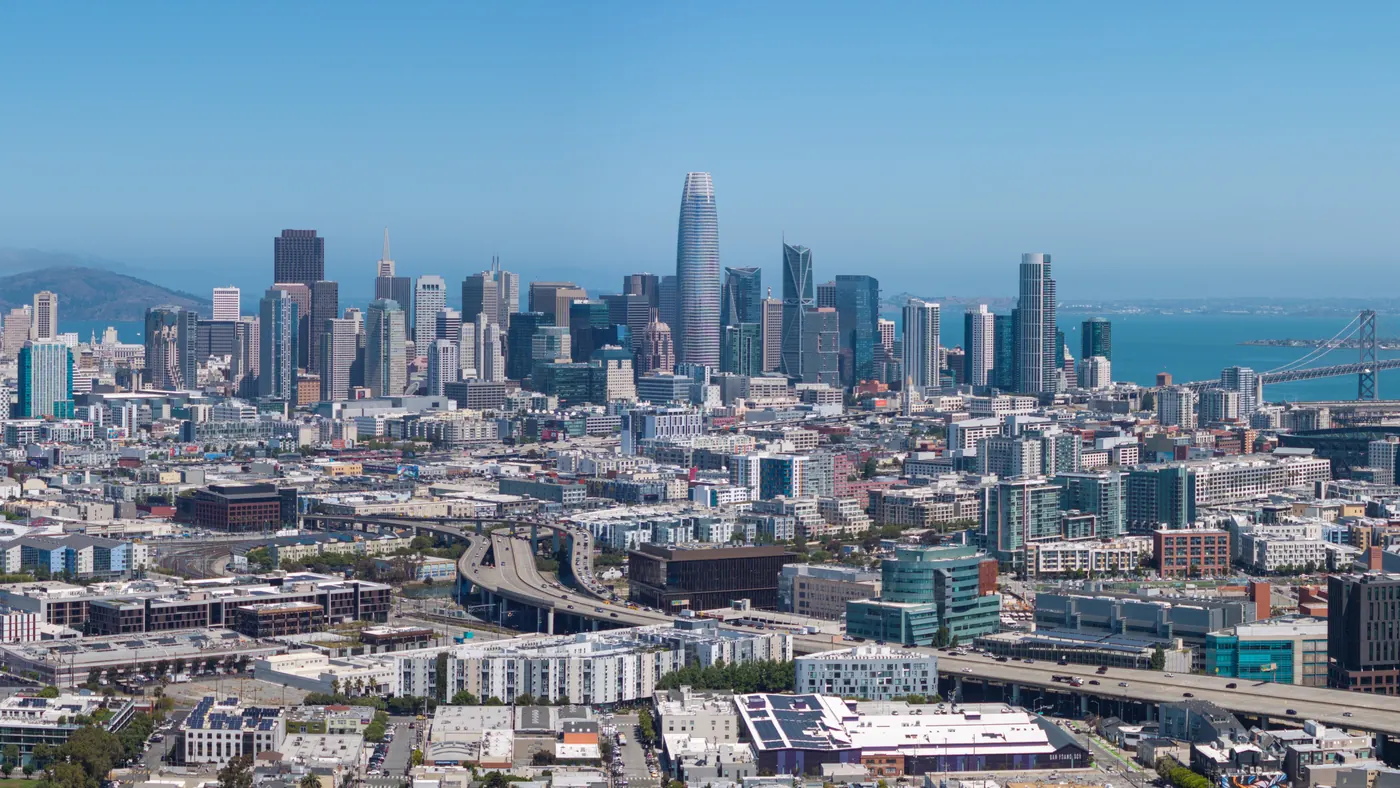
San Francisco Copier Lease & Printer Rental From $79/mo
Free delivery and full-service managed print across Bay Area. Canon, Ricoh, Kyocera, HP, Xerox, Sharp, Konica Minolta, Toshiba.

Copier & Printer Leasing Built for San Francisco Businesses
From SoMa to the industrial and business parks in San Jose, Fremont, and Santa Clara — San Francisco businesses need office equipment that keeps up with production, scales with headcount, and never quits at the wrong moment.
Why San Francisco runs on our copiers
Businesses across the Bay Area (professional services, healthcare, logistics, manufacturing, public sector) share the same problem: paperwork that has to move fast, securely, and without a tech showing up three days late to fix a jammed tray.
No offshore call centers. No bouncing between vendors for toner, service, and the lease itself.
Most of our San Francisco customers save when they switch from a big-box copier lease or printer lease to our San Francisco program. The savings come from three places: we remove the hidden toner markups, we audit your actual print volume instead of guessing, and we refuse to sell you a copy machine or office copier you'll outgrow in 18 months.
Whether you're searching for a commercial copier in San Francisco, a printer lease in San Francisco, a short-term office equipment rental, or a managed print contract with all-inclusive service, this page covers everything you need to know. If you'd rather just talk to someone, call (415) 801-0930 or request a quote.
What you get with every San Francisco lease
- Free delivery, installation, and network setup in San Francisco
- All-inclusive service contract — toner, parts, labor, PM visits
- Driver install for every workstation on your network
- Scan-to-email, scan-to-cloud, secure release printing
- Toner auto-ship before you run out
- Buyout assistance if you're trapped in a competitor's contract
How Much Does a Copier Lease Cost in San Francisco?
Real monthly ranges below. Your exact quote depends on print volume, color ratio, and finishing needs. Lease terms run 24, 36, 48, or 60 months. Most San Francisco customers choose 36 or 60.
Leases start at $79/mo
Desktop MFP
For 1–10 employees printing under 2,000 pages/month
- B&W or entry color MFP
- Print / copy / scan / fax
- 1,000 B&W pages included
- Wi-Fi & mobile print ready
- Full-service contract included
Workgroup Tier
For 10–50 employees printing 2,000–10,000 pages/month
- A3 color multifunction
- Auto-duplex, stapling, hole-punch
- 3,000 B&W + 500 color pages
- Active Directory & cloud scan
- Secure release print included
Production Tier
For 50+ employees or print-heavy operations (10,000+ pages/mo)
- Production-class color MFP
- Booklet making & saddle stitch
- 10,000 B&W + 2,000 color pages
Typical cost-per-copy (it depends on the machine, not your city): $0.008 mono · $0.055 color. San Francisco lessees generally see use tax on each copier payment, figured on the rent at California's 7.25% base, with district tax for the place of use layered on top.
Built for the Industries That Run San Francisco
Not every copier fits every business. Here's how we configure office equipment leasing for the four sectors that drive Bay Area.
San Francisco Law Firms
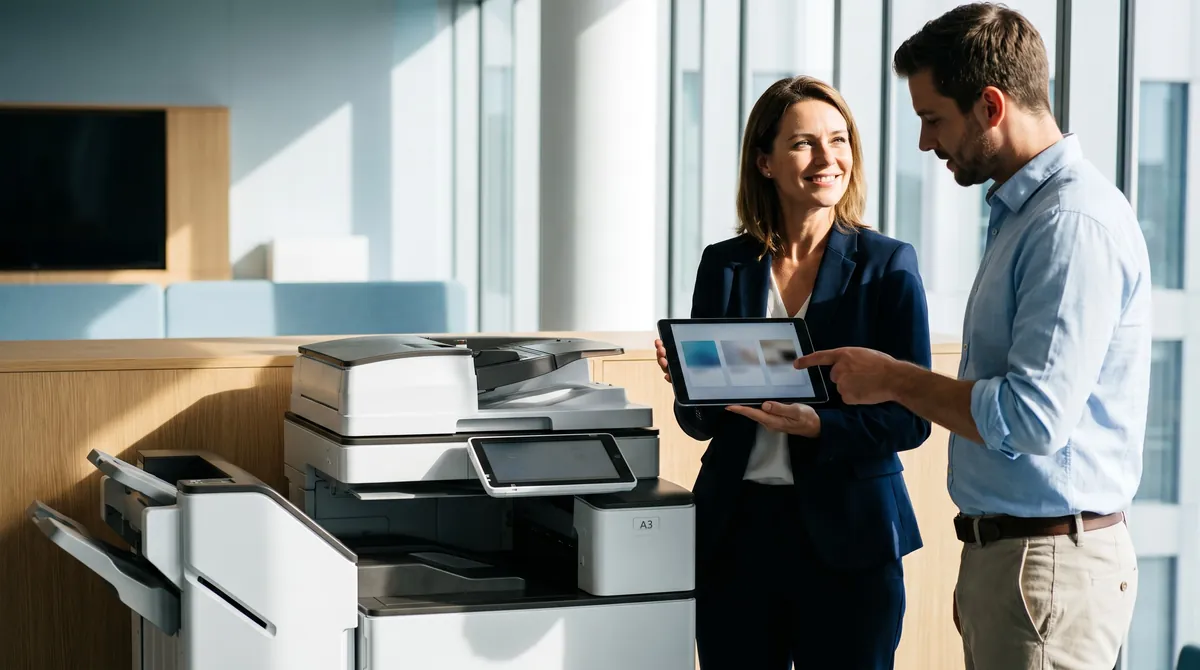
OCR-ready scanning, 11×17 support for exhibits, Bates stamping workflow, secure release print for client confidentiality, and end-of-lease drive wipe certificates. Ricoh, Canon, or Konica Minolta A3 color MFPs are the most common configuration.
San Francisco Healthcare & HIPAA
Every medical-practice copy machine we lease ships with hard-drive encryption, user-authenticated release printing, audit-log retention, and HIPAA-compliant end-of-lease data sanitization with written certificates.
SaaS & Technology
San Jose, Fremont, and Santa Clara SaaS and technology firms run our highest-volume San Francisco leases. Secure print release for engineering reviews, Canon imageRUNNER ADVANCE with Okta SSO, full audit trails for SOC 2 compliance.
Professional Services
Accounting firms, insurance brokerages, real-estate offices, and financial advisors across Financial District, SoMa, Palo Alto, and Menlo Park. Mid-volume A3 color MFPs with cloud-scan to QuickBooks, DocuSign, and SharePoint.
We Match the Machine to Your Office, Not a Sales Quota
We're not locked into a single manufacturer. We match the copier, printer, or MFP to your office, not to whichever brand pays us the biggest incentive.
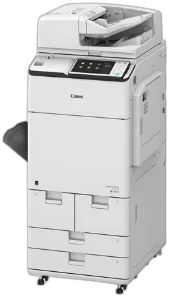 CANONimageRUNNER ADVANCE DX
Canon's imageRUNNER ADVANCE DX line is what we install most often in San Francisco law firms, healthcare practices, and corporate offices that care about color accuracy and uptime. The uniFLOW integration handles rule-based printing, user quotas, and chargeback reporting out of the box.
Best for: Color accuracy, large workgroups (25+), law firms, marketing departments, annual volumes 60k–500k pages.
 RICOHIM C series
Ricoh is our reliability pick for mid-volume professional offices. The IM C series has the lowest mean-time-between-failure numbers we track across our fleet. Cloud connectors for Google Workspace, SharePoint, OneDrive, and Dropbox are native, so no third-party add-ons are needed.
Best for: Small-to-mid offices that need one copier to run without babysitting for 5 years. Google Workspace shops. Firms that value simple UIs.
 KYOCERATASKalfa
Kyocera has the lowest cost-per-page in our lineup, driven by long-life drums and high-yield toner cartridges. It's the budget-smart pick for San Francisco small offices that print a lot of black-and-white and don't need fancy finishing.
Best for: Cost-conscious offices, heavy monochrome volume, 10–30 employees, long lease horizons (60 months).
 HPLaserJet Enterprise MFP
If your San Francisco office is already standardized on HP for desktop printers and IT, extending that standard to your multifunction is the lowest-friction path. JetAdvantage integrates cleanly with existing HP print server infrastructure.
Best for: HP-standardized IT environments, offices running HP desktop laser fleets, lighter color volume.
 XEROXAltaLink & VersaLink
Xerox is our enterprise-security pick. The AltaLink family has the most advanced user authentication, encrypted hard drive, and chain-of-custody features of any brand we carry. ConnectKey apps let you add third-party workflow tools directly on the device screen.
Best for: Financial services, government, enterprise IT with strict security requirements, large-format color needs.
 SHARPMX series
Sharp offers the strongest value proposition for San Francisco small offices. The MX series keeps pace with Canon and Ricoh on features at a lower monthly payment. Tall-touchscreen UI is intuitive for non-technical users.
Best for: Small offices (under 15 employees), businesses switching from legacy devices, offices that prioritize an easy user interface.
 KONICA MINOLTAbizhub
Konica Minolta's bizhub family is what we reach for when a workflow is complex: legal-size scanning, booklet finishing, saddle stitching, two-up impositioning. Their bEST workflow platform integrates directly with document management systems used by San Francisco law and medical practices.
Best for: Legal, healthcare, or operations with complex document workflows and finishing requirements.
 TOSHIBAe-STUDIO
Toshiba's e-STUDIO line has the strongest out-of-box scan workflow and the most polished user interface. The e-BRIDGE Plus cloud scan tools are a good match for San Francisco hybrid-work offices that scan to Google Drive or OneDrive heavily.
Best for: Heavy scan-to-cloud environments, hybrid-work teams, offices that value UI polish.
We Serve the Bay Area
Serving All of Bay Area
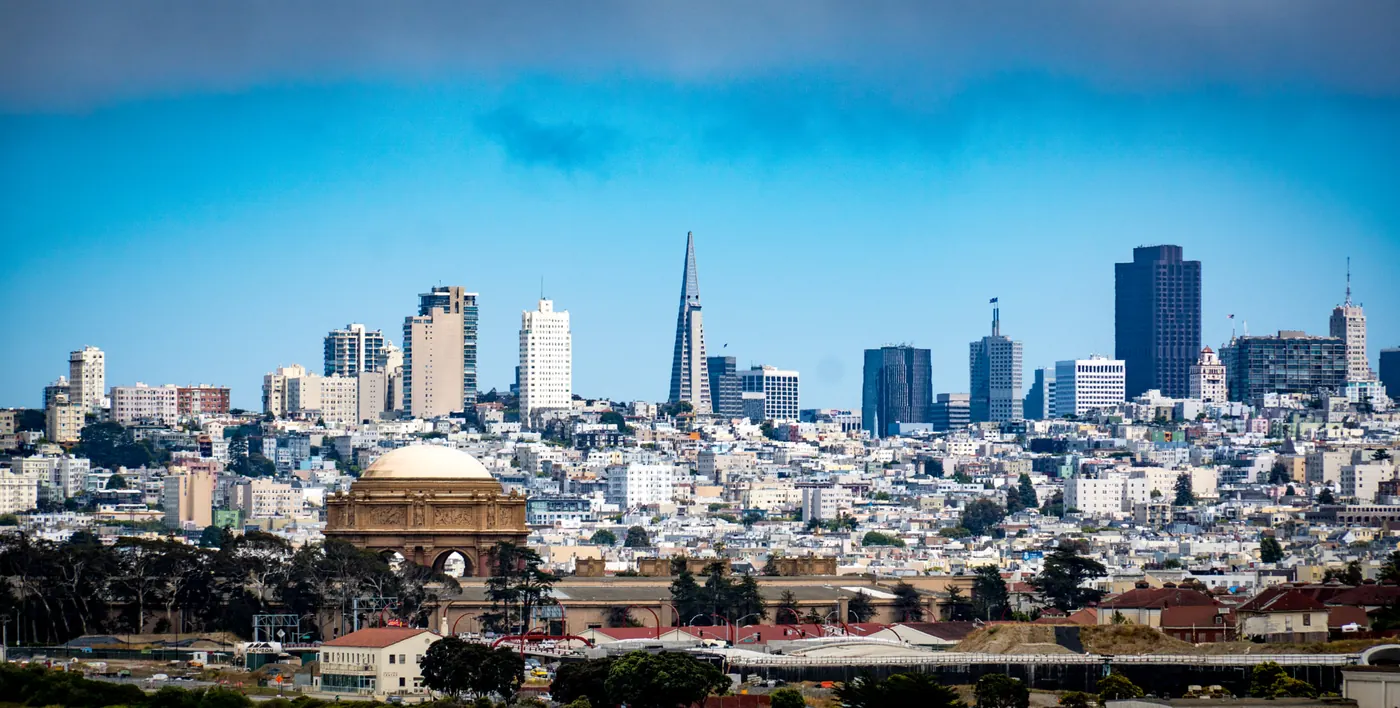
San Francisco Neighborhoods
Bay Area Cities
Lease vs. Buy vs. Rent — Which Fits Your San Francisco Business?
Short answer: most San Francisco businesses lease. But the right choice depends on cash flow, growth plans, and how quickly you want to upgrade. Here's a straight comparison.
| Factor | Lease | Buy | Rent |
|---|---|---|---|
| Upfront cost | $0 down typical | $3,000–$25,000+ | $0 down, weekly billing |
| Monthly cost | $79–$1,200 | $0 (after purchase) | $200–$800/week |
| Service included | Yes, bundled | Extra contract needed | Yes, bundled |
| Upgrade path | Every 3–5 years | You absorb obsolescence | Return anytime |
| Tax treatment | Operating expense | Depreciation (Section 179) | Operating expense |
| Best for | Most businesses (growing, cash-flow-focused) | High-volume buyers who plan 7+ yrs | Projects, events, backup, 1–6 mo use |
Bundle San Francisco Managed IT & Cybersecurity
Already trusting us with your office equipment? One account manager, one invoice.
Managed IT Services
- Network monitoring & alerting
- Patch management & OS updates
- Backup & disaster recovery
- Microsoft 365 / Google Workspace administration
- Virtual CIO strategy calls
Cybersecurity
- Managed detection & response (MDR)
- Email security & phishing protection
- Endpoint protection & EDR
- Virtual CISO (vCISO) services
- Dark web monitoring
- Security awareness training
From First Call to First Print
Here's exactly how it runs.

Free print audit
We look at your current volume, color ratio, device count, and contract dates.
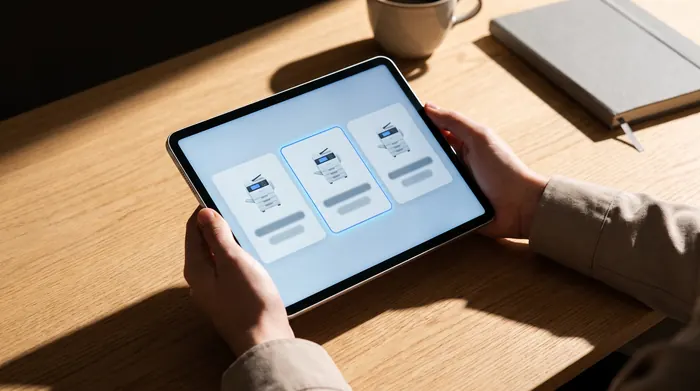
Transparent quote
You get a quote for the machine that fits, with real monthly numbers. No 40-page proposal decks. No hidden fees.
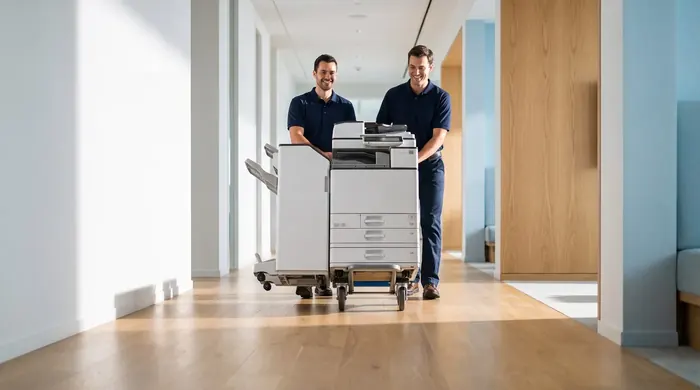
Install
San Francisco delivery, network setup, Active Directory integration, driver install, and staff training, done in one visit.
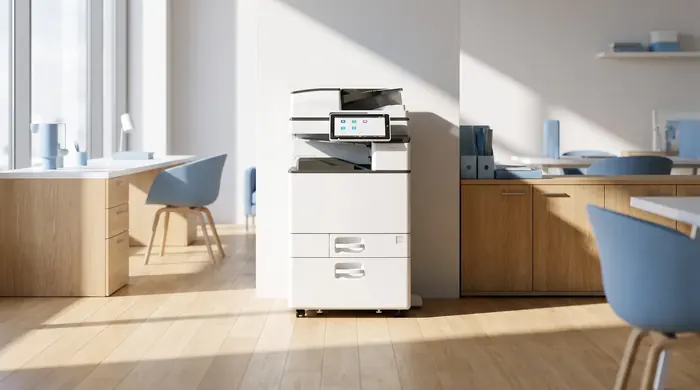
Ongoing service
Auto-shipped toner, preventive maintenance.
What our customers say
Real reviews, pulled live from our reputation platform.
Real Questions, Straight Answers
Questions we hear weekly from Bay Area business owners. If yours isn't here, call (415) 801-0930.
How much does a copier lease cost in San Francisco?
What is the minimum lease term for a copier in San Francisco?
Do you service my San Francisco neighborhood?
Which copier brands do you carry in San Francisco?
Can I buy instead of lease?
Is toner included in the lease?
How fast can you deliver a copier in San Francisco?
What happens at the end of the lease?
Is a San Francisco copier lease taxed monthly or all at once?
Do you offer short-term copier rentals in San Francisco?
Can you connect the copier to our network and scan-to-email?
Do you offer managed IT services in San Francisco too?
Is there a lease buyout if we want to switch early?
Can I see pricing before talking to a rep?
Do you lease color copiers for San Francisco law firms?
What about copier leases for San Francisco healthcare offices with HIPAA requirements?
Can you support SaaS and technology companies print volumes in San Jose and Fremont?
Other California Cities We Serve
Local Partners & San Francisco Business Resources
We're proud to support the San Francisco business community. Explore these Bay Area organizations and resources.