
Port St. Lucie Copier Lease & Printer Rental From $79/mo
Free delivery and full-service managed print across Treasure Coast. Canon, Ricoh, Kyocera, HP, Xerox, Sharp, Konica Minolta, Toshiba.
Photo: Serge Yatunin, CC BY-SA 4.0

Copier & Printer Leasing Built for Port St. Lucie Businesses
From St Lucie West to the industrial and business parks in Fort Pierce, Stuart, and Jensen Beach — Port St. Lucie businesses need office equipment that keeps up with production, scales with headcount, and never quits at the wrong moment.
Why Port St. Lucie runs on our copiers
Businesses across the Treasure Coast (professional services, healthcare, logistics, manufacturing, public sector) share the same problem: paperwork that has to move fast, securely, and without a tech showing up three days late to fix a jammed tray.
No offshore call centers. No bouncing between vendors for toner, service, and the lease itself.
Most of our Port St. Lucie customers save when they switch from a big-box copier lease or printer lease to our Port St. Lucie program. The savings come from three places: we remove the hidden toner markups, we audit your actual print volume instead of guessing, and we refuse to sell you a copy machine or office copier you'll outgrow in 18 months.
Whether you're searching for a commercial copier in Port St. Lucie, a printer lease in Port St. Lucie, a short-term office equipment rental, or a managed print contract with all-inclusive service, this page covers everything you need to know. If you'd rather just talk to someone, call (888) 574-5120 or request a quote.
What you get with every Port St. Lucie lease
- Free delivery, installation, and network setup in Port St. Lucie
- All-inclusive service contract — toner, parts, labor, PM visits
- Driver install for every workstation on your network
- Scan-to-email, scan-to-cloud, secure release printing
- Toner auto-ship before you run out
- Buyout assistance if you're trapped in a competitor's contract
How Much Does a Copier Lease Cost in Port St. Lucie?
Real monthly ranges below. Your exact quote depends on print volume, color ratio, and finishing needs. Lease terms run 24, 36, 48, or 60 months. Most Port St. Lucie customers choose 36 or 60.
Leases start at $79/mo
Desktop MFP
For 1–10 employees printing under 2,000 pages/month
- B&W or entry color MFP
- Print / copy / scan / fax
- 1,000 B&W pages included
- Wi-Fi & mobile print ready
- Full-service contract included
Workgroup Tier
For 10–50 employees printing 2,000–10,000 pages/month
- A3 color multifunction
- Auto-duplex, stapling, hole-punch
- 3,000 B&W + 500 color pages
- Active Directory & cloud scan
- Secure release print included
Production Tier
For 50+ employees or print-heavy operations (10,000+ pages/mo)
- Production-class color MFP
- Booklet making & saddle stitch
- 10,000 B&W + 2,000 color pages
Typical cost-per-copy (it depends on the machine, not your city): $0.008 mono · $0.055 color. Tax on a Port St. Lucie operating copier lease follows Florida's rule: 6% sales tax plus the county surtax, charged on each payment for the length of the lease.
Built for the Industries That Run Port St. Lucie
Not every copier fits every business. Here's how we configure office equipment leasing for the four sectors that drive Treasure Coast.
Port St. Lucie Law Firms
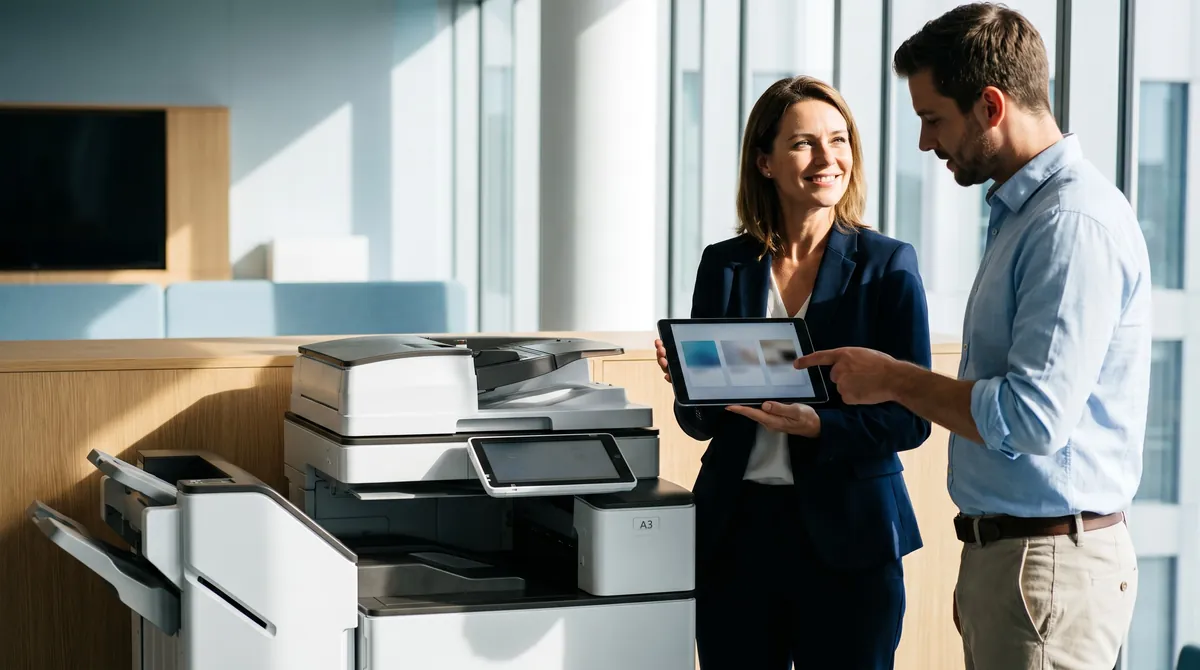
OCR-ready scanning, 11×17 support for exhibits, Bates stamping workflow, secure release print for client confidentiality, and end-of-lease drive wipe certificates. Ricoh, Canon, or Konica Minolta A3 color MFPs are the most common configuration.
Port St. Lucie Healthcare & HIPAA
Every medical-practice copy machine we lease ships with hard-drive encryption, user-authenticated release printing, audit-log retention, and HIPAA-compliant end-of-lease data sanitization with written certificates.
Healthcare & Research
Fort Pierce, Stuart, and Jensen Beach hospital systems and biotech/research institutes run our highest-volume Port St. Lucie leases. Secure release-print, Canon imageRUNNER ADVANCE color MFPs, and full audit trails tuned to hospital systems and biotech/research institutes.
Professional Services
Accounting firms, insurance brokerages, real-estate offices, and financial advisors across St Lucie West, Tradition, Torino, and The Reserve. Mid-volume A3 color MFPs with cloud-scan to QuickBooks, DocuSign, and SharePoint.
We Match the Machine to Your Office, Not a Sales Quota
We're not locked into a single manufacturer. We match the copier, printer, or MFP to your office, not to whichever brand pays us the biggest incentive.
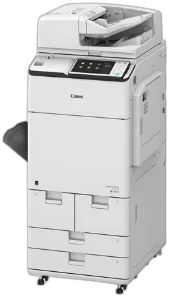 CANONimageRUNNER ADVANCE DX
Canon's imageRUNNER ADVANCE DX line is what we install most often in Port St. Lucie law firms, healthcare practices, and corporate offices that care about color accuracy and uptime. The uniFLOW integration handles rule-based printing, user quotas, and chargeback reporting out of the box.
Best for: Color accuracy, large workgroups (25+), law firms, marketing departments, annual volumes 60k–500k pages.
 RICOHIM C series
Ricoh is our reliability pick for mid-volume professional offices. The IM C series has the lowest mean-time-between-failure numbers we track across our fleet. Cloud connectors for Google Workspace, SharePoint, OneDrive, and Dropbox are native, so no third-party add-ons are needed.
Best for: Small-to-mid offices that need one copier to run without babysitting for 5 years. Google Workspace shops. Firms that value simple UIs.
 KYOCERATASKalfa
Kyocera has the lowest cost-per-page in our lineup, driven by long-life drums and high-yield toner cartridges. It's the budget-smart pick for Port St. Lucie small offices that print a lot of black-and-white and don't need fancy finishing.
Best for: Cost-conscious offices, heavy monochrome volume, 10–30 employees, long lease horizons (60 months).
 HPLaserJet Enterprise MFP
If your Port St. Lucie office is already standardized on HP for desktop printers and IT, extending that standard to your multifunction is the lowest-friction path. JetAdvantage integrates cleanly with existing HP print server infrastructure.
Best for: HP-standardized IT environments, offices running HP desktop laser fleets, lighter color volume.
 XEROXAltaLink & VersaLink
Xerox is our enterprise-security pick. The AltaLink family has the most advanced user authentication, encrypted hard drive, and chain-of-custody features of any brand we carry. ConnectKey apps let you add third-party workflow tools directly on the device screen.
Best for: Financial services, government, enterprise IT with strict security requirements, large-format color needs.
 SHARPMX series
Sharp offers the strongest value proposition for Port St. Lucie small offices. The MX series keeps pace with Canon and Ricoh on features at a lower monthly payment. Tall-touchscreen UI is intuitive for non-technical users.
Best for: Small offices (under 15 employees), businesses switching from legacy devices, offices that prioritize an easy user interface.
 KONICA MINOLTAbizhub
Konica Minolta's bizhub family is what we reach for when a workflow is complex: legal-size scanning, booklet finishing, saddle stitching, two-up impositioning. Their bEST workflow platform integrates directly with document management systems used by Port St. Lucie law and medical practices.
Best for: Legal, healthcare, or operations with complex document workflows and finishing requirements.
 TOSHIBAe-STUDIO
Toshiba's e-STUDIO line has the strongest out-of-box scan workflow and the most polished user interface. The e-BRIDGE Plus cloud scan tools are a good match for Port St. Lucie hybrid-work offices that scan to Google Drive or OneDrive heavily.
Best for: Heavy scan-to-cloud environments, hybrid-work teams, offices that value UI polish.
We Serve the Treasure Coast Area
Serving All of Treasure Coast
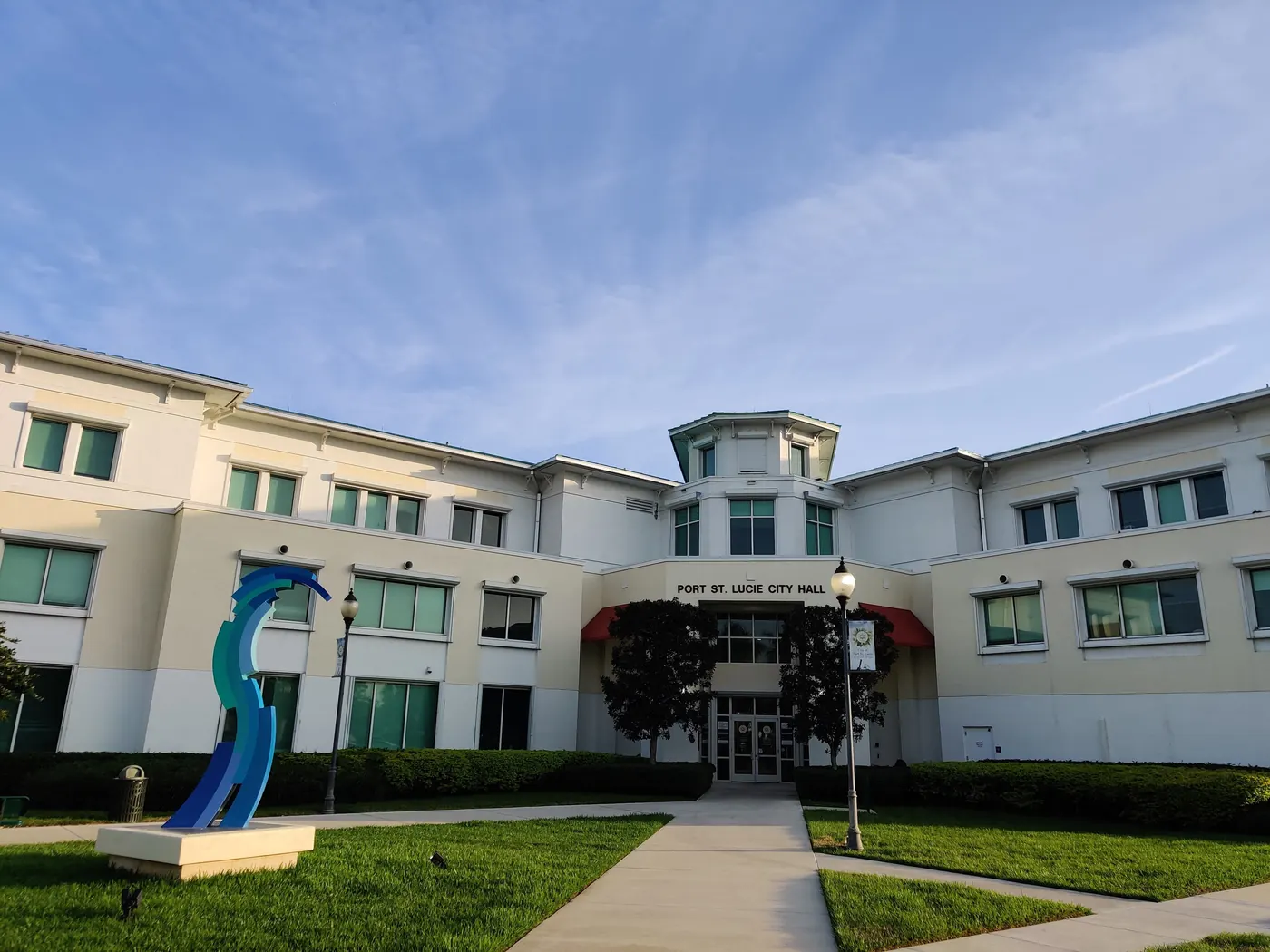
Photo: Birbie28, CC BY-SA 4.0
Port St. Lucie Neighborhoods
Treasure Coast Cities
Lease vs. Buy vs. Rent — Which Fits Your Port St. Lucie Business?
Short answer: most Port St. Lucie businesses lease. But the right choice depends on cash flow, growth plans, and how quickly you want to upgrade. Here's a straight comparison.
| Factor | Lease | Buy | Rent |
|---|---|---|---|
| Upfront cost | $0 down typical | $3,000–$25,000+ | $0 down, weekly billing |
| Monthly cost | $79–$1,200 | $0 (after purchase) | $200–$800/week |
| Service included | Yes, bundled | Extra contract needed | Yes, bundled |
| Upgrade path | Every 3–5 years | You absorb obsolescence | Return anytime |
| Tax treatment | Operating expense | Depreciation (Section 179) | Operating expense |
| Best for | Most businesses (growing, cash-flow-focused) | High-volume buyers who plan 7+ yrs | Projects, events, backup, 1–6 mo use |
Bundle Port St. Lucie Managed IT & Cybersecurity
Already trusting us with your office equipment? One account manager, one invoice.
Managed IT Services
- Network monitoring & alerting
- Patch management & OS updates
- Backup & disaster recovery
- Microsoft 365 / Google Workspace administration
- Virtual CIO strategy calls
Cybersecurity
- Managed detection & response (MDR)
- Email security & phishing protection
- Endpoint protection & EDR
- Virtual CISO (vCISO) services
- Dark web monitoring
- Security awareness training
From First Call to First Print
Here's exactly how it runs.

Free print audit
We look at your current volume, color ratio, device count, and contract dates.
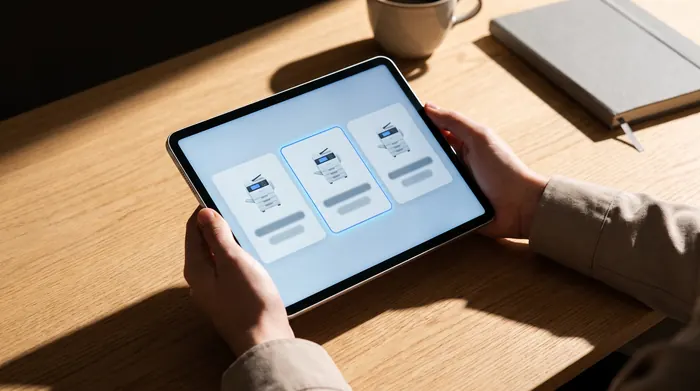
Transparent quote
You get a quote for the machine that fits, with real monthly numbers. No 40-page proposal decks. No hidden fees.
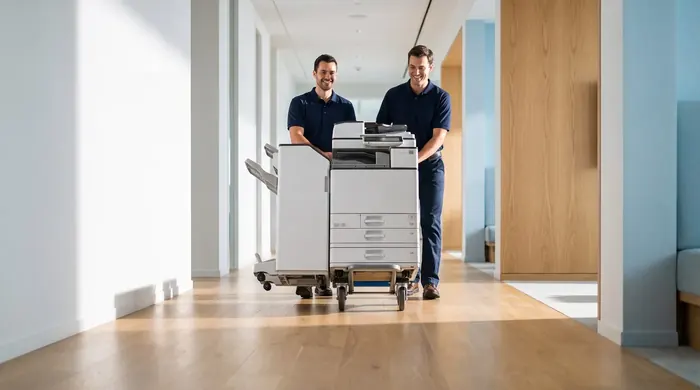
Install
Port St. Lucie delivery, network setup, Active Directory integration, driver install, and staff training, done in one visit.
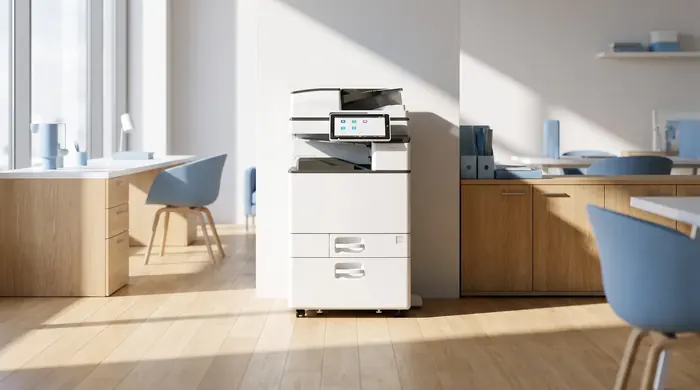
Ongoing service
Auto-shipped toner, preventive maintenance.
What our customers say
Real reviews, pulled live from our reputation platform.
Real Questions, Straight Answers
Questions we hear weekly from Treasure Coast business owners. If yours isn't here, call (888) 574-5120.
How much does a copier lease cost in Port St. Lucie?
What is the minimum lease term for a copier in Port St. Lucie?
Do you service my Port St. Lucie neighborhood?
Which copier brands do you carry in Port St. Lucie?
Can I buy instead of lease?
Is toner included in the lease?
How fast can you deliver a copier in Port St. Lucie?
What happens at the end of the lease?
Do Port St. Lucie businesses pay sales tax on a leased copier?
Do you offer short-term copier rentals in Port St. Lucie?
Can you connect the copier to our network and scan-to-email?
Do you offer managed IT services in Port St. Lucie too?
Is there a lease buyout if we want to switch early?
Can I see pricing before talking to a rep?
Do you lease color copiers for Port St. Lucie law firms?
What about copier leases for Port St. Lucie healthcare offices with HIPAA requirements?
Can you support hospital systems and biotech/research institutes print volumes in Fort Pierce and Stuart?
Other Florida Cities We Serve
Local Partners & Port St. Lucie Business Resources
We're proud to support the Port St. Lucie business community. Explore these Treasure Coast organizations and resources.