

Canon photocopier toner leakages disrupt your workflow? Many business owners encounter signs of toner leakage, particularly with ink cartridges and printer cartridges, leading to delayed printing and increased costs. This article will delve into the causes of toner leakage, how to accurately diagnose the problem, and effective steps to fix it. By understanding these elements, readers can minimize downtime and maintain optimal performance of their Canon photocopiers, ensuring efficient operations and better management of printing expenses.
Understanding the Causes of Toner Leakage in Canon Photocopiers

Common mechanical issues can lead to toner leakage in Canon photocopiers, resulting in unsightly stains on printed pages. Incorrect toner cartridge installation not only affects print quality but can also contribute to wear on the laser drum. Additionally, using non-genuine toner may exacerbate these problems. Recognizing signs of toner leakage is crucial for timely intervention and maintaining optimal performance. Contact Us
Identifying Common Mechanical Issues
Identifying common mechanical issues is vital for addressing toner leakage in Canon photocopiers. Factors such as improper installation of toner cartridges can lead to powder leaking inside the machine, resulting in print quality issues and potential damage. Regular maintenance and understanding of warranty coverage can assist in timely repairs, ensuring that any leaking issues are fixed before they escalate further.
Effects of Incorrect Toner Cartridge Installation
Incorrect toner cartridge installation can lead to severe toner leakage in Canon photocopiers, creating frustrating issues such as streaking on printed pages. If the toner cartridge is not properly secured, it may cause the toner to leak into the machine, leading to messy prints and possibly damaging internal components. This not only affects print quality but can increase maintenance costs, as technicians may need to thoroughly clean the copier and replace damaged parts, further emphasizing the importance of correct installation methods.
Problems Arising From Non-Genuine Toner Use
The use of non-genuine toner cartridges can lead to significant problems in Canon photocopiers. These cartridges often contain inferior materials that can clog the nozzle, restricting ink flow and causing uneven prints. Additionally, the plastic components in these third-party cartridges may not fit properly, leading to leaks that compromise the performance of the photocopier, increasing the likelihood of toner leakage and maintenance issues.
Recognizing Signs of Toner Leakage
Recognizing signs of toner leakage in Canon photocopiers is essential for effective maintenance and prompt action. Any unusual streaks or smudges on printed documents can indicate that toner is leaking inside the machine. Additionally, a noticeable accumulation of toner dust around the printer may suggest an internal issue, warranting a prompt inspection or contacting a professional photocopier repair service for assistance to prevent further damage.
Diagnosing Toner Leakage Problems Accurately
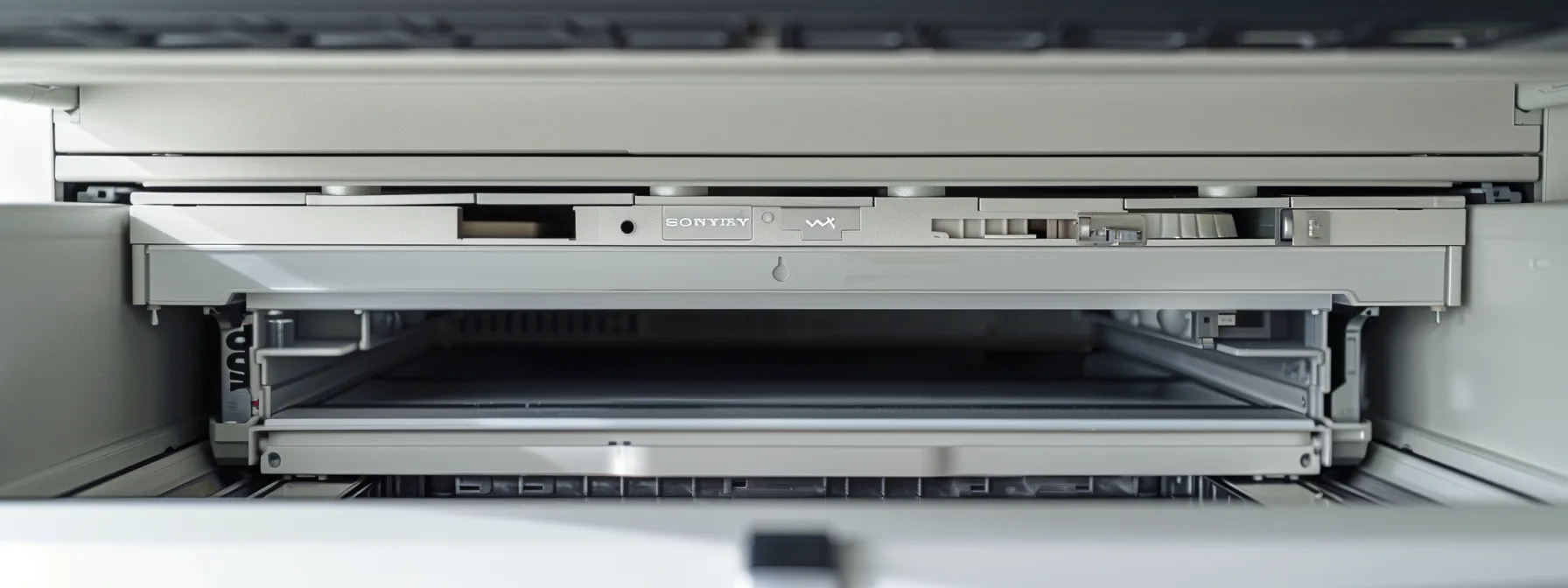
Accurate diagnosis of toner leakage issues in Canon photocopiers requires a systematic approach. This includes inspecting the toner cartridge and drum unit for secure installation and damage. Checking for internal spillage can reveal underlying problems, while assessing print quality helps identify indicators of leakage. Evaluating wear and tear on components further aids in pinpointing the root causes of toner leakage.
Inspecting the Toner Cartridge and Drum Unit
Inspecting the toner cartridge and drum unit is a critical step in diagnosing toner leakage issues in Canon photocopiers. Ensure that the toner cartridge is correctly seated and securely locked in place, as an improper fit can lead to leakage and print quality problems. Additionally, examining the drum unit for any signs of wear or damage can prevent further issues; replacing a worn drum may eliminate excessive toner buildup and improve overall performance.
Checking for Internal Spillage
Checking for internal spillage in Canon photocopiers is a crucial step in diagnosing toner leakage issues. Technicians should carefully inspect the interior of the machine for any signs of toner accumulation, which can indicate that toner is leaking from the cartridge or drum unit. Identifying internal spills early on not only helps in resolving the immediate problem but also prevents further damage to the photocopier, ultimately extending its lifespan and maintaining optimal print quality.
Assessing Print Quality for Leakage Indicators
Assessing print quality is a vital step in diagnosing toner leakage issues in Canon photocopiers. Printouts with streaks, smudges, or faded areas often indicate that toner is leaking within the machine, potentially from the cartridge or drum unit. By closely examining print quality, businesses can identify these signs early on, allowing for timely repairs and maintenance that prevent further complications and expense.
Evaluating Wear and Tear on Components
Evaluating wear and tear on components is critical in diagnosing toner leakage issues in Canon photocopiers. Over time, parts such as the drum unit and toner cartridges may develop defects that contribute to toner leakage, which can compromise print quality. Regular inspections and timely replacements of worn components not only help in mitigating leaks but also enhance the overall performance and longevity of the machine, ensuring smoother operations for businesses.
Effective Steps to Fix Toner Leakage Issues
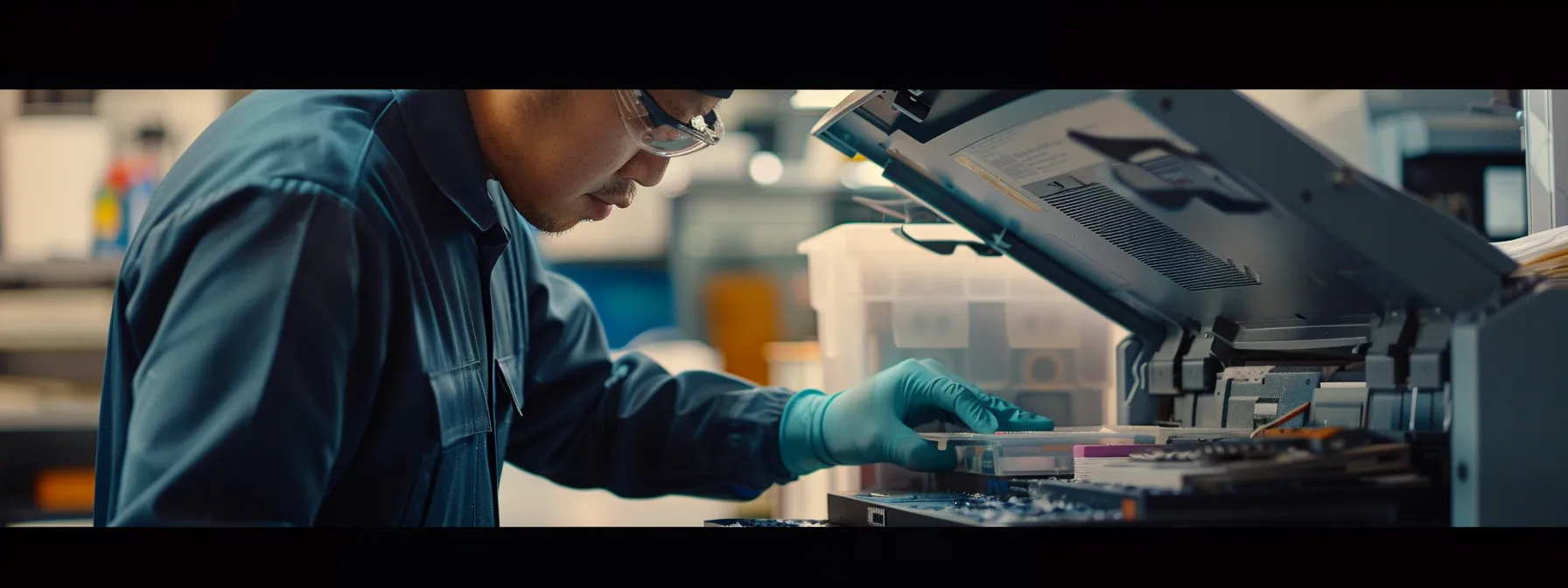
Effective solutions for addressing toner leakage issues in Canon photocopiers involve several critical steps. Safely removing and reinstalling the toner cartridge ensures secure placement, while cleaning any spilled toner prevents further complications. Replacing worn or damaged parts, along with verifying toner cartridge compatibility, plays a vital role in restoring optimal performance. Each of these actions contributes to maintaining the longevity and efficiency of the photocopier.
Safely Removing and Reinstalling the Toner Cartridge
Safely removing and reinstalling the toner cartridge is a critical step in resolving toner leakage issues in Canon photocopiers. To begin, the user should power off the machine and allow it to cool down, minimizing risk during the process. Carefully lifting the toner cartridge from its slot ensures that any toner buildup is managed without further spillage, and securely reseating the cartridge afterward not only enhances print quality but also reduces the likelihood of future leaks, maintaining optimal performance in the device.
Cleaning Spilled Toner From the Photocopier
Cleaning spilled toner from a Canon photocopier is a crucial step in addressing toner leakage issues effectively. Users should start by powering off the machine and unplugging it to ensure safety during the cleaning process. Using a soft, dry cloth or a vacuum specifically designed for toner can help safely remove excess toner without risking further damage to the machine. Regular cleaning can prevent the buildup of toner dust, which may lead to performance issues and maintain optimal print quality.
Replacing Worn or Damaged Parts
Replacing worn or damaged parts in Canon photocopiers is a crucial step in resolving toner leakage issues effectively. Components such as the toner cartridge, drum unit, or transfer belt may suffer from wear over time, leading to leaks and compromised print quality. By promptly addressing these replacements, businesses can ensure improved performance, reduce maintenance costs, and extend the lifespan of their photocopiers, ultimately contributing to smoother operations and enhanced productivity.
Verifying Toner Cartridge Compatibility
Verifying toner cartridge compatibility is essential for preventing toner leakage in Canon photocopiers. Using cartridges specifically designed for the model ensures a snug fit and proper function, which reduces the risk of leaks that can damage the equipment. Businesses should always check the machine’s specifications and opt for genuine or recommended cartridges, as this practice not only maintains print quality but also enhances the longevity and reliability of the photocopier.

Preventing Future Toner Leakage
Implementing regular maintenance routines is essential for reducing toner leakage in Canon photocopiers. Using genuine Canon toner cartridges ensures compatibility and optimal performance. Additionally, proper storage and handling of toner supplies can prevent damage. Scheduling professional servicing when necessary addresses any underlying issues, contributing to the overall health of the machine and enhancing print quality.
Implementing Regular Maintenance Routines
Implementing regular maintenance routines is a proactive approach to preventing toner leakage in Canon photocopiers. Routine checks of the toner cartridge and drum unit for proper installation can significantly reduce the likelihood of leaks. Additionally, scheduling periodic professional servicing helps identify and address underlying issues, ensuring that printers operate efficiently and reducing the risks associated with toner spillage.
Using Genuine Canon Toner Cartridges
Using genuine Canon toner cartridges is fundamental in preventing toner leakage in Canon photocopiers. These cartridges are designed specifically for each model, ensuring a proper fit and optimal performance that reduces the risk of leaks. By investing in authentic products, businesses can enhance print quality and extend the lifespan of their equipment, ultimately leading to lower maintenance costs and fewer operational disruptions.
Proper Storage and Handling of Toner Supplies
Proper storage and handling of toner supplies are essential for preventing toner leakage in Canon photocopiers. Businesses should keep toner cartridges in a cool, dry environment away from direct sunlight to avoid degradation of the cartridge materials. Additionally, handling cartridges carefully and avoiding excessive shaking can minimize the risk of toner spillage and ensure consistent print quality, ultimately extending the lifespan of the photocopier and reducing maintenance costs.
Scheduling Professional Servicing When Needed
Scheduling professional servicing for Canon photocopiers is vital in preventing future toner leakage. Regular inspections by trained technicians can identify early signs of wear and potential issues, allowing for timely repairs before they escalate into more significant problems. Businesses should establish a routine maintenance schedule to ensure their photocopiers run efficiently, minimizing the risk of toner spills and maintaining high-quality print output.

Knowing When to Consult a Professional Technician
Recognizing situations beyond basic troubleshooting is crucial for effectively addressing toner leakage in Canon photocopiers. Identifying indicators that require expert intervention can prevent further damage and costly repairs. This section will cover how to locate authorized Canon service providers and understand the various service and warranty options available. These practical insights emphasize the importance of seeking professional help when needed.
Situations Beyond Basic Troubleshooting
Determining when to involve a professional technician for Canon photocopier toner leakage issues is essential for effective resolution. If the problem persists despite routine maintenance or if unusual noises accompany leaks, these may signal deeper mechanical failures. Businesses should seek expert assistance to avoid exacerbating issues, which could lead to costly repairs or diminished printer performance.
Locating Authorized Canon Service Providers
Locating authorized Canon service providers is crucial for businesses dealing with toner leakage issues. Companies should start by visiting the official Canon website, which features a service locator tool to find nearby authorized technicians. Additionally, reaching out to local office equipment suppliers can provide recommendations for reliable service providers, ensuring that repairs are handled by professionals with the right expertise and access to genuine Canon parts.
Understanding Service and Warranty Options
Understanding service and warranty options is essential for businesses facing toner leakage issues in their Canon photocopiers. Many manufacturers offer service plans that include regular maintenance and support, which can significantly enhance the longevity of the equipment and minimize unexpected costs. By familiarizing themselves with the warranty coverage, business owners can ensure access to professional repairs and replacements as needed, ultimately maintaining optimal performance and reducing downtime.

Best Practices for Optimal Photocopier Performance
Training staff on correct usage procedures, monitoring toner levels and replacements, maintaining a clean operating environment, and regularly updating firmware and software are essential for preventing toner leakage in Canon photocopiers. Implementing these practices not only enhances print quality but also extends the lifespan of the equipment, ensuring it operates efficiently and reliably.
Training Staff on Correct Usage Procedures
Training staff on correct usage procedures is vital for minimizing toner leakage issues in Canon photocopiers. Providing comprehensive training sessions that cover proper installation techniques for toner cartridges and routine maintenance practices can significantly reduce the risk of leaks. By ensuring employees understand the importance of following operational guidelines, businesses can enhance the longevity of their copiers, maintain optimal performance, and ultimately reduce downtime caused by toner-related problems.
Monitoring Toner Levels and Replacements
Monitoring toner levels and timely replacements are crucial practices for maintaining Canon photocopier performance and preventing toner leakage issues. Regularly checking toner levels can help identify when a cartridge is running low, enabling proactive replacements that avoid potential spills or leaks associated with empty cartridges. Establishing a routine for monitoring toner usage allows businesses to maintain high print quality and avoid interruptions, ensuring that their photocopiers operate efficiently and effectively.
Maintaining a Clean Operating Environment
Maintaining a clean operating environment is essential for minimizing toner leakage in Canon photocopiers. Regularly cleaning the area around the copier helps prevent dust and debris from accumulating inside the machine, which can lead to potential malfunctions and leaks. Additionally, a tidy workspace contributes to overall equipment performance, ensuring that the photocopier remains reliable and efficient while delivering high-quality prints.
Regularly Updating Firmware and Software
Regularly updating firmware and software on Canon photocopiers plays a crucial role in preventing toner leakage issues. These updates often include enhancements that improve the overall performance and efficiency of the machine, addressing known issues related to toner management. Businesses that prioritize these updates are less likely to encounter problems with toner spillage, ensuring smoother operations and maintaining high-quality print output.
Conclusion
Effective solutions for addressing toner leakage in Canon photocopiers are essential for maintaining optimal performance and print quality. Proper installation of toner cartridges, regular cleaning, and timely replacement of worn parts significantly reduce the risk of leaks. Additionally, using genuine toner ensures compatibility and enhances the longevity of the equipment. By implementing these best practices, businesses can minimize downtime, avoid costly repairs, and ensure their photocopiers operate efficiently.