
The best way to prevent social engineering is to give your team a few simple rules and the permission to slow down. Social engineering means tricking someone into giving up money, passwords or access, rather than breaking in through technology. Verify requests using a number you already have, never share passwords, confirm every payment change with a call-back and turn on multi-factor authentication. Below, you’ll find common examples and the rule that stops each one.

Key takeaways
- Verify on a second channel. Call back using a number you already have, not one from the message.
- Protect payment changes. The FBI’s latest report lists more than $3 billion in business email compromise losses for 2025.
- Train for calls and texts too. Verizon found higher click rates on mobile lures than on email.
- Include your copier and toner buying. The FTC has long warned about callers who pretend to be your regular supplier.
- Make it safe to ask. People who feel free to double-check are your best defense.
What Is Social Engineering?
Social engineering uses persuasion instead of code. An attacker pretends to be someone you trust, such as a boss, vendor or IT technician, and creates a reason to act quickly. It remains a major part of real breaches: Verizon’s 2026 Data Breach Investigations Report found a human element in 62% of breaches, and social engineering made up 16% of all breaches. For a wider view, see how data breaches happen.
Social Engineering Examples and the Rule That Stops Each
| Type | Example at the office | The rule |
|---|---|---|
| Phishing | An email says your password expires today and links to a fake sign-in page | Go to the site directly rather than through the link |
| Spear phishing | A message mentions a real project and a coworker’s name to seem genuine | Check any unusual request, however familiar it sounds |
| Smishing | A text “from the CEO” asks you to buy gift cards | Gift card requests always get a phone call first |
| Vishing | A caller says they’re from IT and needs your code to fix your account | Never share a password or sign-in code |
| Pretexting | A “new vendor rep” builds a friendly story over several calls before asking for details | Check who they are before sharing anything |
| Business email compromise | A vendor’s “new bank details” arrive just before a big payment | Confirm bank changes with a call-back |
| Baiting | A USB drive labeled “payroll” is left in the parking lot | Hand found drives to IT without plugging them in |
| Tailgating | Someone with a box follows staff through a secure door | Everyone signs in, and it’s fine to ask politely |
| AI impersonation | A voice that sounds like your boss urgently asks for a transfer | Hang up and call back on the number you have |
The One Most Guides Miss: Toner and Copier Scams
Few security guides cover this one, but the FTC has warned about it for years. It calls the common version “toner-phoner” fraud. As its small business scam guidance and office supply advice explain, the pattern usually looks like this:
- The call: someone says they’re your regular supplier, or that they’re confirming an order or a machine’s details.
- The detail: they may ask for details such as a model number or a contact name, which can sound routine.
- The shipment and invoice: supplies you didn’t order arrive at a high price, with a bill that looks like your normal ones.
A few simple habits help:
- Name one person who orders supplies, and tell staff to send all supply calls to them.
- Keep your provider’s number on file and call it if you’re unsure about a request.
- Match every invoice to a purchase order before paying.
- Know your rights. The FTC says you don’t have to pay for or return merchandise your business didn’t order.
- Check service visits. If someone arrives to service the copier unannounced, confirm with your provider first. A copier can hold data from your documents, as our print security guide explains.
Unsure about a call you got? You can report it to the FTC.
The Payment Change Rule
If your office adopts only one rule, make it this one. The FBI’s 2025 Internet Crime Report lists about $3 billion in reported business email compromise losses from 24,768 complaints.
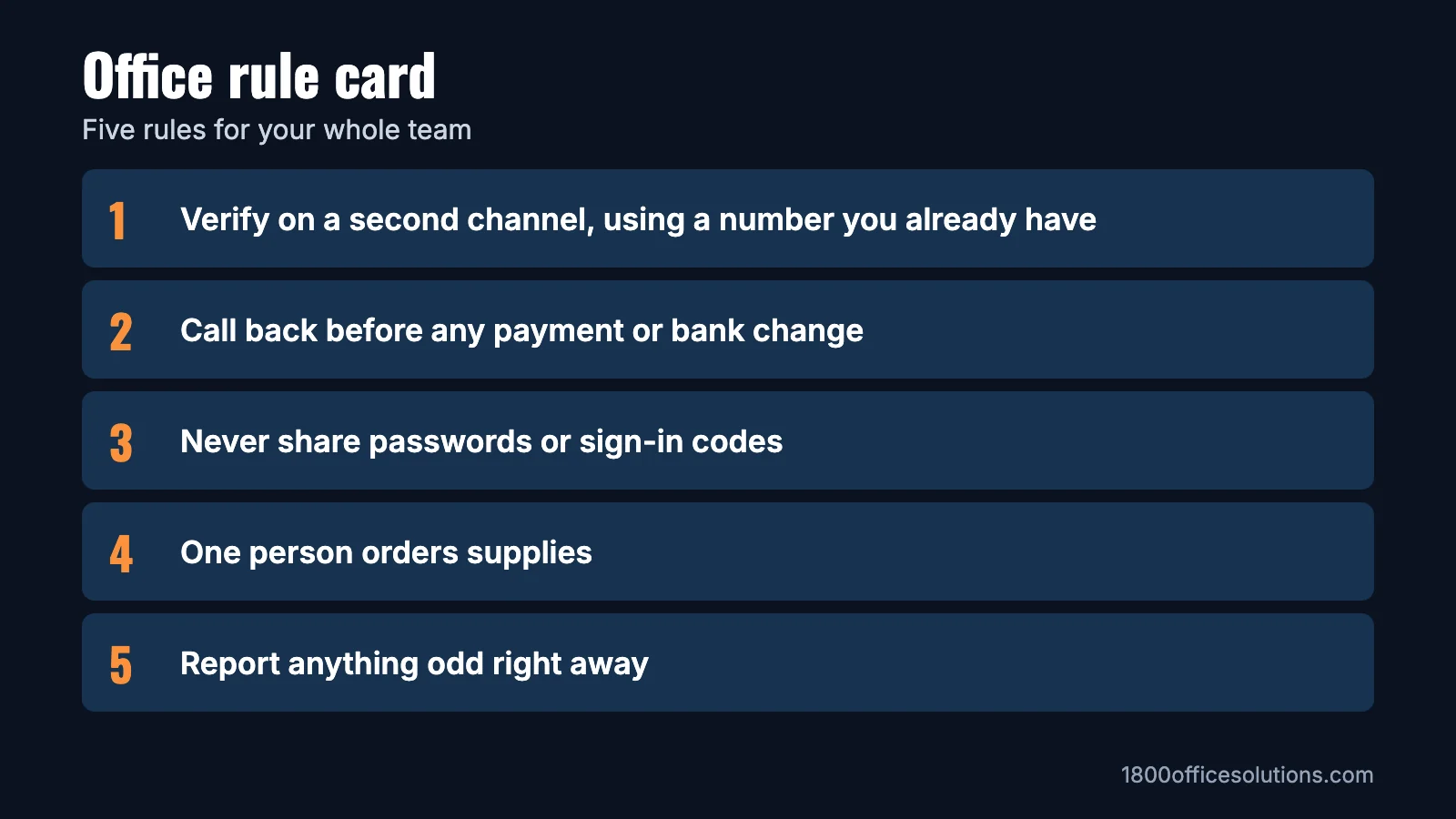
- Call back. Any new or changed bank details get a phone call to a number already on file, never one from the message.
- Use two people. A second person approves new payees and larger payments.
- Set your threshold. Decide the amount that always needs a second approval, and write it down.
- Treat urgency as a cue. “Do it now and keep it quiet” is the moment to double-check.
How to Train Your Team
Your team doesn’t need a long course. CISA’s small business guidance also recommends teaching staff to spot and report phishing. Here’s what works well in a small office:
- Keep it short and regular. Ten minutes every few months beats one long session a year.
- Cover calls and texts. Verizon’s data shows click rates on mobile lures were 40% higher than on email.
- Stop relying on bad spelling. AI tools can write clean messages, so focus on the request itself.
- Thank people who report. A quick “good catch” encourages the next report, and quick reports limit the damage.
- Back it up with technology. Multi-factor authentication helps protect an account when a password gets out.
Try It: What Would Your Team Do?
Run these at your next team meeting. Click each one for the answer.
“Hi, this is the copier company. Can you read me the serial number and meter count?”
Politely decline, take a name and call your provider on the number you have on file. If it’s genuine, they’ll be happy you checked.
An email from a long-time vendor says their bank changed and asks you to update it before Friday’s payment.
Call the vendor on the number already in your records. Don’t use a number or link from the email, even if the thread looks real.
A text from your boss’s name says: “In a meeting. Buy 5 gift cards and send me the codes.”
Don’t buy anything. Call your boss or check in person. As the FTC notes, a request to pay with gift cards is a sign of a scam.
A friendly caller from “IT” asks for the code that just came to your phone.
Never share it. A sign-in code is for you alone. Hang up and contact IT directly.
Protecting Your Personal Accounts
Attackers often use what they find about you online to make a message convincing, and personal and work accounts can overlap. A few habits protect both: use a different password for every account, turn on multi-factor authentication for email and banking, review what you share publicly on social media and treat unexpected messages from “your bank” the same way you would at work.
What to Do if Someone Falls for It
- Report it right away. Speed matters more than embarrassment, so make it easy to speak up.
- Change passwords for any account involved, and end active sessions.
- Call your bank immediately if money moved, and file a report at ic3.gov.
- Bring in your IT provider to check devices and accounts.
- Review what happened as a team, and improve the rule that would have caught it.
Our response plan steps can help you prepare ahead of time.
Want help protecting your team?
See how we help offices with cybersecurity.
Frequently Asked Questions
Verify requests on a second channel, never share passwords or codes, require call-backs for payment changes, train staff regularly and use multi-factor authentication.
Common examples include phishing emails, texts asking for gift cards, callers posing as IT, fake vendor bank changes, USB drives left to be found and people following staff through secure doors.
Phishing is the most reported. It was the top complaint type in the FBI’s 2025 report, with 191,561 complaints in the phishing and spoofing category.
What is the difference between phishing and pretexting?
Phishing usually relies on a message that pushes you to click or respond. Pretexting builds a believable story and often a relationship first, then uses that trust to ask for something.
What is a toner scam?
A caller poses as your supplier or confirms a fake order, then sends overpriced supplies with an invoice. The FTC says you don’t have to pay for or return merchandise your business didn’t order.
What should I do if an employee falls for a scam?
Report it quickly, change affected passwords, contact your bank if money moved and bring in your IT provider. Thank the person for reporting so others speak up too.