

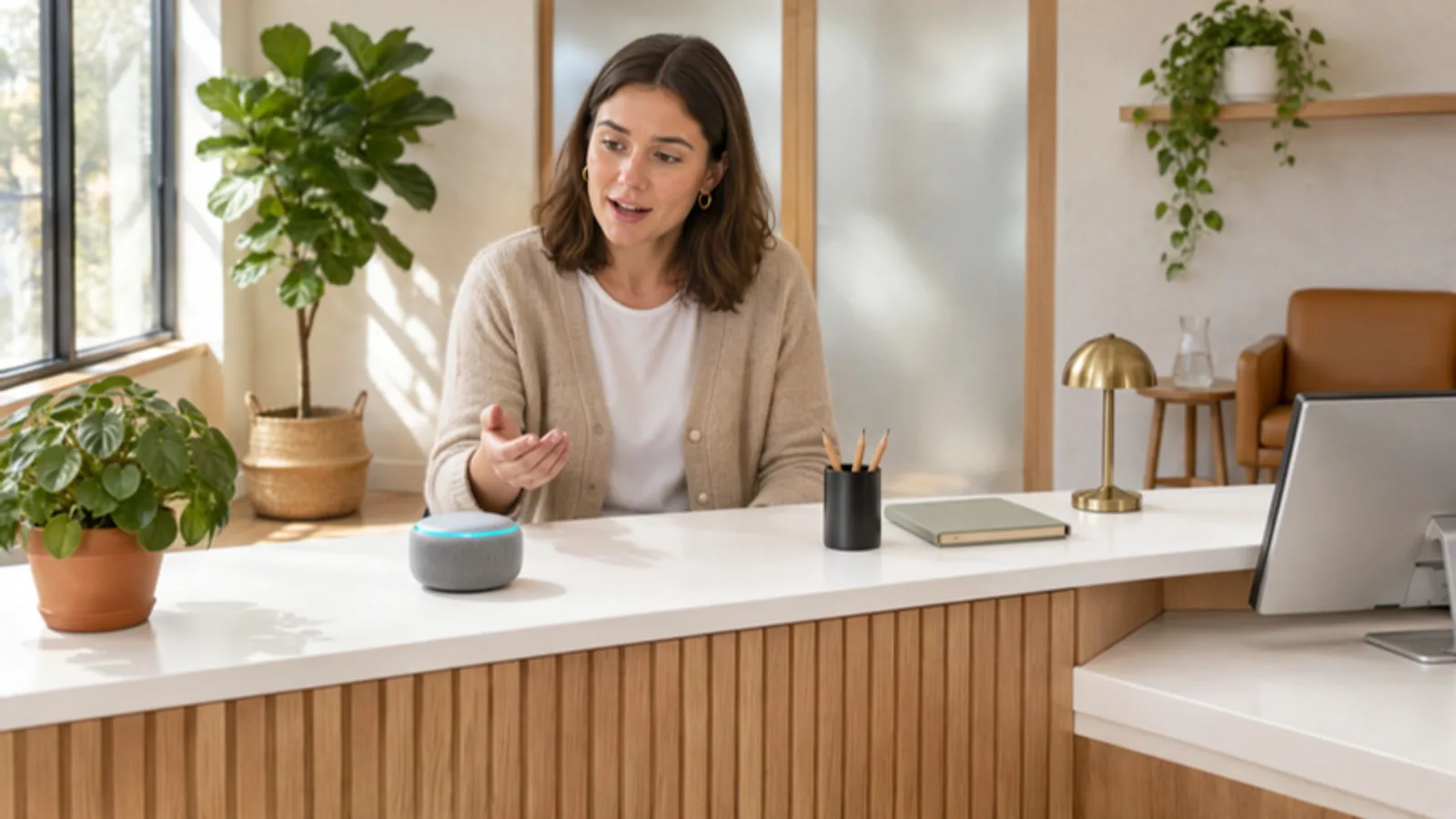
Alexa for Business, Amazon’s service for managing Echo devices across an organization, has been retired, and AWS now lists it as no longer supported. Small offices can still use regular Echo devices and the newer Alexa+ for timers, reminders, calendar requests, announcements and smart-office routines, as long as they set them up with a business account and sensible privacy settings. This guide explains what changed, the business uses that still work well, and how to set Alexa up in an office without creating a privacy or security headache.
Key takeaways
- Alexa for Business is retired. AWS’s developer documentation states it is no longer supported, and its old web page now points to Alexa Smart Properties.
- Alexa Smart Properties is for specific industries. Amazon aims it at hospitality and senior living operators, not typical offices.
- Regular Alexa and Alexa+ still help small teams. Reminders, timers, announcements and routines for lights and thermostats are the practical wins.
- Use a dedicated business account. Don’t tie office devices to an employee’s personal Amazon account.
- Plan for privacy. Voice requests are processed in Amazon’s cloud, so keep speakers out of rooms where confidential conversations happen.
What Happened to Alexa for Business?
Alexa for Business was an AWS service that let companies register Echo devices to rooms, manage them centrally, connect them to meeting-room equipment and publish private skills for employees. It was built for IT teams managing many devices at once.
Amazon has since retired it. The AWS software development kit documentation states plainly that Alexa for Business has been retired and is no longer supported, and the former Alexa for Business page on the AWS site now redirects to Alexa Smart Properties. Amazon describes Smart Properties as a way for property operators to deploy and manage Alexa devices, and it lists two audiences: senior living communities and hospitality businesses such as hotels.
So if you searched for Alexa for Business hoping to manage a few Echo devices in your office, there is no direct replacement aimed at general offices. What remains is consumer Alexa on Echo devices, now upgraded with Alexa+, which can still be useful if you set it up thoughtfully.
Then vs. Now: Your Options at a Glance
| Option | Who it’s for | Central management | Status |
|---|---|---|---|
| Alexa for Business | Companies managing many Echo devices | Yes, through AWS | Retired, no longer supported |
| Alexa Smart Properties | Hotels and senior living communities | Yes, for property operators | Available through Amazon |
| Alexa and Alexa+ on Echo devices | Homes, and small offices with a few devices | No, managed in the Alexa app per account | Available |
| Meeting-room systems from your video platform | Offices that mainly want voice or one-touch meeting controls | Yes, through that platform | Varies by vendor |
What Alexa+ Adds
Amazon describes Alexa+ as its next-generation assistant, powered by generative AI. According to Amazon, it can add events to your calendar by voice, set reminders, build routines by conversation and take in documents, emails and photos you share so it can summarize or act on them. Amazon says it works on Echo devices and Fire TV, in the Alexa mobile app and on the web at Alexa.com.
On cost, Amazon says Alexa+ is included with an Amazon Prime membership and otherwise available as a monthly subscription, and that it’s available to customers in the U.S. and Canada. Check Amazon’s current terms before you plan around it, since availability and features change.
Practical Ways to Use Alexa in a Small Office
Reminders and to-dos
Voice reminders are where Alexa earns its spot. “Remind me at 3 to call the landlord,” a recurring reminder to restock the break room on Fridays, or a list of supplies to reorder when someone notices the paper running low. Assign one person to review the list each week so it turns into action.
Meeting rooms and kitchens benefit from timers that everyone can hear: a 25-minute focus block, a reminder that the conference room is booked at the top of the hour, or a timer on the lunch delivery.
Announcements between rooms
With Echo devices in several rooms on the same account, you can broadcast a short announcement to all of them, such as letting the team know a client has arrived. For a small office without an intercom or paging system, it’s a simple substitute.
Smart-office routines
Connected lights, plugs and thermostats can be grouped into routines. An “opening” routine might turn on the lobby lights, start the coffee maker’s smart plug and set the temperature. A “closing” routine turns everything off, which saves energy and spares the last person out a walk around the building.
Calendar check-ins
Once a calendar is linked in the Alexa app’s settings, you can ask what’s next on your schedule or add an event by voice. This works best for a single owner’s calendar or a shared office calendar, rather than for every employee’s account on one device.
Background music in a waiting area
Many offices use a speaker for low background music. If you play music in a space open to customers, check your streaming service’s terms for business use, since many personal music subscriptions are intended for personal listening only.
What Alexa Isn’t Good For at Work
Being clear about limits saves frustration:
- Managing many devices centrally. Without Alexa for Business, each account is managed in the Alexa app, which gets clumsy beyond a handful of devices.
- Handling confidential information. Requests are processed in Amazon’s cloud. Law, medical, accounting and HR conversations shouldn’t happen near an active smart speaker.
- Replacing your phone system. For customer calls, voicemail and call routing, a proper business phone system is the right tool.
- Running meetings. Dedicated meeting-room systems from video platforms handle joining calls, cameras and screens far better.
How to Set Up Alexa in an Office the Right Way
- Create a dedicated business Amazon account. Don’t register office devices to an employee’s personal account. When that person leaves, their shopping history, contacts and devices leave with the account.
- Put Echo devices on a separate network. Use a guest or device network rather than the one your computers and file shares use. Our article on cloud security for connected devices explains why separating them matters.
- Choose locations carefully. Reception, kitchens and open work areas are fine. Private offices, exam rooms and rooms where client files are discussed are not.
- Set privacy options on day one. In the Alexa app’s privacy settings, choose not to save voice recordings or set them to delete automatically. Amazon says you can auto-delete recordings on a rolling three- or 18-month basis, and that if you choose not to save them, they’re deleted after Alexa processes each request.
- Review purchasing settings. Check the Alexa app so nobody can place orders by voice unless you want that.
- Keep devices updated and inventoried. List each device, its room and its account, and remove old devices from the account when you retire them.
Privacy Changes Worth Knowing
In March 2025, Amazon ended a little-used Echo setting called “Do Not Send Voice Recordings,” which had let some devices process requests on the device instead of in Amazon’s cloud. The Associated Press reported that Amazon tied the change to its cloud-based generative AI features, and that people using the setting were switched to “Don’t save recordings.”
In practice, assume every request goes to Amazon’s cloud, and plan room placement and settings around that. The microphone button on Echo devices lets you switch listening off during sensitive conversations, and you can ask Alexa to delete everything you’ve said if you choose to keep recordings. For a broader view of how connected devices fit into an office network, see our page on network monitoring.
Adding smart devices to your office?
We can help you set up a separate network for speakers, cameras and other connected devices, so they’re convenient without putting your business data at risk.
Frequently Asked Questions
Is Alexa for Business discontinued?
Yes. AWS documentation says Alexa for Business has been retired and is no longer supported, and its former page now redirects to Alexa Smart Properties.
What replaced Alexa for Business?
Amazon offers Alexa Smart Properties for hospitality and senior living operators. For a typical small office, regular Echo devices with Alexa or Alexa+ are the remaining option.
Can you use a regular Echo in an office?
Yes, for timers, reminders, announcements and smart-office routines. Use a dedicated business account, a separate network and careful room placement.
What is Alexa+?
Amazon’s generative AI version of Alexa. Amazon says it handles calendar requests, reminders, routines and documents you share, and is included with Prime or available as a monthly subscription.
Does Alexa record conversations?
Alexa sends requests to Amazon’s cloud after it hears the wake word. You can choose not to save recordings, set them to auto-delete, or switch the microphone off.
Is Alexa safe for a medical or law office?
Keep smart speakers out of rooms where confidential client or patient information is discussed. Requests are processed in Amazon’s cloud, so they don’t belong near protected conversations.