
Finding a file in Google Drive can be slow. A title you half-remember is slightly off, the owner is on leave, and deep folder trees hide duplicate decks.
AI-powered enterprise search fixes this. Ask a plain-language question, such as “show me last quarter’s churn analysis”, and it returns the exact paragraph or slide in a Google Doc while honoring Drive permissions. This comparison reviews five options, from Google’s built-in Gemini to Glean and the lighter alternatives to it, on file coverage, permission accuracy, index freshness, and setup effort.
How the Tools Were Compared
Four criteria were used:
- Search depth. Does the engine read the full text of Docs, Slides, PDFs, and other formats, or only file titles?
- Permission fidelity. If access to a file is revoked, does it drop out of results straight away?
- Index freshness. How long does it take for a new or edited file to appear in search?
- Answer trust. Are answers backed by citations, and how much setup does the tool need?
1. Slite
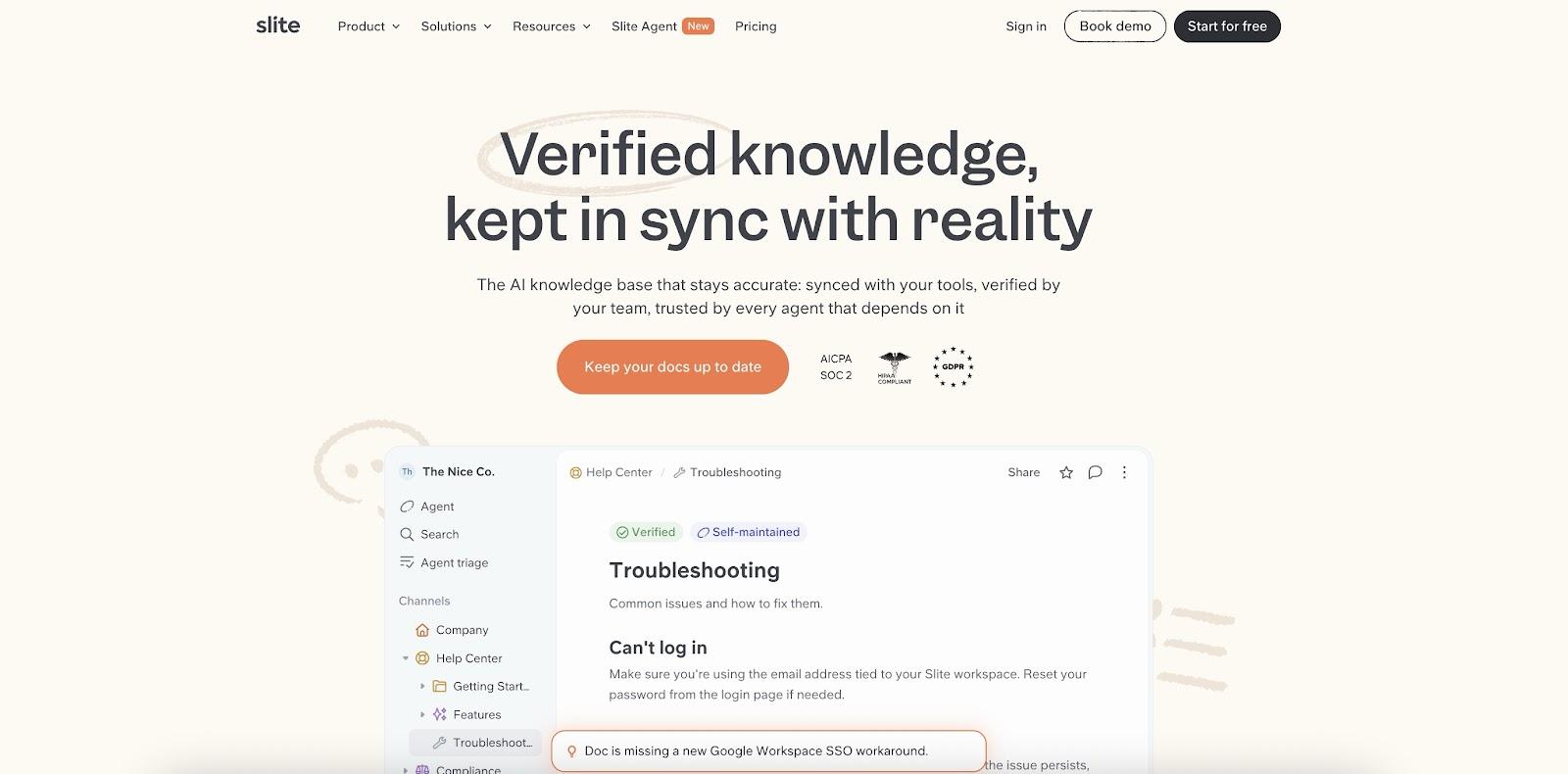
Slite is the self-maintaining knowledge base, and its Slite Agent brings Google Drive into the same place a team keeps its documentation. Ask a question in plain English, and the Agent’s knowledge base search retrieves the relevant passages from connected Drive files and answers with inline citations that point back to the original documents.
Coverage is clear-cut. Slite indexes Google Docs, Google Slides, PDFs, and Microsoft Office files (.docx and .pptx). It does not index Google Sheets, standalone images, or video files, so spreadsheet-heavy teams should plan for that gap. The Agent syncs up to the 5,000 most recent files across the folders an admin selects, refreshes automatically every six hours, supports a manual sync at any time, and indexes file metadata such as title, dates, and file type.
Security follows Google’s own model. Permissions are mirrored from Drive and filtered before retrieval, so people only see results from files they can already open, and restricted documents never reach the AI model. Setup uses Google Workspace domain-wide delegation with read-only scopes.
What sets Slite apart is what happens after the search. When the Agent runs its doc-health checks, it cross-references the team’s Slite documentation against what sits in Drive and other connected tools, flags drift, and proposes a fix. Every change routes through a human-review Triage UI, so nothing is applied automatically. For growing teams that rely on Drive but need a maintained source of truth, Slite pairs fast retrieval with continuous upkeep.
2. Gemini in Google Drive
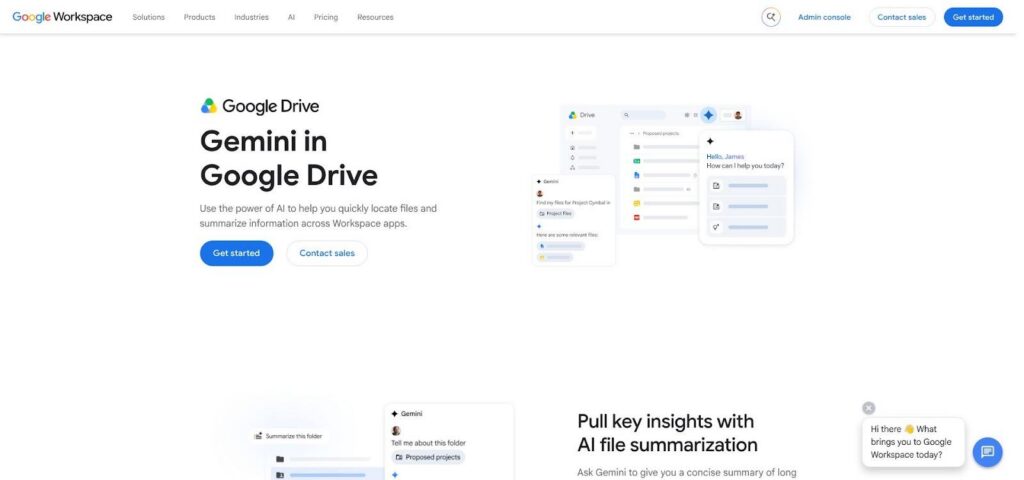
Gemini is Google’s own answer to lost-file scavenger hunts, available to eligible Workspace customers. Type “show me every NDA I signed with Acme” and Gemini surfaces each file, highlights the relevant clauses, and can add an AI Overview that lists where every restriction appears.
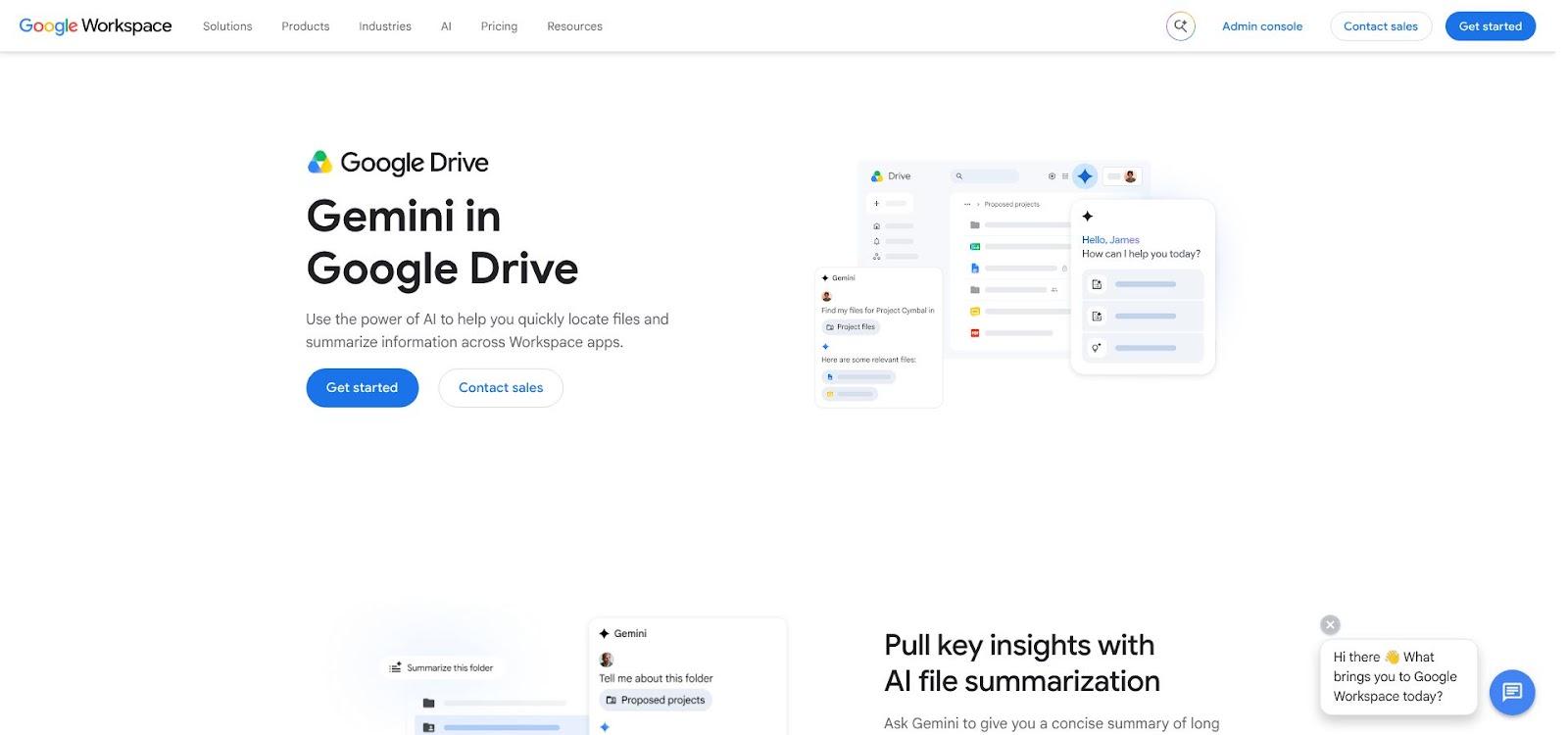
Because Gemini uses the Workspace security stack, it applies Drive permissions in real time. Setup is a toggle in the admin console on eligible plans, with no service accounts or third-party crawlers, and follow-up questions keep context, so a user can move from “find the Q2 forecast” to “compare it with Q1” in one thread.
Limitations remain. Gemini searches only Workspace content, and standalone images or ZIP archives stay outside its scope. For companies already steeped in Gmail and Meet, the built-in option is the fastest start.
3. Glean
Glean adds Google Drive to a federated index that also includes Slack, Jira, Salesforce, and many other business apps. A product manager can ask, “What did the Acme SOW promise?” and view Google Docs next to contract records and support tickets without switching tabs.
Permissions are enforced at query time, and every answer links to its source. Glean finds what already exists, but keeping those documents accurate stays a separate job for the team.
It suits enterprises with 2,000 or more employees and many data silos; Drive-centric teams may find it more platform than they need.
4. Dropbox Dash
Dropbox Dash adds Google Drive to the same search bar used for Dropbox files, Slack threads, and email attachments. Each employee connects Drive through OAuth, so IT avoids creating a domain-wide service account.
Dash indexes the full text and comments from Google Docs, Sheets, and Slides. Content and permissions refresh every 60 minutes by default, and a manual re-sync is available for last-minute changes. Results come as a conversational summary with live links or a classic file list.
Dash fits teams that split assets between Drive and Dropbox.
5. GoSearch
GoSearch supplies two Google Drive connectors, workspace and personal, giving IT control while letting individuals move quickly.
- Workspace connector. Indexes Google Docs, Sheets, Slides, file paths, and comments every five minutes, then calls the Drive API on demand for last-second edits. Admins can limit the crawl to specific groups or folders.
- Personal connector. Operates inside each user’s OAuth scope, pulls content in near real time, and stores no copy.
Answers include inline citations that link to the exact slide, cell, or heading, and permission checks run when results are served.
Which Google Drive Search Tool Fits Your Team
Teams that want enterprise search over Drive, tied to a knowledge base that keeps itself current, should start with Slite. Organizations already committed to Google Workspace get the fastest start with Gemini. Very large enterprises with many systems are the natural fit for Glean, while Dropbox Dash suits companies split across Drive and Dropbox. GoSearch works well for IT teams that want fine control over what gets indexed. Whichever tool makes the shortlist, pilot it on real files first.