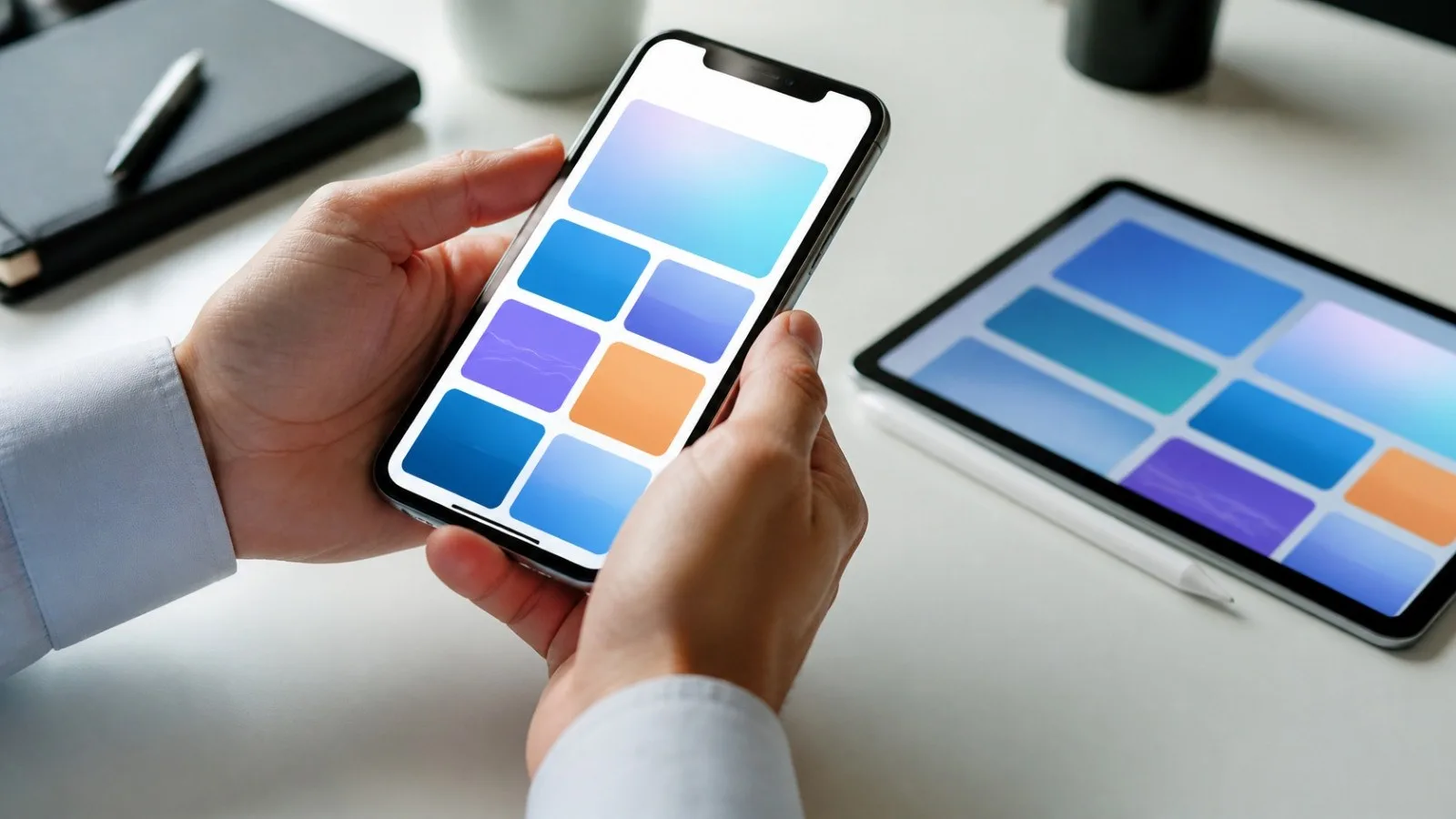
The iPhone XS still has a sharp OLED screen, a capable A12 Bionic chip, Face ID and IP68 water resistance, but its biggest drawback now is software: Apple’s iOS 26 starts at iPhone 11, so the XS stays on iOS 18. Apple has kept shipping iOS 18 security updates that cover it, which keeps it usable for now. For a phone you’ll rely on for work over the next few years, a newer model that runs the current iOS is the safer buy.
Key takeaways
- Still a good piece of hardware. 5.8-inch OLED display, A12 Bionic, dual 12MP cameras and IP68 water resistance.
- No iOS 26. Apple lists iPhone 11 and later for iOS 26, so the XS remains on iOS 18.
- Security fixes have continued. Apple’s security releases page shows iOS 18.7.x updates that include the XS.
- Apple calls it vintage. That affects how easy it is to get repairs and parts.
- Fine as a backup, weaker as a main work phone. Check battery health and update status before you buy one used.
iPhone XS at a Glance
Apple introduced the iPhone XS and the larger XS Max in 2018 as the follow-up to the iPhone X. According to Apple’s technical specifications, the XS has:
| Feature | iPhone XS | What it means today |
|---|---|---|
| Display | 5.8-inch OLED (Super Retina HD), 2436 x 1125, HDR, True Tone | Still looks excellent; compact by current standards |
| Chip | A12 Bionic with Neural Engine | Handles email, browsing and messaging; below the cutoff for iOS 26 |
| Rear cameras | Dual 12MP (wide and telephoto), 2x optical zoom | Good daylight photos; newer phones do much better in low light |
| Front camera | 7MP TrueDepth | Fine for video calls |
| Security | Face ID | Still a secure way to protect the phone |
| Water resistance | IP68, up to 2 meters for up to 30 minutes | Holds up to spills and rain, though seals can age |
| Network | Gigabit-class LTE, no 5G | Works on 4G LTE networks |
| SIM | Nano-SIM plus eSIM | Handy for a separate work and personal number |
| Charging | Lightning port, Qi wireless charging | Uses older Lightning cables, not USB-C |
| Storage | 64GB, 256GB or 512GB | 64GB fills up fast with photos and messages |
iPhone XS Pros
- A screen that has aged well. The OLED panel gives deep blacks and good contrast, and the 5.8-inch size is easy to use one-handed.
- Premium build. A glass-and-metal design with IP68 water resistance rated for up to 2 meters for up to 30 minutes when new.
- Face ID. Face recognition remains a quick, secure way to protect the phone and approve payments.
- Dual cameras with optical zoom. The telephoto lens gives 2x optical zoom, which many budget phones still lack.
- eSIM support. You can keep a physical SIM for one line and add a second line by eSIM, which is useful for keeping work calls separate.
- Low used prices. As an older model, it often sells for far less than current iPhones on the used market.
iPhone XS Cons
- Stuck on iOS 18. Apple’s iOS 26 user guide lists iPhone 11 and later (plus the 2nd and 3rd generation iPhone SE), which leaves out the XS, XS Max and XR. You won’t get new iOS features.
- A limited runway for security updates. Apple has continued to release iOS 18 security updates that include the XS, but older versions don’t get updates forever, and apps gradually raise their minimum iOS version.
- No Apple Intelligence. Apple says Apple Intelligence needs newer hardware, such as iPhone 15 Pro and all iPhone 16 models.
- Aging batteries. Most XS units on the market have years of charge cycles behind them.
- No 5G and an older Lightning port. Fine for many people, but it means separate cables if your other devices use USB-C.
- Vintage status for repairs. Apple lists the iPhone XS as vintage, which it defines as a product it stopped distributing for sale more than five and less than seven years ago. Repairs for vintage products depend on parts availability.
Is the iPhone XS Still Safe to Use?
Safety on any phone comes down to whether it still gets security fixes. Here’s where the XS stands:
- It can’t move to iOS 26. Its last major version is iOS 18.
- It has kept receiving security updates. Apple’s security releases page lists iOS 18.7.x updates, including recent ones, that cover the iPhone XS, XS Max and XR.
- Business tools are starting to draw lines. Microsoft’s Intune documentation, for example, lists iOS/iPadOS 18 and later as supported for device management. That covers the XS today, but these minimums move up as new iOS versions arrive.
The practical answer: an XS that’s fully updated on iOS 18 is reasonable for everyday use today. Check Settings > General > Software Update regularly, and plan to replace it once Apple’s security releases stop listing it. For settings that make any work iPhone safer, see our iPhone security checklist for work phones.
Buying a Used iPhone XS: Checklist
If the price is right and you need an inexpensive spare or starter phone, check these points before paying:
- Battery health: open Settings > Battery > Battery Health. Apple says the maximum capacity figure compares the battery to when it was new, and the screen will say if the battery needs service. Our guide to extending iPhone battery life explains what the numbers mean.
- Activation Lock: make sure the seller has signed out of their Apple Account and erased the phone. If it asks for someone else’s Apple Account, walk away.
- Software: confirm it’s on the latest iOS 18 update.
- Carrier lock: check that it isn’t tied to another carrier and works with yours.
- Face ID and cameras: set up Face ID and take a few photos with each lens.
- Storage: 64GB is tight for most people; 256GB is more comfortable.
iPhone XS vs. Newer Options
The real question for most buyers isn’t “XS or nothing,” it’s “XS or something a bit newer.” This table compares the XS to the oldest models that still get the current iOS.
| Model | Runs iOS 26? | Apple Intelligence? | Best for |
|---|---|---|---|
| iPhone XS / XS Max | No (iOS 18) | No | Backup phone, a child’s first phone, short-term use |
| iPhone 11 family | Yes | No | The oldest models on the current iOS |
| iPhone SE (2nd or 3rd generation) | Yes | No | People who want a Home button and Touch ID |
| iPhone 15 Pro and iPhone 16 models or later | Yes | Yes | A main work phone you’ll keep for years |
If you’re choosing phones for a team, our guide on choosing smartphones for business walks through what to look for.
What This Means for a Small Office
An iPhone XS can still handle calls, texts, email and your business phone app. Where it falls short is longevity. If staff use their own phones for work, a sensible rule is to require a phone that still receives security updates and to review that list each time Apple releases a new iOS version.
When an XS does retire, wipe it properly before it’s sold, traded in or recycled. Our step-by-step guide on erasing data from an old phone covers signing out of your Apple Account and removing the SIM and eSIM.
Keeping work phones up to date?
Tracking which phones still get updates, and which ones need replacing, is easier with someone looking after your devices. We can connect you with IT support that fits the size of your team.
Frequently Asked Questions
Is the iPhone XS still worth buying?
Only for light or short-term use at a low price. It can’t run iOS 26, so a newer used model such as an iPhone 11 or later is a better long-term buy.
What is the latest iOS for the iPhone XS?
iOS 18. Apple’s iOS 26 compatibility list starts at iPhone 11, and the XS continues to receive iOS 18 security updates listed on Apple’s security releases page.
Does the iPhone XS still get security updates?
Yes, so far. Apple has released iOS 18.7.x security updates that include the iPhone XS, XS Max and XR. Check Settings > General > Software Update to stay current.
Is the iPhone XS waterproof?
It’s water resistant, not waterproof. Apple rates it IP68, up to 2 meters for up to 30 minutes, and resistance can decrease as a phone ages.
Does the iPhone XS have 5G?
No. It supports gigabit-class LTE (4G), not 5G.
What is the difference between the iPhone XS and XS Max?
Mainly size. The XS Max has a larger display and body, while the two share the same A12 Bionic chip and camera setup.
- Apple Support, iPhone XS Technical Specifications
- Apple Support, iPhone models compatible with iOS 26
- Apple Support, Apple security releases
- Apple Support, Vintage and obsolete products
- Apple Support, iPhone battery and performance
- Apple Newsroom, Apple elevates the iPhone experience with iOS 26
- Microsoft Learn, Operating systems supported by Microsoft Intune